

- Locate your Submodules
Every CMS addon resource installed will have a separate folder. These are located in the \[sonorancms]\server\modules directory.
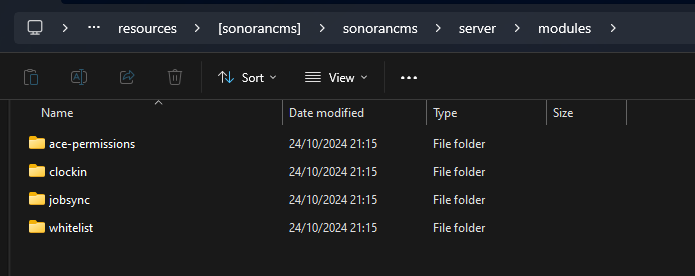 Sonoran CMS - Submodule Folder
- View and Change Configuration Files
For every Sonoran CMS addon installed, there will be a config.lua or config.json file present.
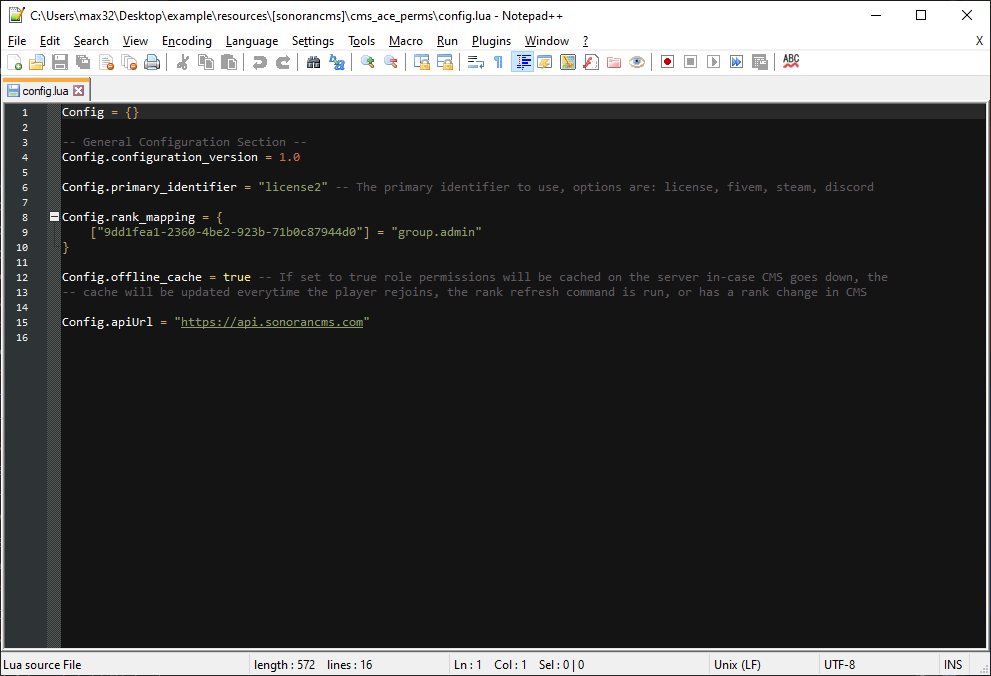 Sonoran CMS - Addon Config File
You can open these configuration files with a text editor and change values.
For more information on a plugin’s configuration options, you can view the individual plugin guides on the submodules page and scroll down to the configuration section.
If you modify a configuration file, be sure to save it and restart the server.
Sonoran CMS - Addon Config File
You can open these configuration files with a text editor and change values.
For more information on a plugin’s configuration options, you can view the individual plugin guides on the submodules page and scroll down to the configuration section.
If you modify a configuration file, be sure to save it and restart the server.