

> For the complete documentation index, see [llms.txt](https://docs.sonoransoftware.com/llms.txt). Markdown versions of documentation pages are available by appending `.md` to page URLs; this page is available as [Markdown](https://docs.sonoransoftware.com/store/cctv.md).

# CCTV

CCTV gives your FiveM server a persistent camera network that does more than show a live feed. Cameras record activity around motion detections and operator bookmarks so authorized staff can return later, find the incident in the archive, and replay what happened after the people and vehicles have left.

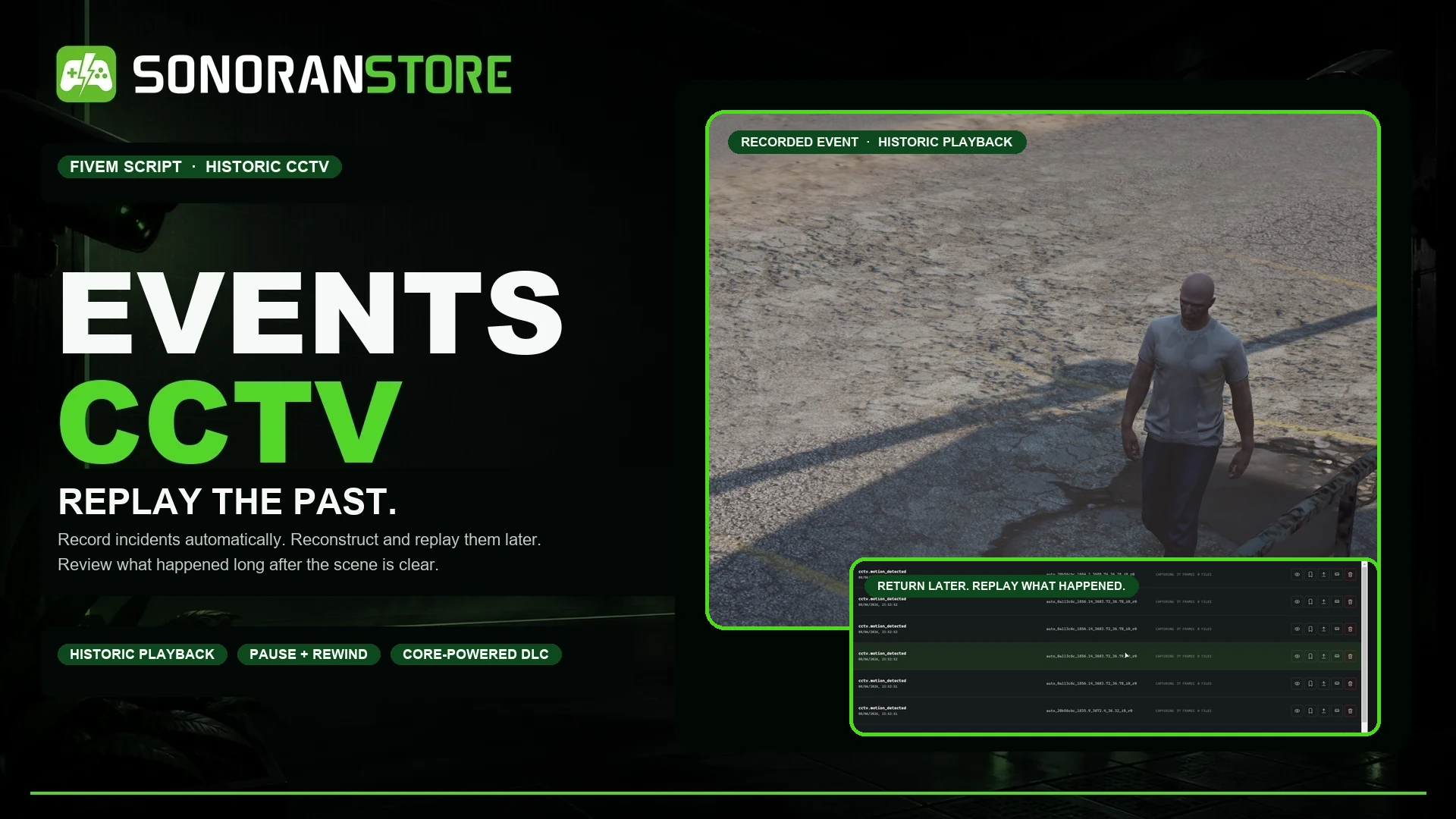
<figure><img src="/files/GgiA8BQIFjnPxGn2pfM7" alt="Sonoran CCTV historic playback product overview"><figcaption><p>Record incidents automatically, then return later to review the scene.</p></figcaption></figure>

{% hint style="info" %}
**CCTV is a paid DLC for the free Events Core package.** Install Events Core once to provide the shared recording, replay, storage, and event logic required by CCTV and other Events DLC. Events Core does not add a separate gameplay interface by itself.
{% endhint %}

## Replay the past

CCTV preserves the activity around an incident instead of requiring an operator to watch every camera live. Motion events and manual bookmarks create archive entries with before-and-after context. Reviewers can later open a recording and control the historic playback.
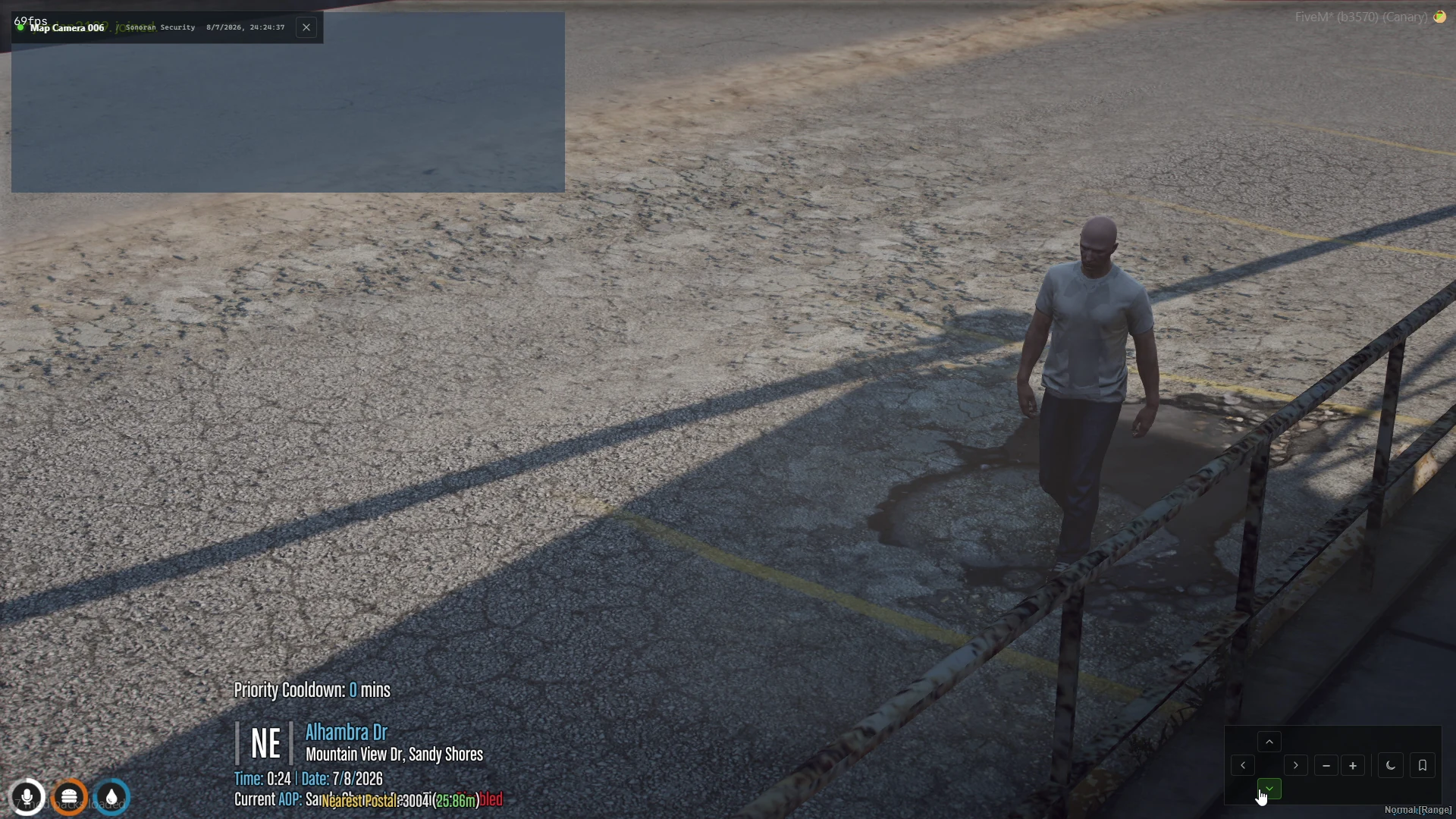
<figure><img src="/files/IhM2JCmIHsyR1nZ0Ualn" alt="A person captured by a CCTV camera"><figcaption><p>A subject captured from a configured CCTV camera.</p></figcaption></figure>

Historic playback includes:

* Play, pause, seek, restart, and timeline navigation
* Skip backward or forward and step through the recording
* Adjustable playback speed
* The camera angle saved when the incident occurred
* Archive controls for reviewing, preserving, exporting, or sharing recordings when configured
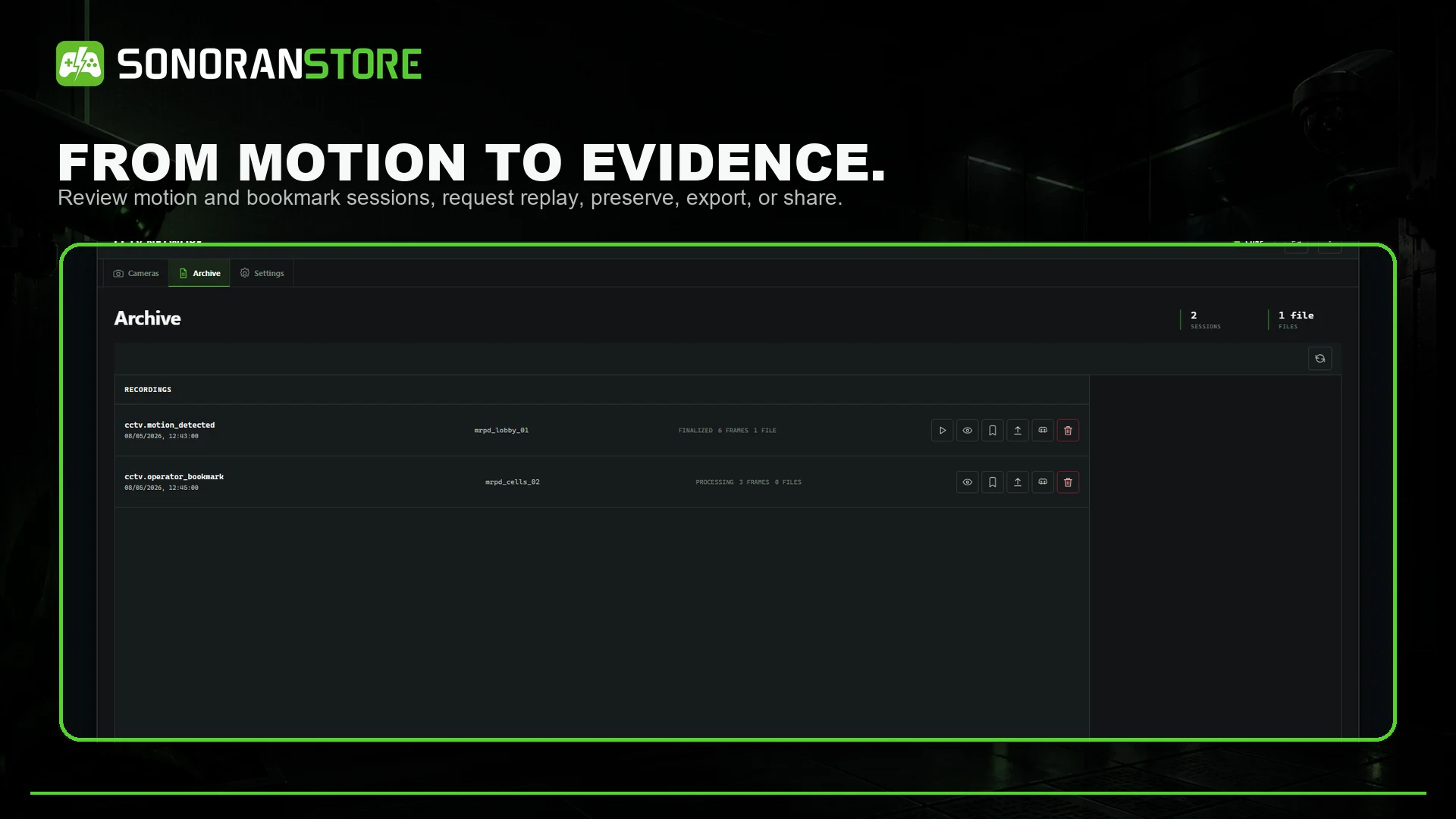
<figure><img src="/files/C5iJhg265TbHYkCN16rH" alt="CCTV recording archive and historic playback controls"><figcaption><p>Motion detections and bookmarks remain available in the archive for later review.</p></figcaption></figure>

## Complete camera management

* Create persistent terminals and organize cameras into permission-controlled groups
* Place and reposition cameras in the world
* View cameras live with zoom and optional pan or tilt
* Configure field of view, capture range, event cooldowns, and retention
* Enable motion-triggered recordings or create manual bookmarks
* Use normal, night-vision, and configured viewing modes
* Optionally discover compatible CCTV props already included in maps and MLOs
* Control administrators, live viewers, reviewers, deletion, uploads, Discord sharing, and remote access with ACE permissions
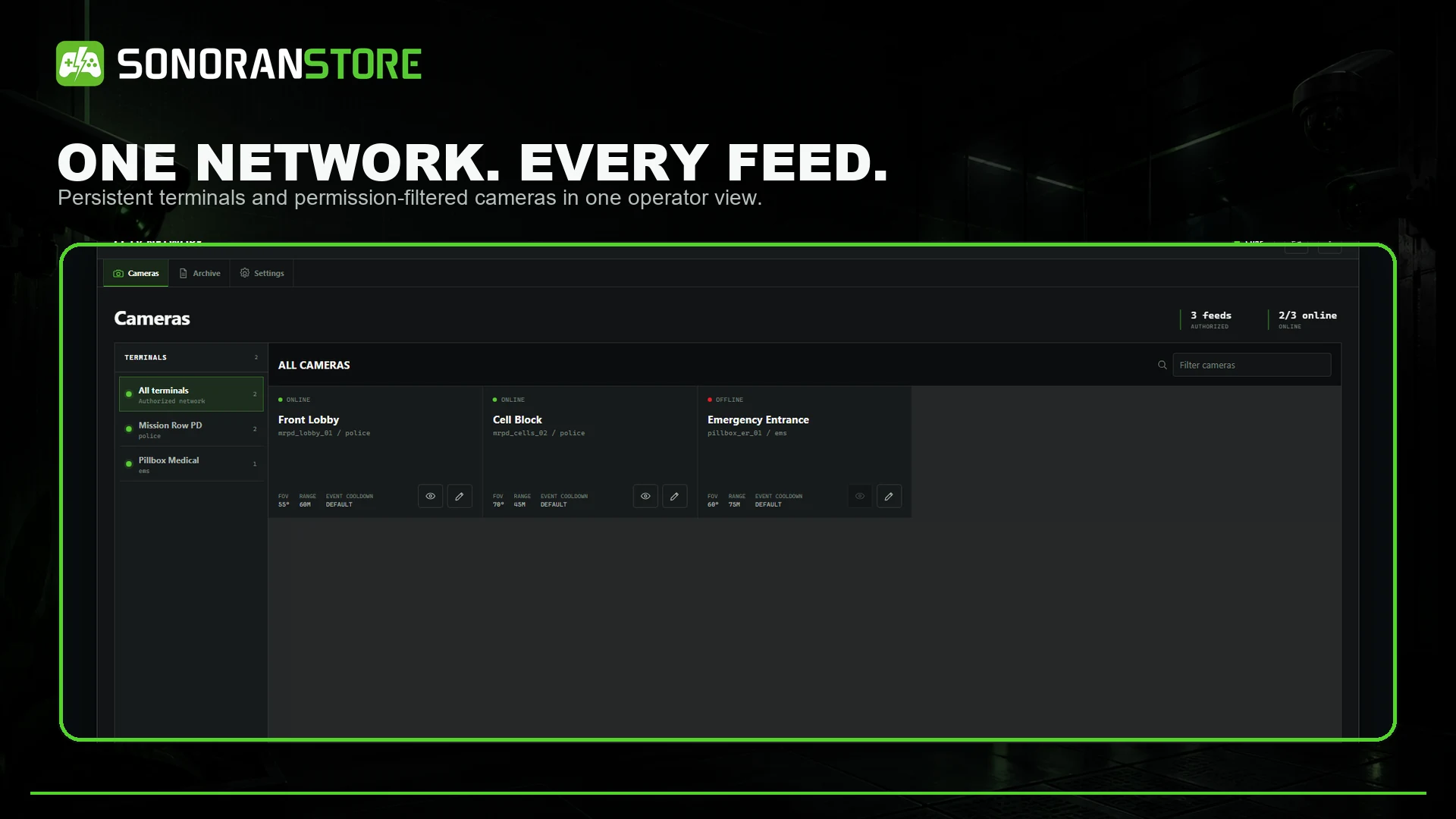
<figure><img src="/files/cP6A4TH7QdjPrhQEMi7A" alt="CCTV camera network operator screen"><figcaption><p>Persistent terminals and permission-filtered cameras appear in one operator interface.</p></figcaption></figure>

## How it works

1. An administrator creates a terminal and adds one or more cameras.
2. A camera detects configured activity, or an operator creates a bookmark.
3. Events Core preserves the incident with pre-event and post-event context.
4. The recording appears in the CCTV archive.
5. An authorized reviewer opens the recording and replays the historic scene.

CCTV can also be used for live monitoring, but live viewing is not required for an incident to be recorded.

## Requirements

| Requirement | Details                                                                                           |
| ----------- | ------------------------------------------------------------------------------------------------- |
| Events Core | Free required package: [download Events Core](https://sonoran.store/packages/7606652-events-core) |
| Events CCTV | Paid DLC package: [download CCTV](https://sonoran.store/packages/7606654-events-cctv)             |
| FXServer    | A current FiveM server with OneSync enabled                                                       |
| Permissions | ACE permissions for administrators, operators, and reviewers                                      |
| Framework   | Standalone by default; ESX, QBCore, and Qbox context can be configured                            |
| Database    | No SQL database is required by the default configuration                                          |

## Start here

1. Follow [Installation](/store/cctv/installation.md) to install Events Core and CCTV in the correct order.
2. Review [Configuration](/store/cctv/configuration.md) and [Permissions](/store/cctv/permissions.md).
3. Create your first terminal and camera with [Camera Setup](/store/cctv/camera-setup.md).
4. Test both live viewing and [Historic Playback](/store/cctv/playback.md).

Building an integration? See the [Developer API](/store/cctv/developer-api.md) for the supported remote-session exports.

For help, see [Troubleshooting](/store/cctv/troubleshooting.md) or contact [Sonoran Software support](https://support.sonoransoftware.com/).


---

# Agent Instructions
This documentation is published with GitBook. GitBook is the documentation platform designed so that both humans and AI agents can read, navigate, and reason over technical content effectively. Learn more at gitbook.com.

## Querying This Documentation
If you need additional information that is not directly available in this page, you can query the documentation dynamically by asking a question.

Perform an HTTP GET request on the current page URL with the `ask` query parameter, and the optional `goal` query parameter:

```
GET https://docs.sonoransoftware.com/store/cctv.md?ask=<question>&goal=<endgoal>
```

`ask` is the immediate question: it should be specific, self-contained, and written in natural language.
`goal` is optional and describes the broader end goal you are ultimately trying to accomplish on behalf of the user. GitBook uses it to tailor the answer towards what is most useful for that goal.

The response will contain a direct answer to the question and relevant excerpts and sources from the documentation.

Use this mechanism when the answer is not explicitly present in the current page, you need clarification or additional context, or you want to retrieve related documentation sections.
