

- Connect Discord
Follow Connect your server, then open Customize > Discord. You can also select Set up role sync in Members.
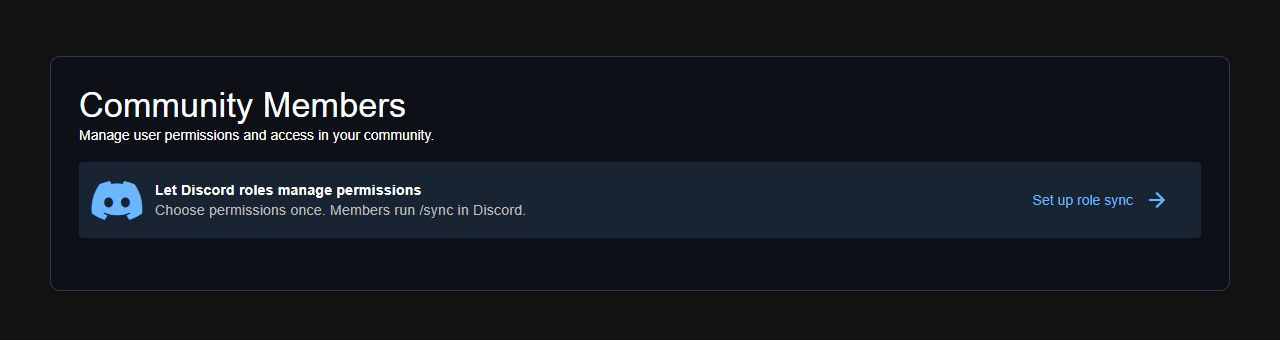 Open role sync from the Members panel.
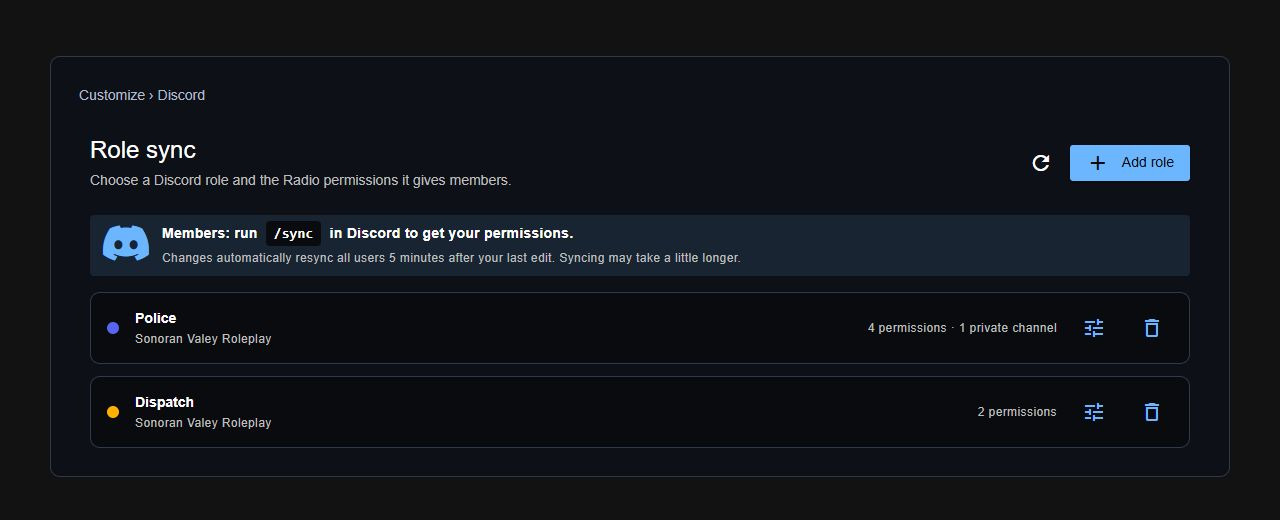 Each role shows its Discord server and assigned permissions.
If this community uses Sonoran CMS, configure Radio permissions in CMS. Radio role mapping is disabled for communities managed by CMS.
- Add a role
- Select Add role.
- If more than one Discord server is connected, choose the correct server.
- Type a role name and select it. The dot beside its name shows its Discord role color.
- Choose what members can do under Permissions. Scroll to see all permissions.
- Under Private channels, choose the channels members can use.
- Wait for Changes saved automatically, then select Done.
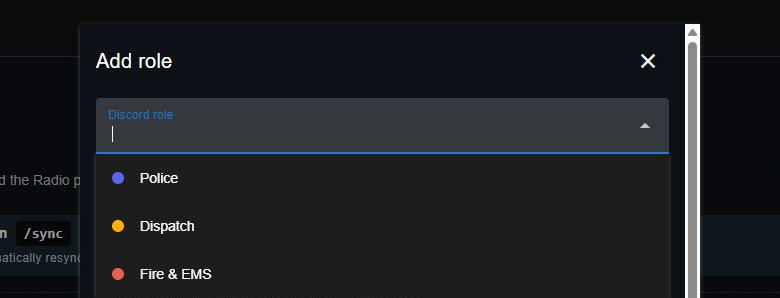 Type to find a Discord role.
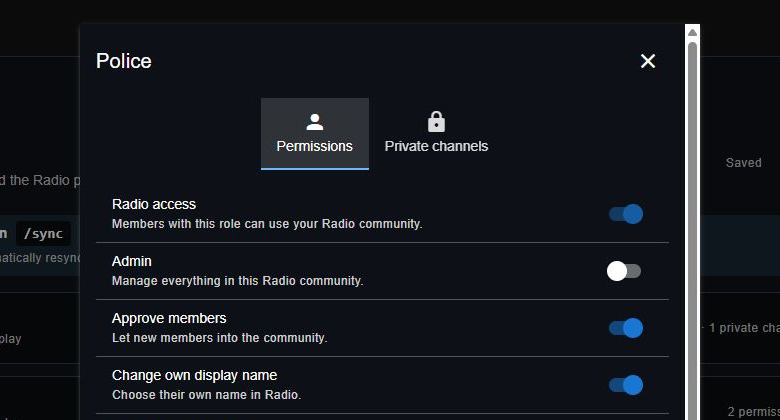 Choose what members with this role can do.
Radio access is included with every mapping. A matching role can approve a pending member even when no extra permissions are selected.
Choose what members with this role can do.
Radio access is included with every mapping. A matching role can approve a pending member even when no extra permissions are selected.
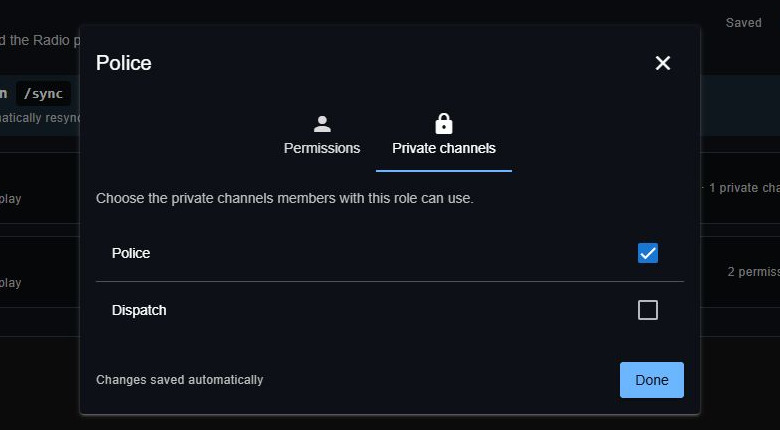 Give this role access to specific private channels.
- Sync members
- Members join your Radio community.
- Members run
/syncin Discord. If their account needs linking, the bot shows them how.
/sync after each role change. The five-minute delay applies to mapping edits.
Members receive the combined permissions and private channel access from all their mapped roles across connected Discord servers. Sync replaces manually assigned Radio permissions and private channel grants. The community owner keeps full access.
Edit or remove a mapping
- Select Edit permissions beside a role to change its permissions or private channels. Changes save automatically.
- Select Delete role mapping beside a role to remove its mapping. This removes the mapping, not the Discord role.