

> For the complete documentation index, see [llms.txt](https://docs.sonoransoftware.com/llms.txt). Markdown versions of documentation pages are available by appending `.md` to page URLs; this page is available as [Markdown](https://docs.sonoransoftware.com/studio/sonoran-studio.md).

# Sonoran Studio

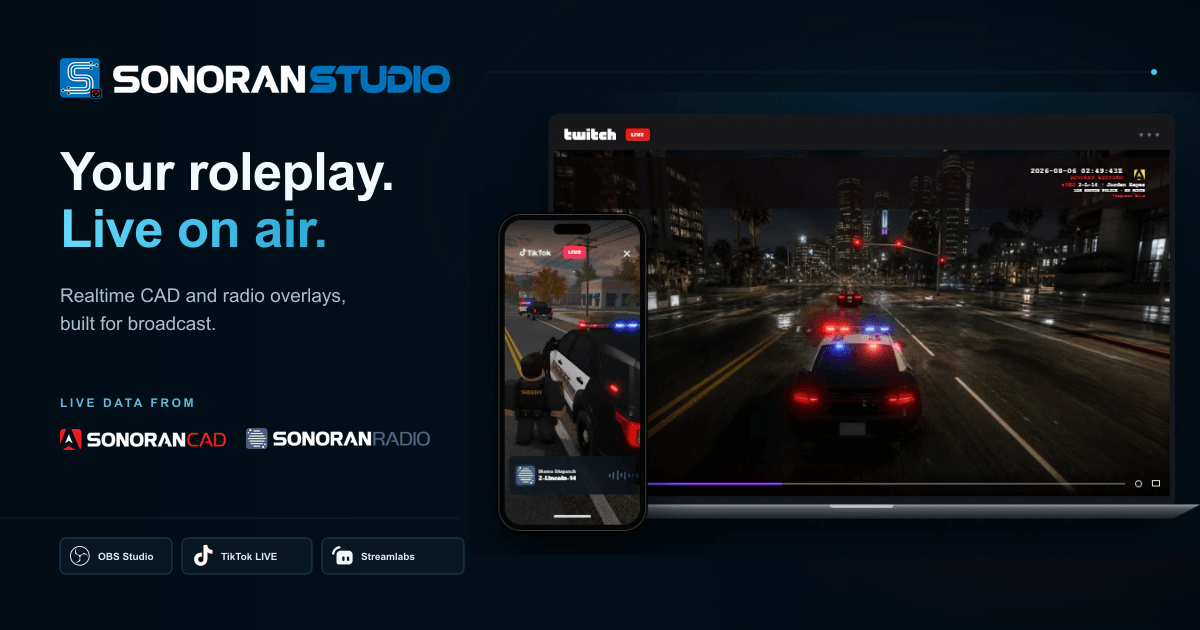
Sonoran Studio turns live Sonoran CAD and Sonoran Radio activity into broadcast-ready overlays for your stream.

![The Sonoran Studio layout and widget editor](https://files.gitbook.com/v0/b/gitbook-x-prod.appspot.com/o/spaces%2FSNDrCcXxwsnYIi72Ym9Z%2Fuploads%2FPeeZEk5QxXmThKn4M94u%2Fstudio-editor-overview.webp?alt=media\&token=0cec9658-1a6c-43a6-abab-be3f8ebaadd1)

Use Studio to build layouts for landscape or vertical streams, position the widgets you want, match their styling to your channel, and copy a private browser-source URL into your streaming app.

<table data-view="cards"><thead><tr><th></th><th></th><th></th><th data-hidden data-card-target data-type="content-ref"></th></tr></thead><tbody><tr><td><h3><i class="fa-bolt">:bolt:</i></h3></td><td><strong>Quickstart</strong></td><td>Build and test your first overlay.</td><td></td></tr><tr><td><h3><i class="fa-display">:display:</i></h3></td><td><strong>Add to your stream</strong></td><td>Configure OBS, TikTok LIVE Studio, or Streamlabs.</td><td></td></tr><tr><td><h3><i class="fa-wand-magic-sparkles">:wand-magic-sparkles:</i></h3></td><td><strong>Customize overlays</strong></td><td>Work with layouts, widgets, themes, and sharing.</td><td></td></tr><tr><td><h3><i class="fa-desktop">:desktop:</i></h3></td><td><strong>Desktop companion</strong></td><td>Connect smart lights and Streamer.bot.</td><td></td></tr></tbody></table>

## What appears on stream

| Widget                | What it shows                                                 |
| --------------------- | ------------------------------------------------------------- |
| Radio transmission    | Active speaker, callsign, channel, and waveform               |
| Unit HUD              | Unit, department, status, location, and bodycam-style details |
| Attached call         | Call code, priority, assignment, and postal                   |
| Panic takeover        | A high-priority emergency alert                               |
| Dispatch notification | Important call and priority updates                           |

{% hint style="warning" %}
Your overlay URL is private. Anyone with it can display your stream data. Replace the URL from Studio if it is ever exposed.
{% endhint %}

## Free and premium access

The free tier includes the complete core editor and one fallback layout. Premium access unlocks additional layouts, premium themes, custom icons, layout sharing, smart lighting, and Streamer.bot actions. Premium may come from a personal Sonoran Studio subscription or an eligible Sonoran One community context.


---

# Agent Instructions
This documentation is published with GitBook. GitBook is the documentation platform designed so that both humans and AI agents can read, navigate, and reason over technical content effectively. Learn more at gitbook.com.

## Querying This Documentation
If you need additional information that is not directly available in this page, you can query the documentation dynamically by asking a question.

Perform an HTTP GET request on the current page URL with the `ask` query parameter, and the optional `goal` query parameter:

```
GET https://docs.sonoransoftware.com/studio/sonoran-studio.md?ask=<question>&goal=<endgoal>
```

`ask` is the immediate question: it should be specific, self-contained, and written in natural language.
`goal` is optional and describes the broader end goal you are ultimately trying to accomplish on behalf of the user. GitBook uses it to tailor the answer towards what is most useful for that goal.

The response will contain a direct answer to the question and relevant excerpts and sources from the documentation.

Use this mechanism when the answer is not explicitly present in the current page, you need clarification or additional context, or you want to retrieve related documentation sections.
