# Integration Capabilities

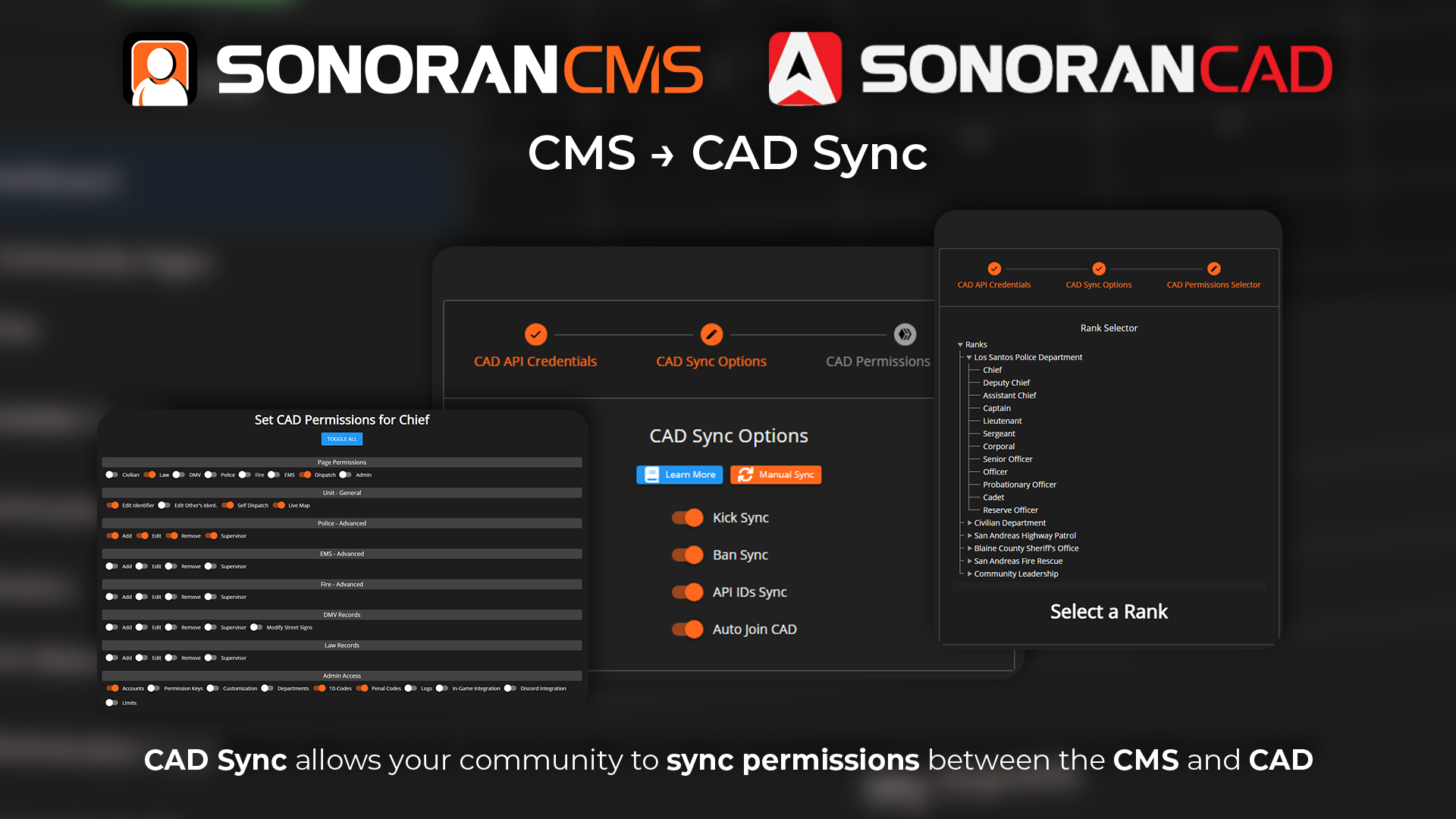
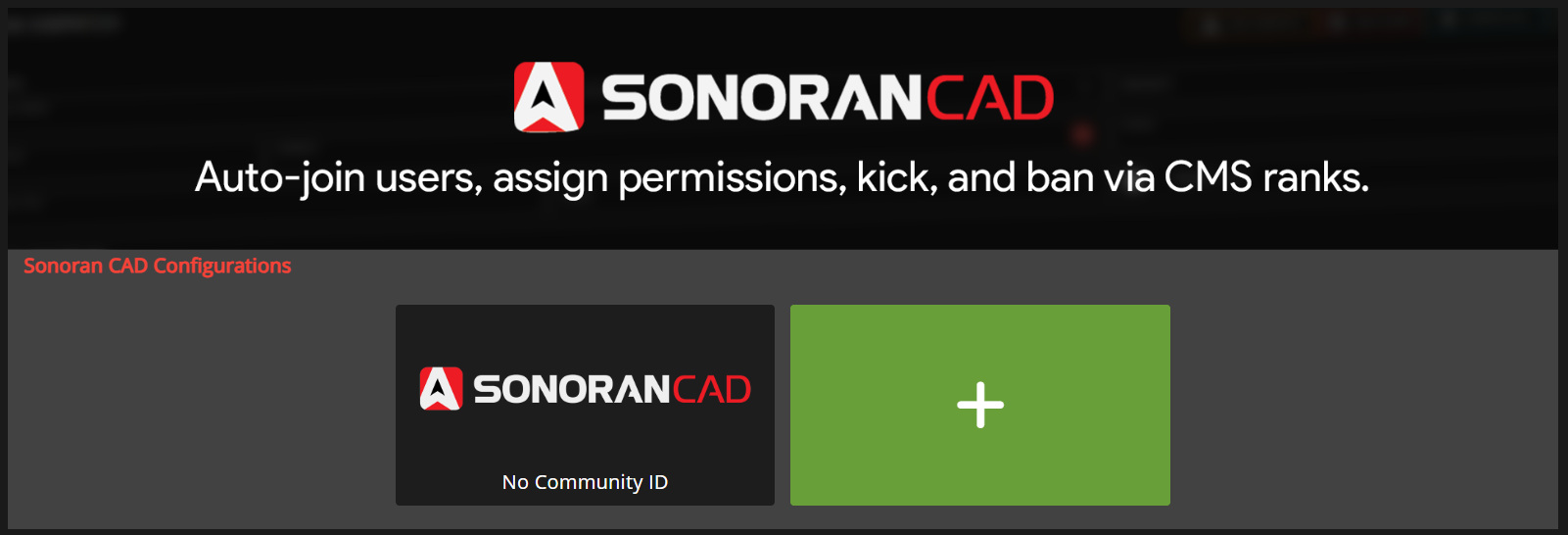
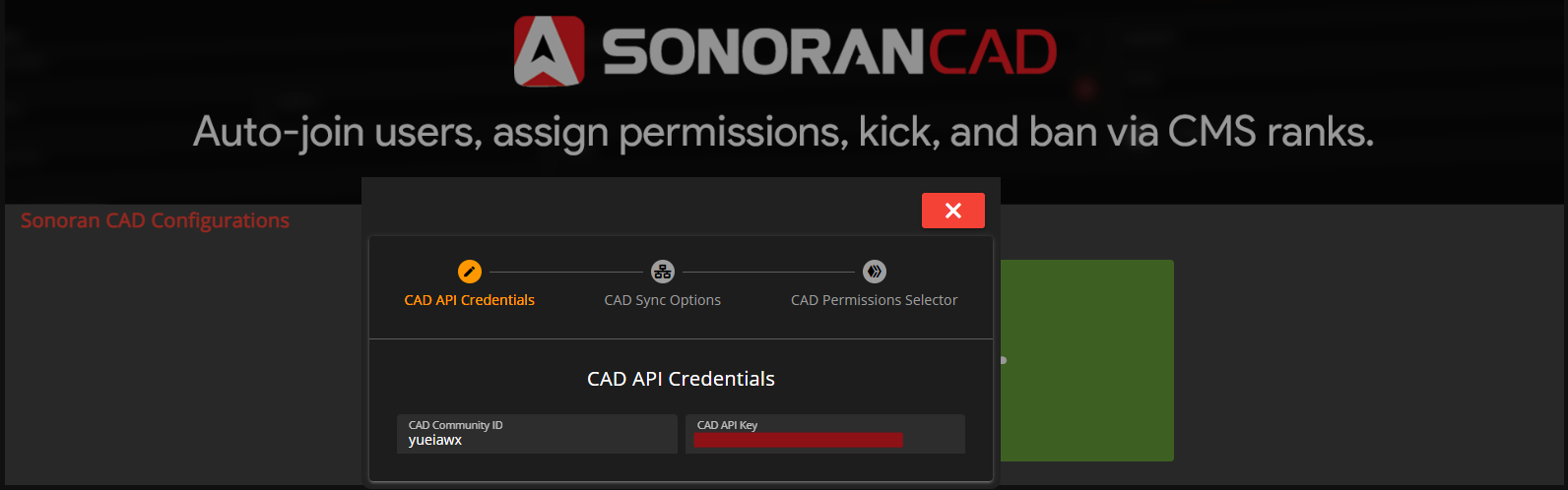
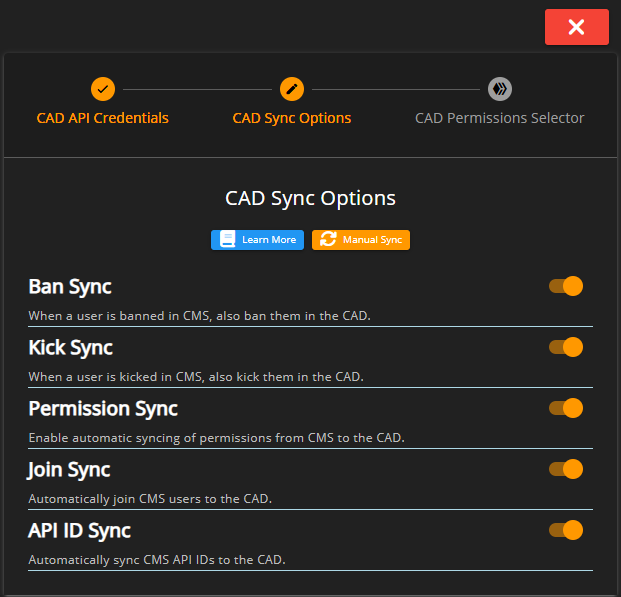
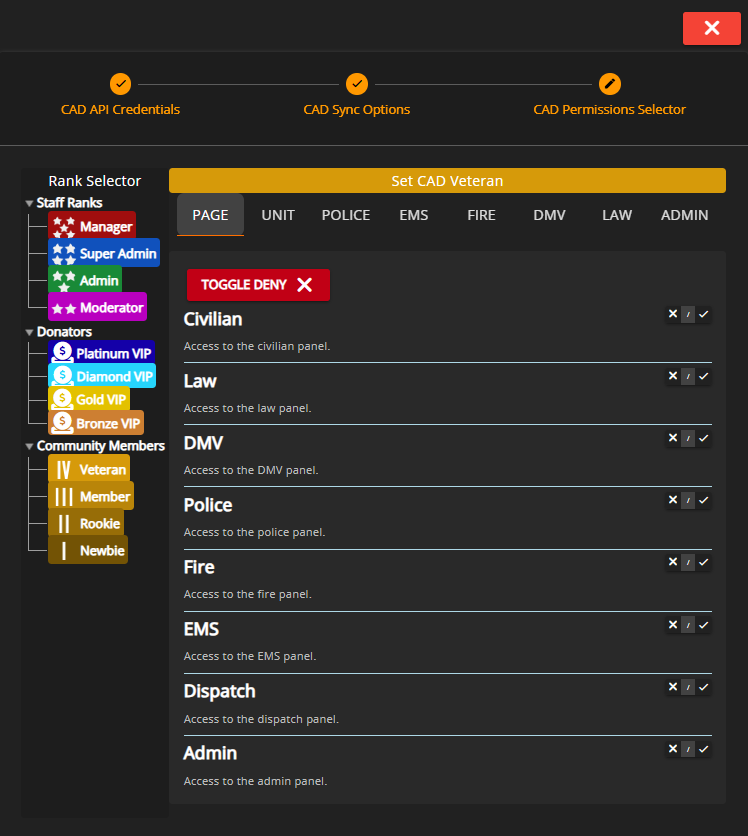
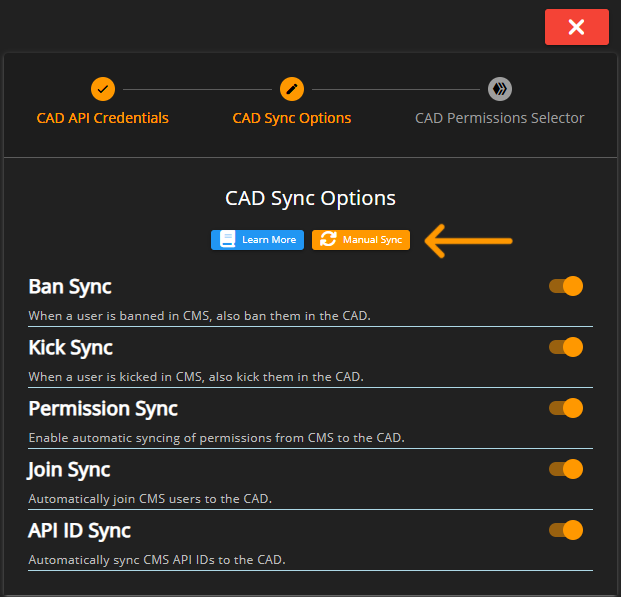
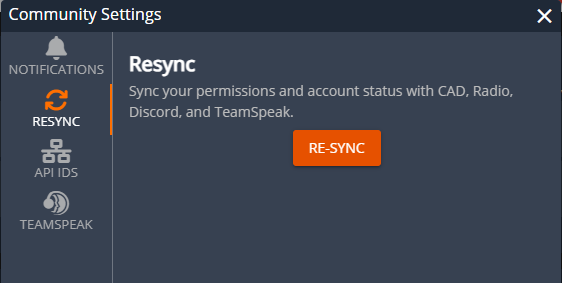
- [Sonoran CAD Sync](https://docs.sonoransoftware.com/cms/integration-capabilities/sonoran-cad-sync.md): Easily manage Sonoran CAD permissions from Sonoran CMS ranks! Learn more below.
- [Sonoran Radio Sync](https://docs.sonoransoftware.com/cms/integration-capabilities/sonoran-radio-sync.md): Easily manage Sonoran Radio permissions from Sonoran CMS ranks! Learn more below.
- [Discord Bot Integration](https://docs.sonoransoftware.com/cms/integration-capabilities/discord-bot-integration.md): Bi-Directionally Sync Discord & CMS, allowing you to easily manage permissions from Discord or CMS roles.
- [TeamSpeak 3 Role Sync](https://docs.sonoransoftware.com/cms/integration-capabilities/teamspeak-3-role-sync.md): Automatically sync your CMS Ranks to TeamSpeak Groups
- [Getting Started](https://docs.sonoransoftware.com/cms/integration-capabilities/teamspeak-3-role-sync/getting-started.md)
- [Adding Ranks](https://docs.sonoransoftware.com/cms/integration-capabilities/teamspeak-3-role-sync/adding-ranks.md)
- [Adding your TeamSpeak UID](https://docs.sonoransoftware.com/cms/integration-capabilities/teamspeak-3-role-sync/adding-your-teamspeak-uid.md)
- [Discord Rich Presence](https://docs.sonoransoftware.com/cms/integration-capabilities/discord-rich-presence.md): Our desktop app allows you to advertise your community right in Discord!
- [Discord Webhooks](https://docs.sonoransoftware.com/cms/integration-capabilities/discord-webhooks.md): Receive instant notifications in your Discord channel when new forms are submitted, community customization changes, and much more!
- [FiveM Game Panel](https://docs.sonoransoftware.com/cms/integration-capabilities/fivem-game-panel.md): Manage your FiveM server with the CMS QBCore, QBox, and vMenu game panels!
- [Installation](https://docs.sonoransoftware.com/cms/integration-capabilities/fivem-game-panel/installation.md): Sonoran CMS manages your QB Core server for free!
- [QBCore & Qbox Panel](https://docs.sonoransoftware.com/cms/integration-capabilities/fivem-game-panel/qbcore-and-qbox-panel.md): Once configured, you can easily manage your entire QB server!
- [Dashboard](https://docs.sonoransoftware.com/cms/integration-capabilities/fivem-game-panel/qbcore-and-qbox-panel/dashboard.md): View your server statistics right from the CMS QB Core management panel!
- [Players](https://docs.sonoransoftware.com/cms/integration-capabilities/fivem-game-panel/qbcore-and-qbox-panel/players.md): Easily manage in-game players with the CMS QB Core management panel!
- [Vehicles](https://docs.sonoransoftware.com/cms/integration-capabilities/fivem-game-panel/qbcore-and-qbox-panel/vehicles.md): Easily manage in-game vehicles with the CMS QB Core management panel!
- [Whitelist](https://docs.sonoransoftware.com/cms/integration-capabilities/fivem-game-panel/qbcore-and-qbox-panel/whitelist.md): Easily whitelist or deny users from accessing your server based on their CMS ranks!
- [Logs](https://docs.sonoransoftware.com/cms/integration-capabilities/fivem-game-panel/qbcore-and-qbox-panel/logs.md): Easily view server logs with the CMS QB Core management panel!
- [Resources](https://docs.sonoransoftware.com/cms/integration-capabilities/fivem-game-panel/qbcore-and-qbox-panel/resources.md): Easily start, stop, and ensure in-game resources with the CMS QB Core management panel!
- [Aces & Principals](https://docs.sonoransoftware.com/cms/integration-capabilities/fivem-game-panel/qbcore-and-qbox-panel/aces-and-principals.md): Easily grant ACE Permissions to users directly from CMS.
- [Characters](https://docs.sonoransoftware.com/cms/integration-capabilities/fivem-game-panel/qbcore-and-qbox-panel/characters.md): Easily manage in-game characters with the CMS QB Core management panel!
- [Items](https://docs.sonoransoftware.com/cms/integration-capabilities/fivem-game-panel/qbcore-and-qbox-panel/items.md): Easily manage in-game items with the CMS QB Core management panel!
- [Jobs](https://docs.sonoransoftware.com/cms/integration-capabilities/fivem-game-panel/qbcore-and-qbox-panel/jobs.md): Easily manage in-game jobs with the CMS QB Core management panel!
- [Gangs](https://docs.sonoransoftware.com/cms/integration-capabilities/fivem-game-panel/qbcore-and-qbox-panel/gangs.md): Easily manage in-game gangs with the CMS QB Core management panel!
- [Job Sync](https://docs.sonoransoftware.com/cms/integration-capabilities/fivem-game-panel/qbcore-and-qbox-panel/job-sync.md): Grant CMS ranks based on your current in-game job!
- [Environment](https://docs.sonoransoftware.com/cms/integration-capabilities/fivem-game-panel/qbcore-and-qbox-panel/environment.md): Easily set the weather and time in your server, directly from CMS!
- [vMenu Panel](https://docs.sonoransoftware.com/cms/integration-capabilities/fivem-game-panel/vmenu-panel.md): Once configured, you can easily manage your entire VMenu server!
- [Dashboard](https://docs.sonoransoftware.com/cms/integration-capabilities/fivem-game-panel/vmenu-panel/dashboard.md): View your server statistics right from the CMS VMenu game panel!
- [Players](https://docs.sonoransoftware.com/cms/integration-capabilities/fivem-game-panel/vmenu-panel/players.md): Easily manage in-game players with the CMS VMenu management panel!
- [Vehicles](https://docs.sonoransoftware.com/cms/integration-capabilities/fivem-game-panel/vmenu-panel/vehicles.md): Easily manage in-game vehicles with the CMS VMenu management panel!
- [Environment](https://docs.sonoransoftware.com/cms/integration-capabilities/fivem-game-panel/vmenu-panel/environment.md): Easily set the weather and time in your server, directly from CMS!
- [Whitelist](https://docs.sonoransoftware.com/cms/integration-capabilities/fivem-game-panel/vmenu-panel/whitelist.md): Easily whitelist or deny users from accessing your server based on their CMS ranks!
- [Logs](https://docs.sonoransoftware.com/cms/integration-capabilities/fivem-game-panel/vmenu-panel/logs.md): Easily view server logs with the CMS VMenu management panel!
- [Resources](https://docs.sonoransoftware.com/cms/integration-capabilities/fivem-game-panel/vmenu-panel/resources.md): Easily start, stop, and ensure in-game resources with the CMS VMenu management panel!
- [Aces & Principals](https://docs.sonoransoftware.com/cms/integration-capabilities/fivem-game-panel/vmenu-panel/aces-and-principals.md): Easily grant ACE Permissions to users directly from CMS.
- [ER:LC Game Panel](https://docs.sonoransoftware.com/cms/integration-capabilities/er-lc-game-panel.md): Sonoran CMS allows you to fully manage your ER:LC server(s) with player records, whitelisting, automations, commands, weather, shifts, and so much more! All ER:LC features are included for free!
- [Installation](https://docs.sonoransoftware.com/cms/integration-capabilities/er-lc-game-panel/installation.md): Manage your ER:LC Roblox server right from Sonoran CMS!
- [Usage](https://docs.sonoransoftware.com/cms/integration-capabilities/er-lc-game-panel/usage.md): Learn more about the ER:LC game panel's features!
- [Dashboard](https://docs.sonoransoftware.com/cms/integration-capabilities/er-lc-game-panel/usage/dashboard.md): Learn about the ER:LC game panel's dashboard.
- [Command Palette](https://docs.sonoransoftware.com/cms/integration-capabilities/er-lc-game-panel/usage/command-palette.md): Run ER:LC commands from the CMS management panel.
- [Player Records](https://docs.sonoransoftware.com/cms/integration-capabilities/er-lc-game-panel/usage/player-records.md): Log player records for warnings, punishments, notes, and more!
- [Vision](https://docs.sonoransoftware.com/cms/integration-capabilities/er-lc-game-panel/usage/vision.md): Point at a player in-game and press a keybind to instantly access their player records and activity.
- [Moderation](https://docs.sonoransoftware.com/cms/integration-capabilities/er-lc-game-panel/usage/moderation.md): Configure moderation standards in the ER:LC panel.
- [Whitelist](https://docs.sonoransoftware.com/cms/integration-capabilities/er-lc-game-panel/usage/whitelist.md): The ER:LC whitelist panel enables social, server, team, vehicle, and livery restrictions.
- [Environment](https://docs.sonoransoftware.com/cms/integration-capabilities/er-lc-game-panel/usage/environment.md): The ER:LC environment panel allows you to sync in-game time and weather with a real geographical location!
- [CMS Integrations](https://docs.sonoransoftware.com/cms/integration-capabilities/er-lc-game-panel/usage/cms-integrations.md): The ER:LC panel also has extended functionality from other areas of the CMS
- [Shifts and Activity](https://docs.sonoransoftware.com/cms/integration-capabilities/er-lc-game-panel/usage/shifts-and-activity.md): Learn more about powerful time tracking with the ER:LC panel!
- [Migration Import](https://docs.sonoransoftware.com/cms/integration-capabilities/er-lc-game-panel/usage/migration-import.md): Migrating to Sonoran CMS from another ER:LC management panel provider? Import your data by using the import wizard!
- [Compare to Other Providers](https://docs.sonoransoftware.com/cms/integration-capabilities/er-lc-game-panel/compare-to-other-providers.md): Compare the Sonoran CMS ER:LC panel to other providers!
- [Sonoran Shield](https://docs.sonoransoftware.com/cms/integration-capabilities/sonoran-shield.md): Manage your Sonoran Server's network protection, right from the CMS!
- [In-Game Integration Resources](https://docs.sonoransoftware.com/cms/integration-capabilities/in-game-integration-resources.md): Sonoran CMS's robust API system comes complete with several already developed integration resources. Learn more about our already developer integration resources!
- [FiveM Installation](https://docs.sonoransoftware.com/cms/integration-capabilities/in-game-integration-resources/core.md): The CMS Core maintains common utility functions and push event handling.
- [FiveM Installation - Next Steps](https://docs.sonoransoftware.com/cms/integration-capabilities/in-game-integration-resources/core/free-plugin-installation-next-steps.md): This guide covers the next steps after receiving free Sonoran CMS resource installation with your Sonoran Servers Windows Server or Expert Installation.
- [FiveM Submodules](https://docs.sonoransoftware.com/cms/integration-capabilities/in-game-integration-resources/core/core-submodules.md): The CMS Core comes with default submodules that handle a variety of features!
- [Clock In](https://docs.sonoransoftware.com/cms/integration-capabilities/in-game-integration-resources/core/core-submodules/clock-in.md): An in-game way to utilize Sonoran CMS's clock in/out system.
- [Ace Permission Sync](https://docs.sonoransoftware.com/cms/integration-capabilities/in-game-integration-resources/core/core-submodules/ace-permission-sync.md): Manage in-game player permissions right from the CMS!
- [Whitelist](https://docs.sonoransoftware.com/cms/integration-capabilities/in-game-integration-resources/core/core-submodules/whitelist.md): A whitelist system that utilizes Sonoran CMS's game whitelist system.
- [Job Sync](https://docs.sonoransoftware.com/cms/integration-capabilities/in-game-integration-resources/core/core-submodules/job-sync.md): A in-game way to utilize Sonoran CMS's roster & rank system to sync your in-game jobs and ranks.
- [Minecraft Integrations](https://docs.sonoransoftware.com/cms/integration-capabilities/in-game-integration-resources/minecraft-integrations.md): Sonoran CMS integrations for Microsoft/Mojang's Minecraft
- [Minecraft Resource Installation](https://docs.sonoransoftware.com/cms/integration-capabilities/in-game-integration-resources/minecraft-integrations/minecraft-resource-installation.md): This guide covers the installation process for a general integration resource.
- [Available Resources](https://docs.sonoransoftware.com/cms/integration-capabilities/in-game-integration-resources/minecraft-integrations/available-resources.md): View Sonoran CMS's library of integration resources for your community!
- [Whitelist](https://docs.sonoransoftware.com/cms/integration-capabilities/in-game-integration-resources/minecraft-integrations/available-resources/whitelist.md): A whitelist system that utilizes Sonoran CMS's game whitelist system.
- [Roblox Integrations](https://docs.sonoransoftware.com/cms/integration-capabilities/in-game-integration-resources/roblox-integrations.md): Sonoran CMS integrations for Roblox
- [Roblox Resource Installation](https://docs.sonoransoftware.com/cms/integration-capabilities/in-game-integration-resources/roblox-integrations/roblox-resource-installation.md): This guide covers the installation process for a general integration resource.
- [Available Resources](https://docs.sonoransoftware.com/cms/integration-capabilities/in-game-integration-resources/roblox-integrations/available-resources.md): View Sonoran CMS's library of integration resources for your community!
- [Whitelist](https://docs.sonoransoftware.com/cms/integration-capabilities/in-game-integration-resources/roblox-integrations/available-resources/whitelist.md): A whitelist system that utilizes Sonoran CMS's game whitelist system.
- [IP Whitelisting](https://docs.sonoransoftware.com/cms/integration-capabilities/in-game-integration-resources/ip-whitelisting.md)


---

# Agent Instructions: Querying This Documentation

If you need additional information that is not directly available in this page, you can query the documentation dynamically by asking a question.

Perform an HTTP GET request on the current page URL with the `ask` query parameter:

```
GET https://docs.sonoransoftware.com/cms/integration-capabilities.md?ask=<question>
```

The question should be specific, self-contained, and written in natural language.
The response will contain a direct answer to the question and relevant excerpts and sources from the documentation.

Use this mechanism when the answer is not explicitly present in the current page, you need clarification or additional context, or you want to retrieve related documentation sections.