Remove all the hassle of managing your community’s Sonoran CAD permissions. Sonoran CMS is now your single point of management!
Sonoran CMS allows you to easily manage your community’s Sonoran CAD permissions based on their Sonoran CMS rank automatically!
Web Panel Sync
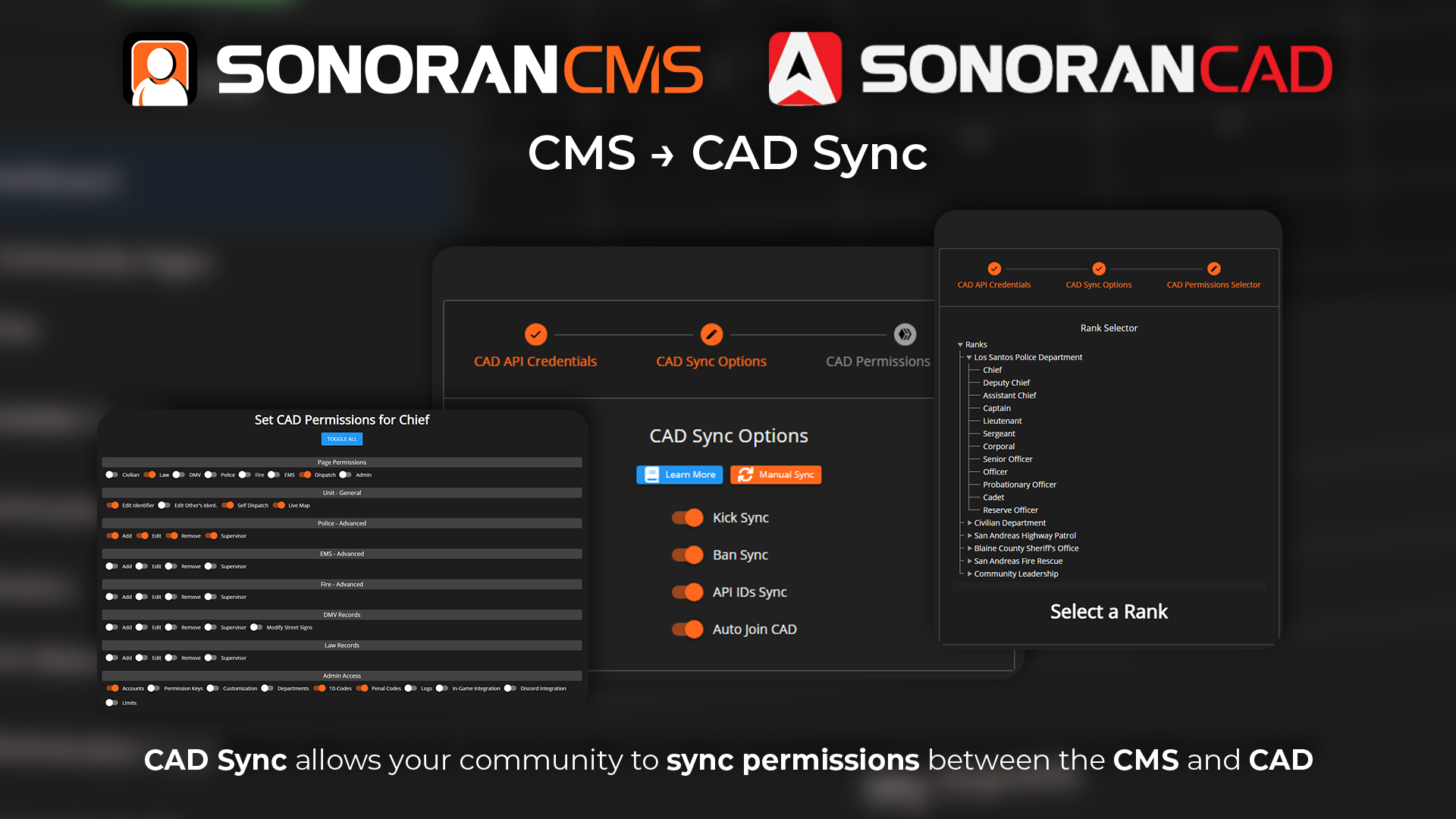
Sonoran CAD Sync settings can only be seen and modified by the community owner.
- Add New CAD Integration
Click the Sonoran CAD icon or click the plus button to sync another CAD to you community
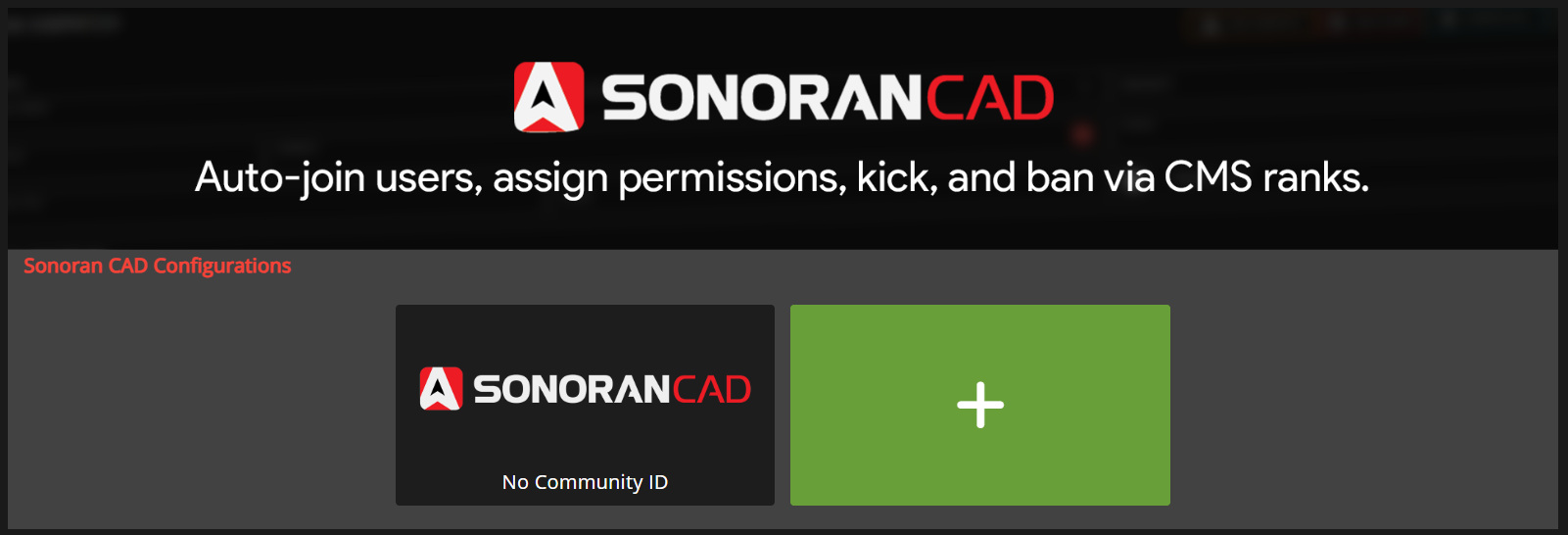 Sonoran CMS - CAD Integration Setup List Area
- Enter Credentials
Click the Enable Sync check box and enter your Sonoran CAD community’s ID & API Key.
 Your Community ID and API Key are located in Sonoran CAD at
 Admin Panel > Advanced > In-Game Integration > Web API.Enter these into your Sonoran CMS as shown below.
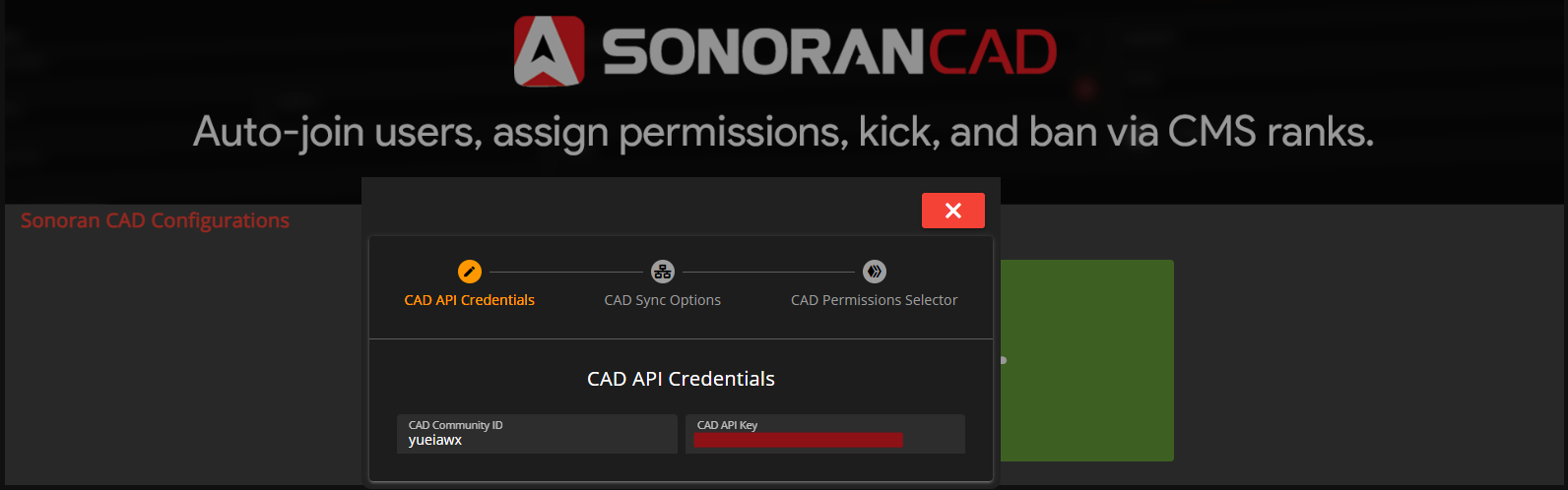
- Configure Sync Settings
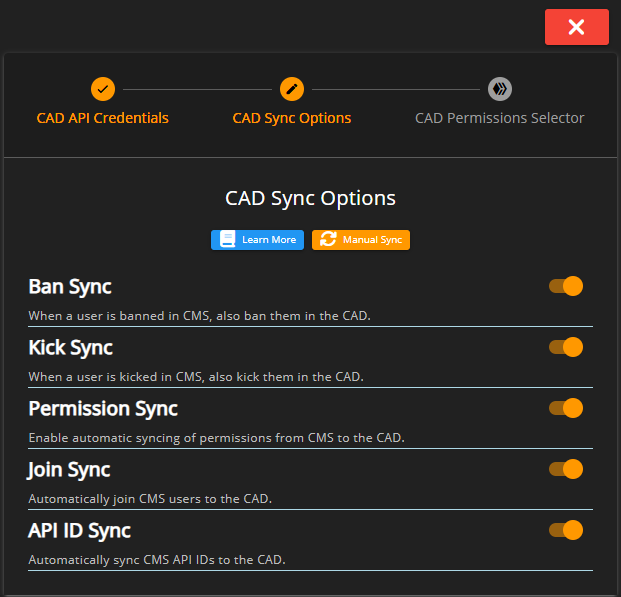
Check the sync options that best fit your community’s needs, explanation of each sync feature can be found below.
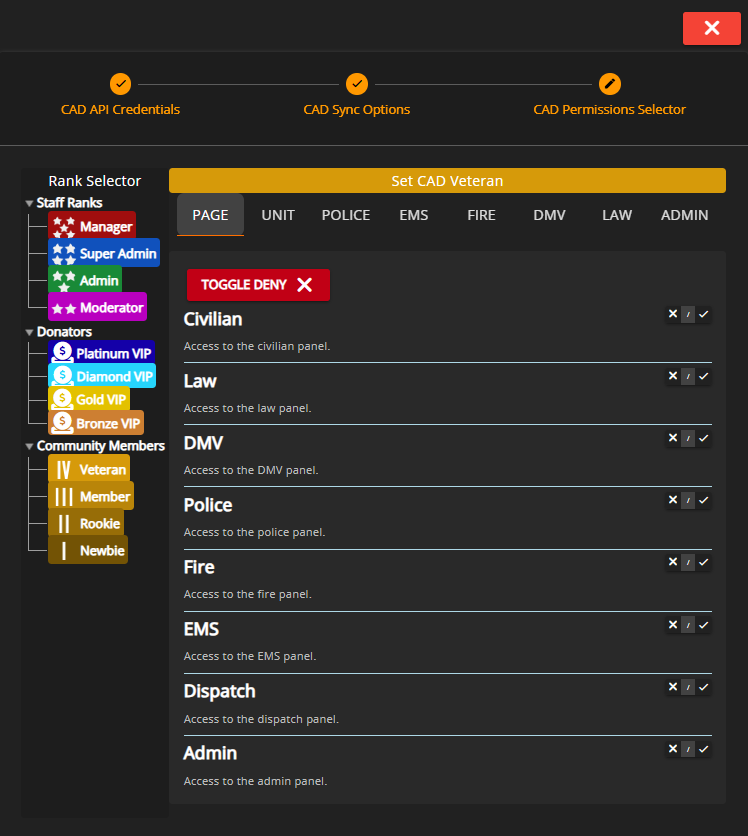
- Map CAD Permissions to Ranks
To edit, click any rank on the left-hand side. This tree will contain all department and ranks that your community currently has. Enable all permissions you want to grant to the individual with this rank. When you’re done setting up CAD Sync and configuring permission mappings, simply close out of the window by clicking the red X button and it will automatically save your credentials, settings, and trigger a mass sync of all permissions.
Feature Overview
Multi-Setup Sync
Sync multiple Sonoran CAD communities with your single Sonoran CMS community. This will sync all of the below features with each community you have setup.Kick & Ban Sync
This will trigger an action to kick the same user from your Sonoran CAD community if they’re kicked from your Sonoran CMS community. This also applies to bans.API ID Sync
This will sync all member’s API IDs to the same user from your Sonoran CAD community, if they have a Discord account linked to their account it will sync that ID as well.API ID Sync to CAD will overwrite any API IDs that are set by the user in Sonoran CAD upon each sync. All API IDs that are sent to the CAD from CMS will replace what is currently there.
Auto Join CAD
This will have all new members that join your community automatically join your Sonoran CAD community under the same user ID.Manual Syncing
Full Community
Community Owner’s can trigger a manual community sync of CAD permissions through the Manual SYNC button located in the CAD Sync Options.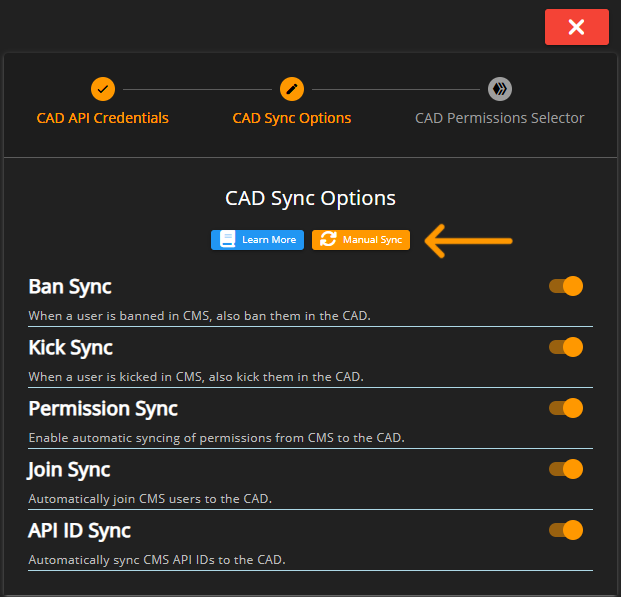 Sonoran CMS - CAD Permission Configuration Full Sync
Individual Account
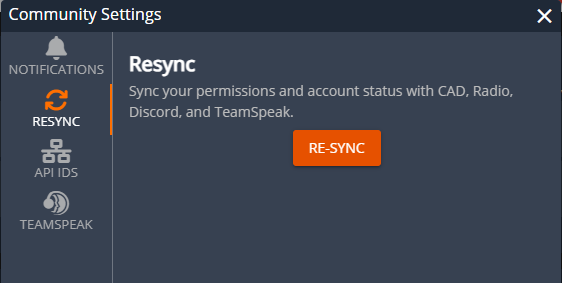
Individual members can re-sync their account with the community-linked CAD directly from the Community Settings menu.