# Accessing Tebex Assets

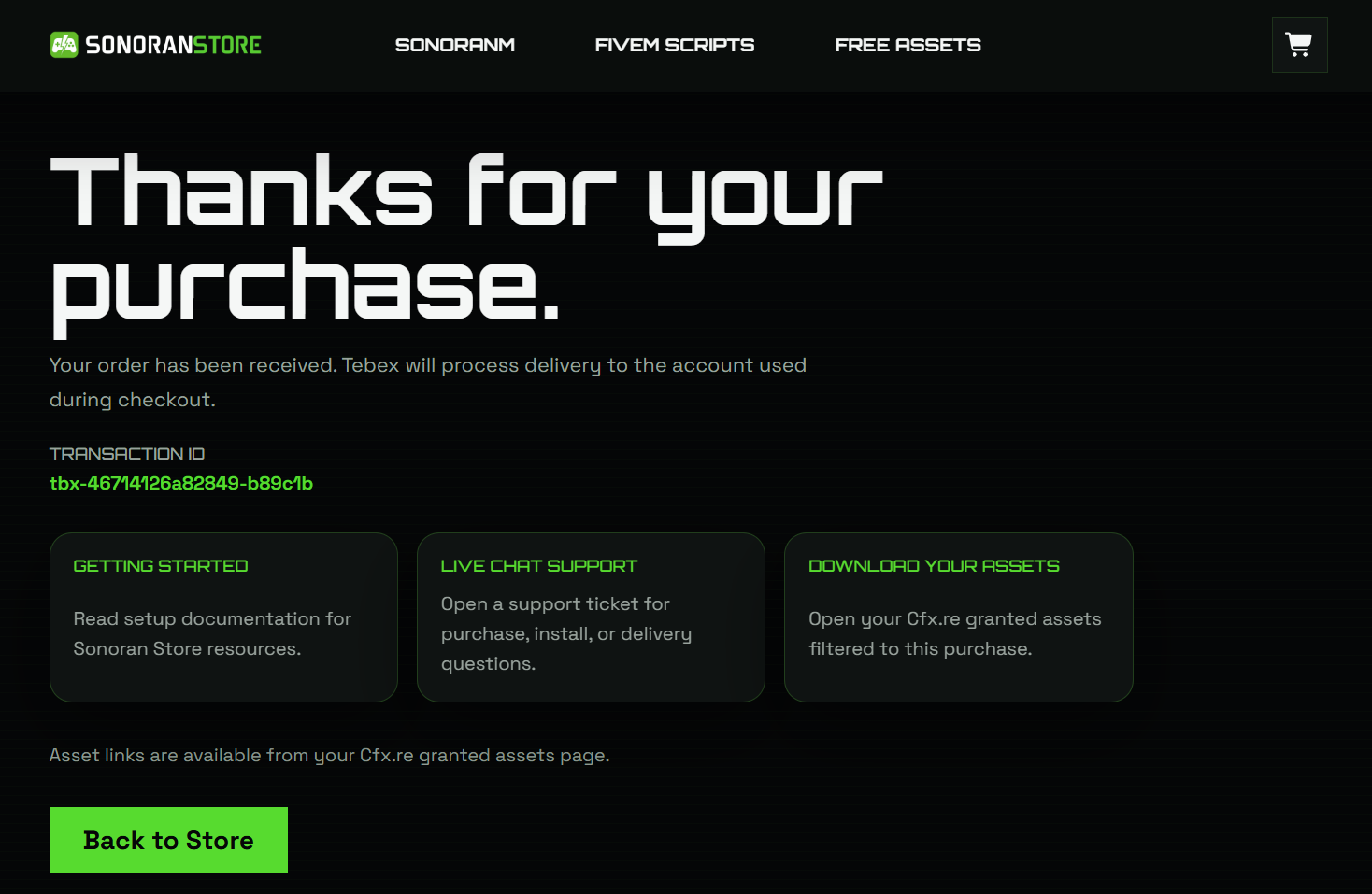
There are two ways you can access your assets after you've purchased them through Tebex.

### Initial Purchase Receipt Email

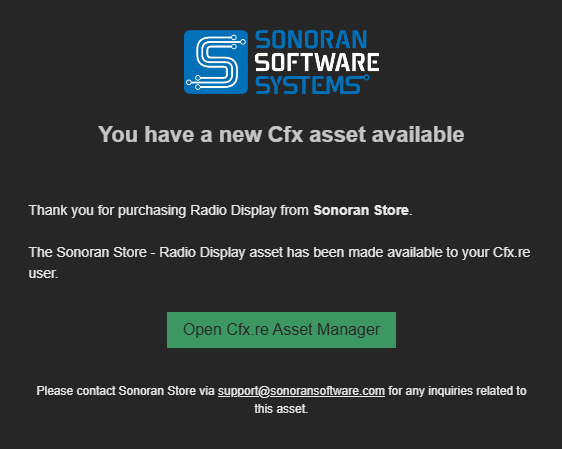
After completing your purchase you should receive an email similar to the following.  From this email you can simply click the `Download Your Asset` button to download the zip file containing your asset. After you've downloaded your asset please proceed to the install documentation for the script you've downloaded.

<figure><img src="https://954277862-files.gitbook.io/~/files/v0/b/gitbook-x-prod.appspot.com/o/spaces%2FA1LA3ay59CDyDKnfXPfc%2Fuploads%2Fgit-blob-e9dc023741c0ad56ed1a7c733e746680536dca72%2Femail-example.png?alt=media" alt=""><figcaption></figcaption></figure>

### Keymaster

First you'll need to access and sign in to Keymaster with the account that is associated with the CFX name you provided during Tebex checkout. [You can access Keymaster here.](https://keymaster.fivem.net)

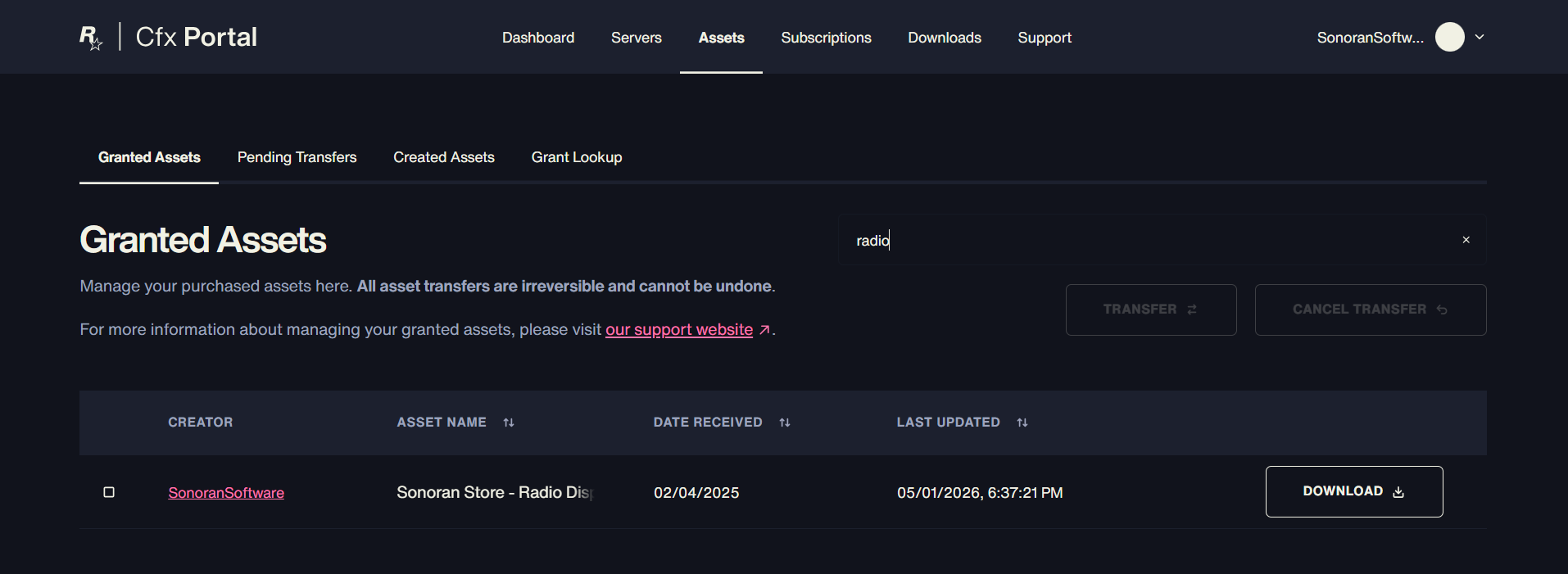
After you've logged in click on the `Granted Assets` button on the sidebar.

<figure><img src="https://954277862-files.gitbook.io/~/files/v0/b/gitbook-x-prod.appspot.com/o/spaces%2FA1LA3ay59CDyDKnfXPfc%2Fuploads%2Ft5ctQAxYqTjRj6sWUSKX%2FKeymaster_GrantedAssets.png?alt=media&#x26;token=8b284d94-aff4-4cc2-9c6e-85c70692879d" alt=""><figcaption><p>Keymaster - Granted Assets</p></figcaption></figure>

On that page you can simply click download next to the asset which you wish to download. After downloading proceed to your assets install instructions.

<figure><img src="https://954277862-files.gitbook.io/~/files/v0/b/gitbook-x-prod.appspot.com/o/spaces%2FA1LA3ay59CDyDKnfXPfc%2Fuploads%2F16nyBJrXBcc3HDbuyuZX%2FKeymaster_DownloadAsset.png?alt=media&#x26;token=b2df4c3b-96ee-41fc-9721-5a78cc090b96" alt=""><figcaption><p>Keymaster - Download Asset</p></figcaption></figure>