Available Roles
Customer Role
TheCustomer role grants users access to the #customer-lobby channel in our Discord.
- Retrieve your Subscription ID
In the billing portaltal, copy the subscription ID from the “Active Subscriptions” table:

- Retrieve your Discord Tag
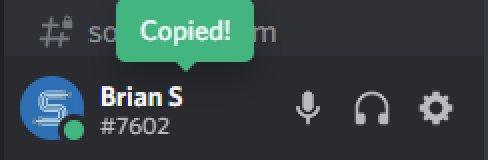
In Discord, click your username to copy your Discord tag.
- Enter your Information
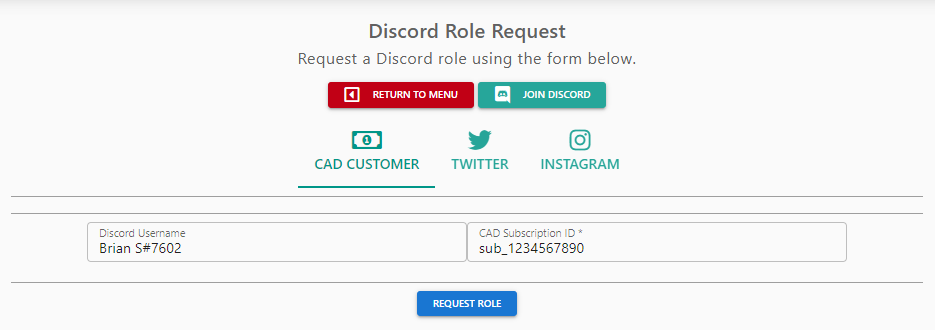
On our support website, select the “Discord Role” button and paste in your information.