# Stream Deck Plugin

<figure><img src="https://232668649-files.gitbook.io/~/files/v0/b/gitbook-x-prod.appspot.com/o/spaces%2F-M4pGN81fb4R6zFhodcu%2Fuploads%2FbKnMKryZYAjy2gMmfSbY%2Fcad_deck_thumbnail.png?alt=media&#x26;token=96ac98b3-223f-49cc-9949-817f891a81ec" alt=""><figcaption></figcaption></figure>

<div><figure><img src="https://232668649-files.gitbook.io/~/files/v0/b/gitbook-x-prod.appspot.com/o/spaces%2F-M4pGN81fb4R6zFhodcu%2Fuploads%2F7f3ACwPHDnm8YQW4wvsG%2Fcad_deck_promo_status.png?alt=media&#x26;token=9bb28d20-700b-412d-b4d4-359011dd2d49" alt=""><figcaption></figcaption></figure> <figure><img src="https://232668649-files.gitbook.io/~/files/v0/b/gitbook-x-prod.appspot.com/o/spaces%2F-M4pGN81fb4R6zFhodcu%2Fuploads%2FdMohGl126Ub7yLba5l4I%2Fcad_deck_promo_windows.png?alt=media&#x26;token=f06065cf-5b8c-4ffd-b833-3db6efdb8dc6" alt=""><figcaption></figcaption></figure> <figure><img src="https://232668649-files.gitbook.io/~/files/v0/b/gitbook-x-prod.appspot.com/o/spaces%2F-M4pGN81fb4R6zFhodcu%2Fuploads%2FceSHkSlKhAi4cvM4CnNA%2Fcad_deck_promo_erlc.png?alt=media&#x26;token=c4b2581e-10de-4478-a12e-4a0777da7431" alt=""><figcaption></figcaption></figure></div>

## Introduction

Sonoran CAD's MacOS and Windows desktop applications offer direct integration with [Stream Deck hardware](https://www.elgato.com/us/en/p/stream-deck). By installing our official Stream Deck plugin, users can customize layouts and buttons to control their CAD faster than ever before.

Don't have a physical Stream Deck? Download the [free Stream Deck Mobile app](https://www.elgato.com/us/en/s/stream-deck-mobile)!

## Installation

### 1. Download and Install the Plugin

Download the official [Sonoran CAD Stream Deck plugin from the Elgato Marketplace](https://marketplace.elgato.com/product/sonoran-cad-fcdbaa52-45cc-4569-89f2-c395d2ae8834).

<figure><img src="https://232668649-files.gitbook.io/~/files/v0/b/gitbook-x-prod.appspot.com/o/spaces%2F-M4pGN81fb4R6zFhodcu%2Fuploads%2FUsyHF5PIptirI1rGLRpb%2Fimage.png?alt=media&#x26;token=d0f9b721-9353-479d-a58d-647f9f997cf4" alt=""><figcaption></figcaption></figure>

Stream Deck will automatically install your plugin for use.

<figure><img src="https://232668649-files.gitbook.io/~/files/v0/b/gitbook-x-prod.appspot.com/o/spaces%2F-M4pGN81fb4R6zFhodcu%2Fuploads%2FWfhAw5R1W6dBtwLbLl5G%2Fimage.png?alt=media&#x26;token=7c45c36f-98ac-4ac2-8d55-9617e49fcbeb" alt=""><figcaption></figcaption></figure>

### 2. Configure Actions

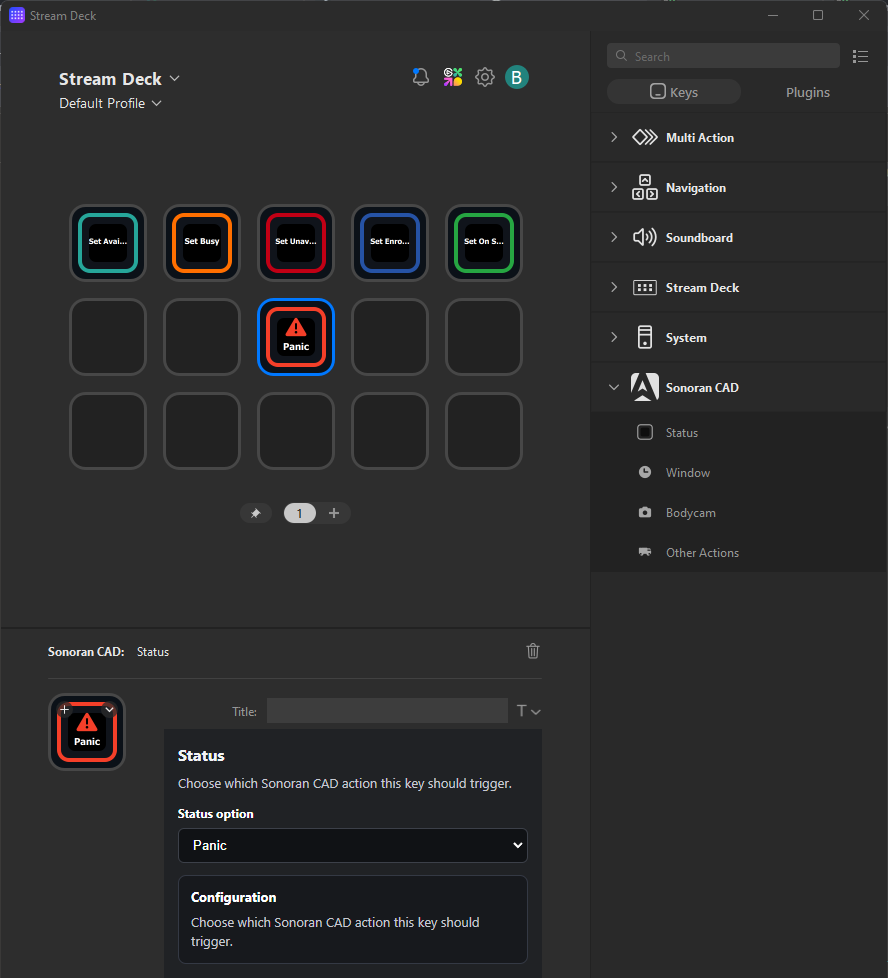
Using the Stream Deck desktop application search for **Sonoran CAD** in the **Keys** section.

Drag-and-drop an action category to the Stream Deck. Select the action to update the sub-type.

Ex: **Status** action type > **Status Option** > **Panic**

<figure><img src="https://232668649-files.gitbook.io/~/files/v0/b/gitbook-x-prod.appspot.com/o/spaces%2F-M4pGN81fb4R6zFhodcu%2Fuploads%2FyKLdgsUNESpC2kXvlqxO%2Fimage.png?alt=media&#x26;token=d9dc8d36-9d56-4a00-a826-7044be4506e8" alt="" width="375"><figcaption></figcaption></figure>

## Action Capabilities

### Status

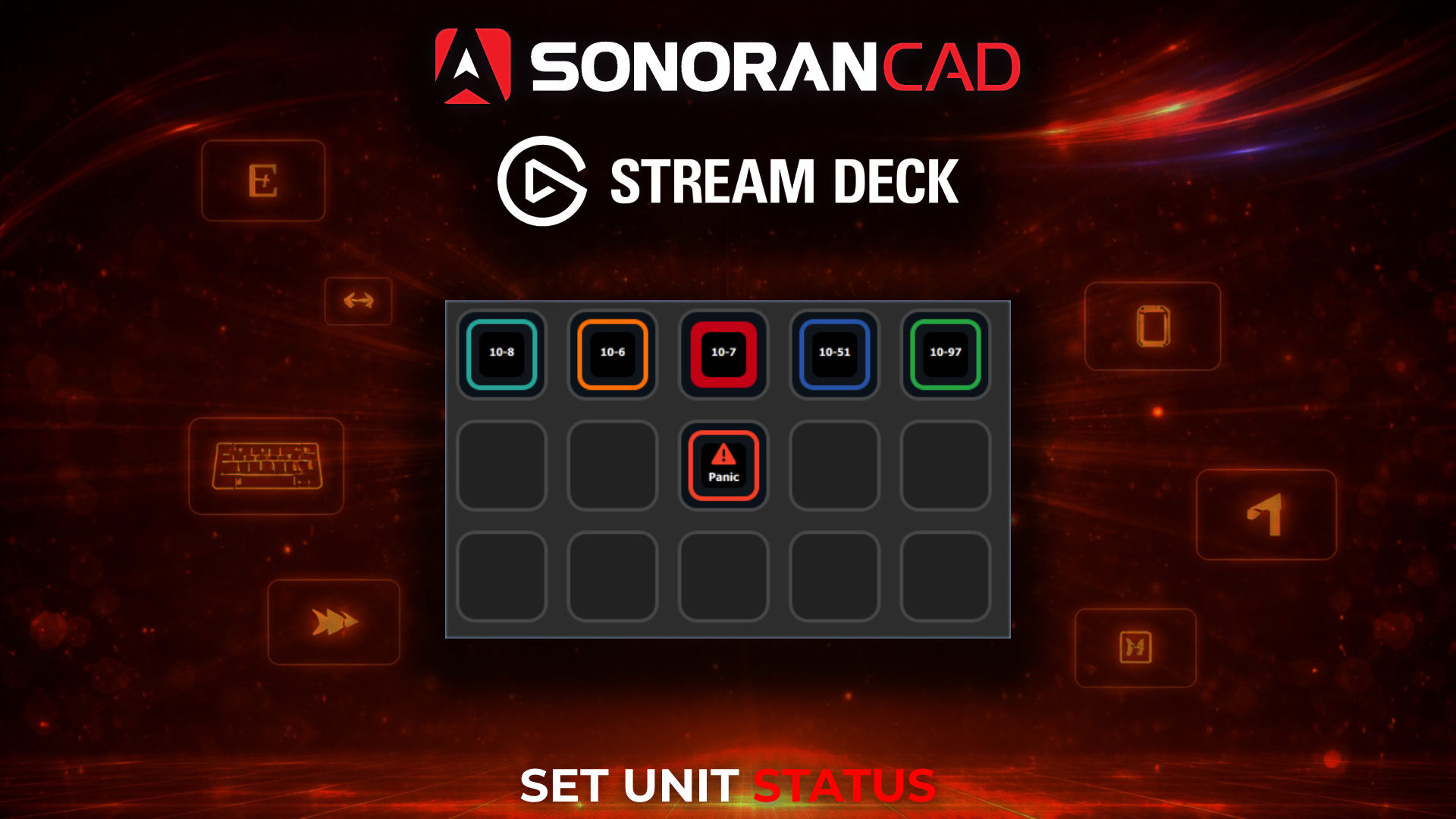
Status buttons will automatically change labels based on your community's custom status buttons. Your current status option will show as a filled outline when selected.

* **Available**
* **Busy**
* **Unavailable**
* **Enroute**
* **On Scene**

### Panic

The **Panic** button will toggle your unit's panic status.

The button will change from outlined to filled when a panic mode is active.

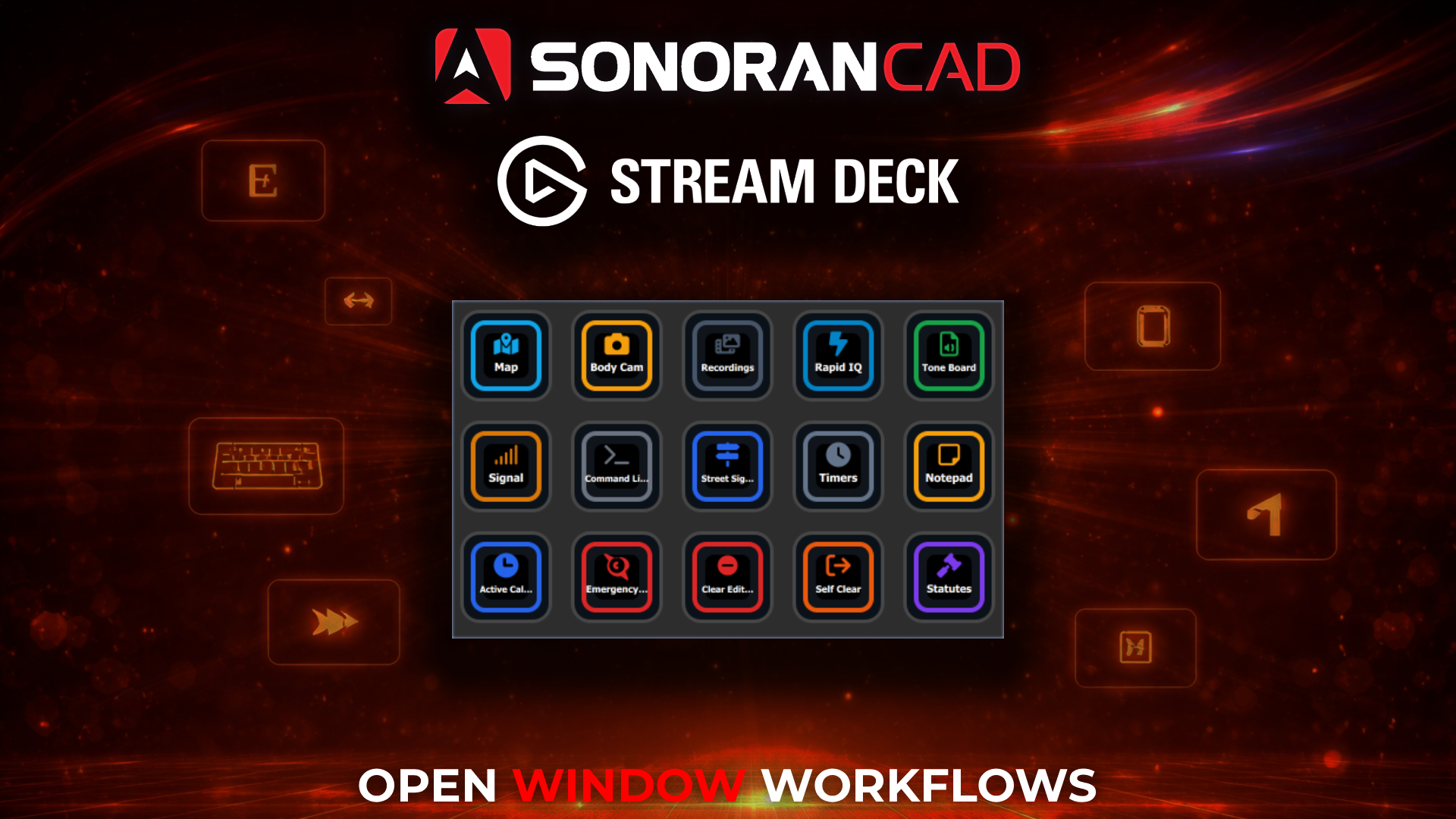
### Open Window

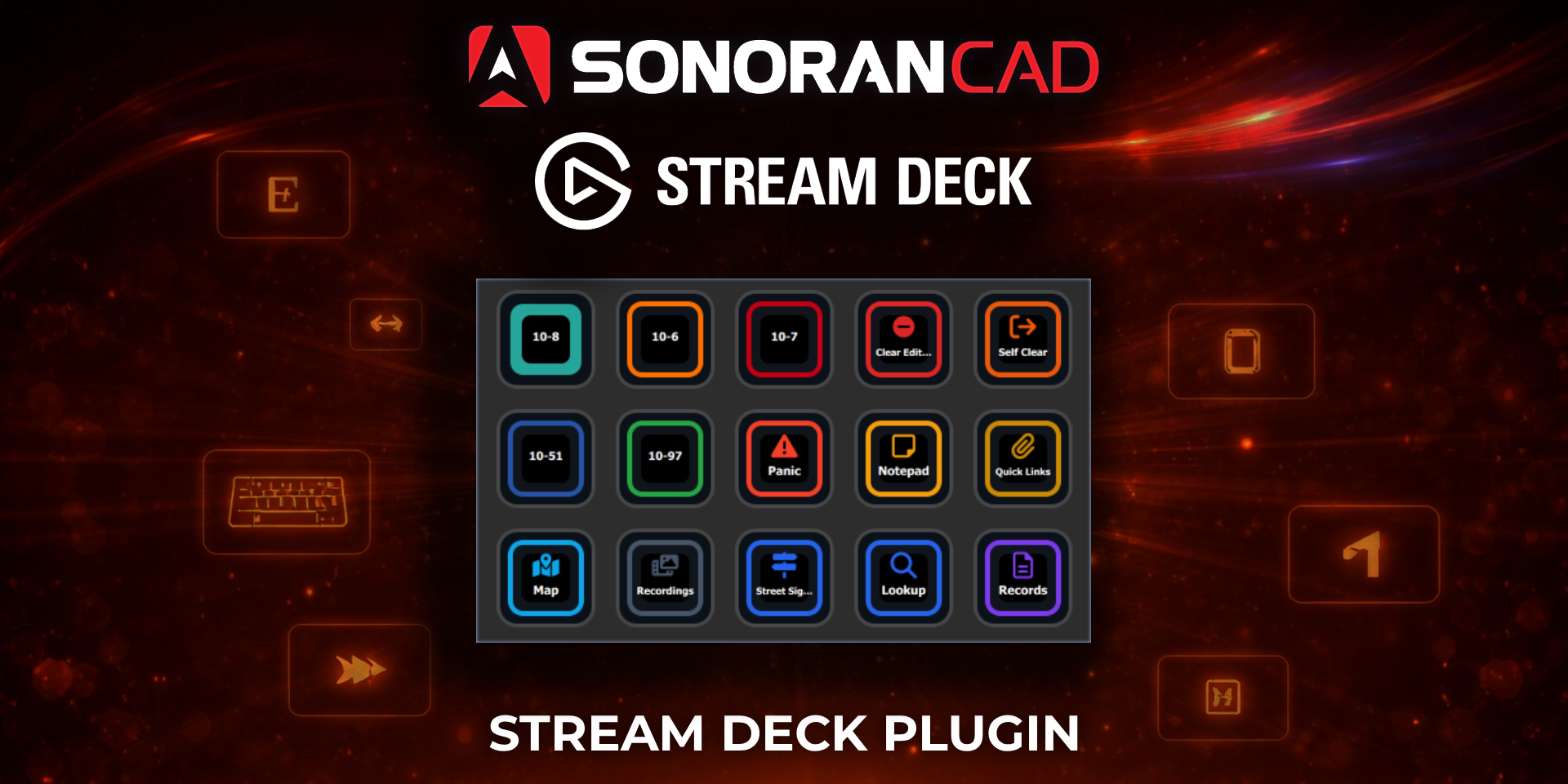
When pressed, these actions will open the corresponding window in the CAD.

* **3D Live Map -** [**FiveM**](https://docs.sonoransoftware.com/cad/integration-plugins/in-game-integration/fivem-installation/available-plugins/live-map) **or** [**ER:LC**](https://docs.sonoransoftware.com/cad/integration-plugins/erlc/3d-live-map)
* [**Tone Board**](https://docs.sonoransoftware.com/cad/tutorials/customization/tone-board)
* [**Rapid IQ**](https://docs.sonoransoftware.com/cad/tutorials/dispatching/rapid-iq)
* [**Command Line**](https://docs.sonoransoftware.com/cad/tutorials/dispatching/command-line-interface-cli)
* [**Street Signs**](https://docs.sonoransoftware.com/cad/integration-plugins/in-game-integration/fivem-installation/available-plugins/smart-signs)
* [**Lookup**](https://docs.sonoransoftware.com/cad/tutorials/records-management/searching-for-records)
* [**Records**](https://docs.sonoransoftware.com/cad/tutorials/records-management)
* [**10-Codes**](https://docs.sonoransoftware.com/cad/tutorials/customization/10-codes)
* [**Penal Codes**](https://docs.sonoransoftware.com/cad/tutorials/customization/penal-codes)
* [**Quick Links**](https://docs.sonoransoftware.com/cad/tutorials/customization/quick-links)
* **BOLOs**
* **Active Calls** (When in Self Dispatch Mode)
* **Emergency Calls** (When in Self Dispatch Mode)
* **Signal**
* **Timers**
* **Notepad**
* **Clear Dispatch Editor**
* **Self-Clear (Detach from Call)**

### Bodycam Options

* Open Bodycam
* Record Bodycam
* View Recordings

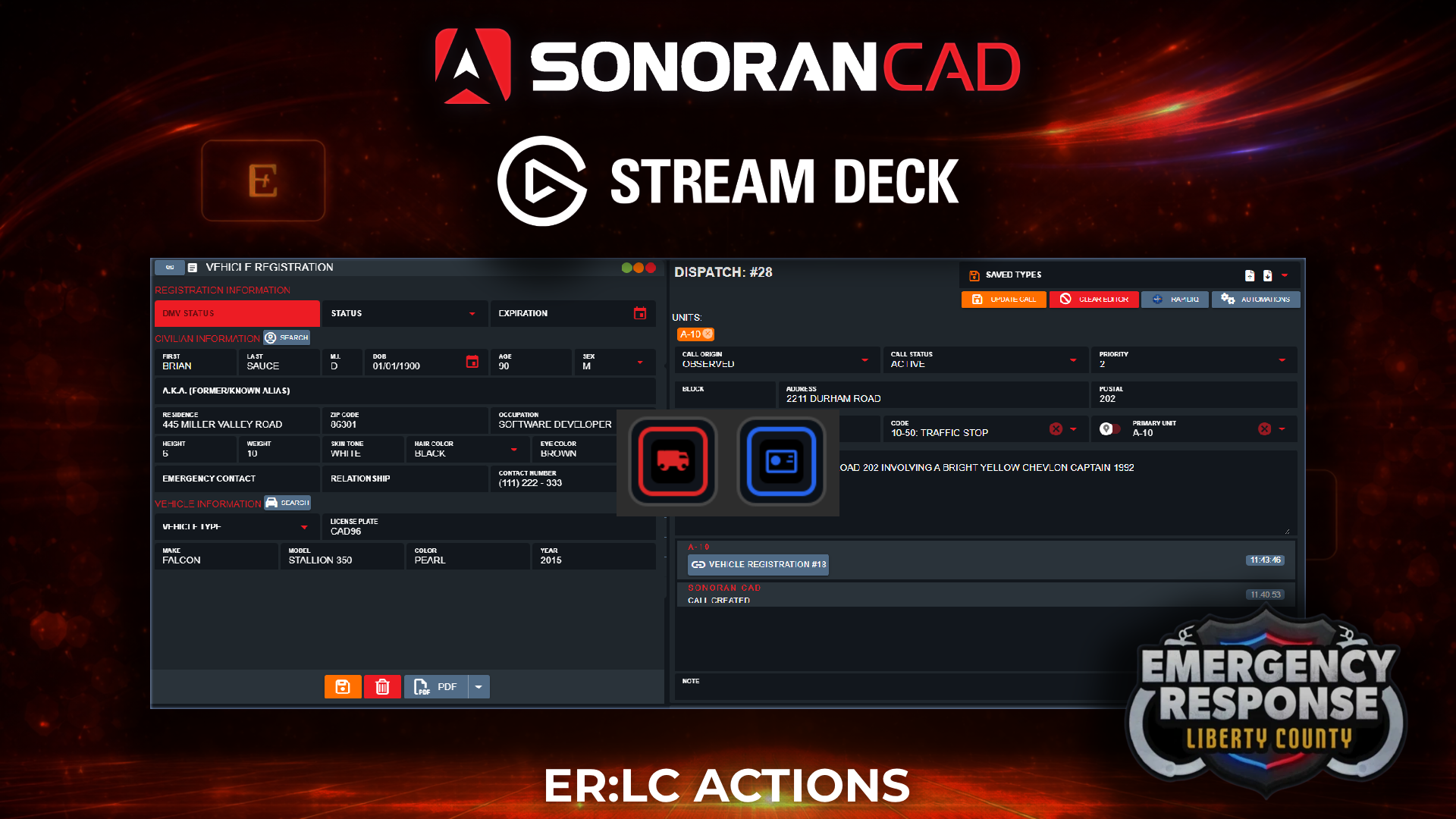
### ER:LC Actions

Pressing these action buttons will perform the ER:LC integration action

* [**Traffic Stop**](https://docs.sonoransoftware.com/cad/integration-plugins/erlc/traffic-stops)
* [**Plate Reader**](https://docs.sonoransoftware.com/cad/integration-plugins/erlc/plate-reader)