Plate Reader
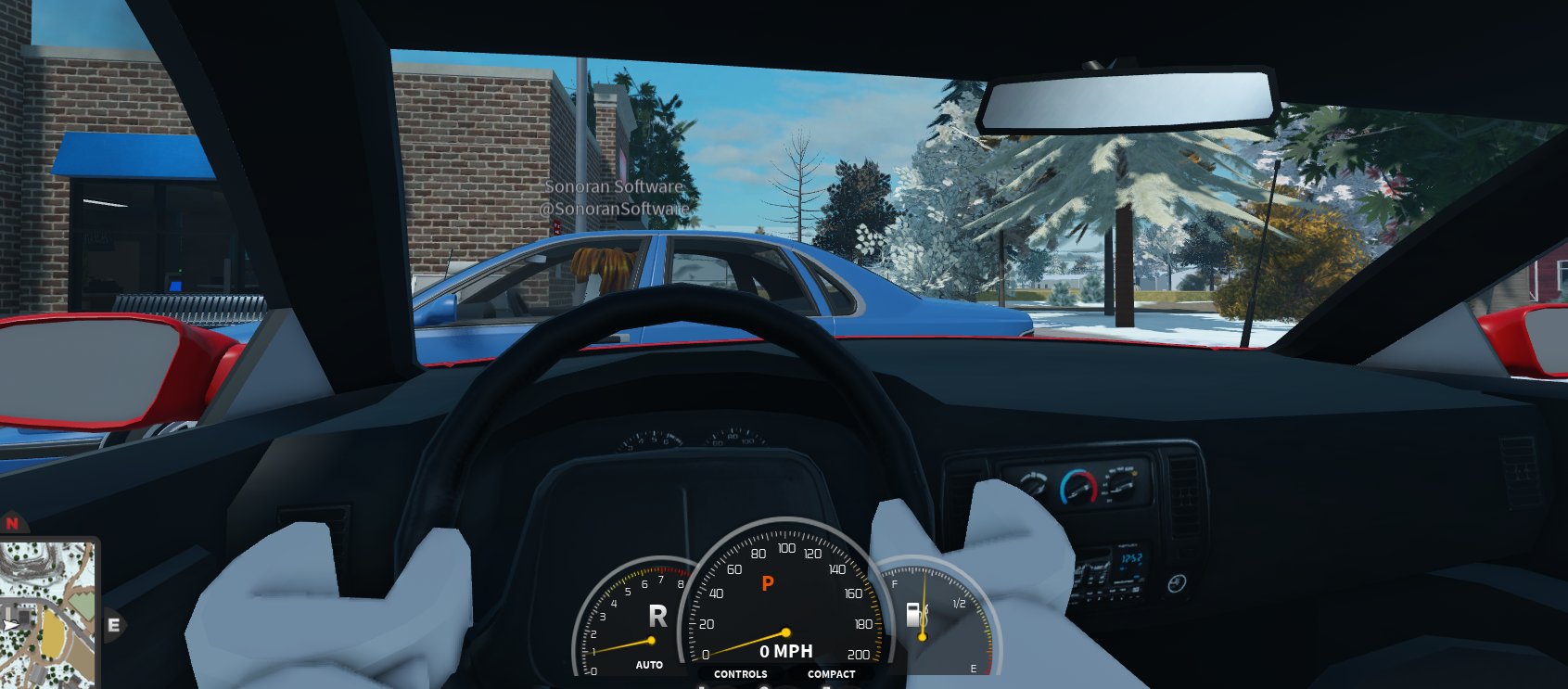
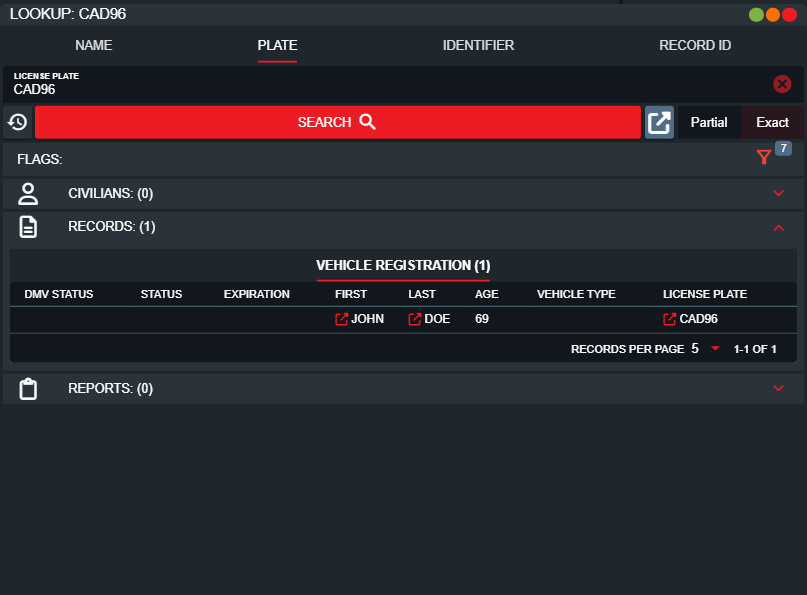
The ER:LC plate reader offers a desktop hotkey to search for the nearest player inside of a vehicle. Once found, a plate search lookup will be automatically opened in your CAD screen.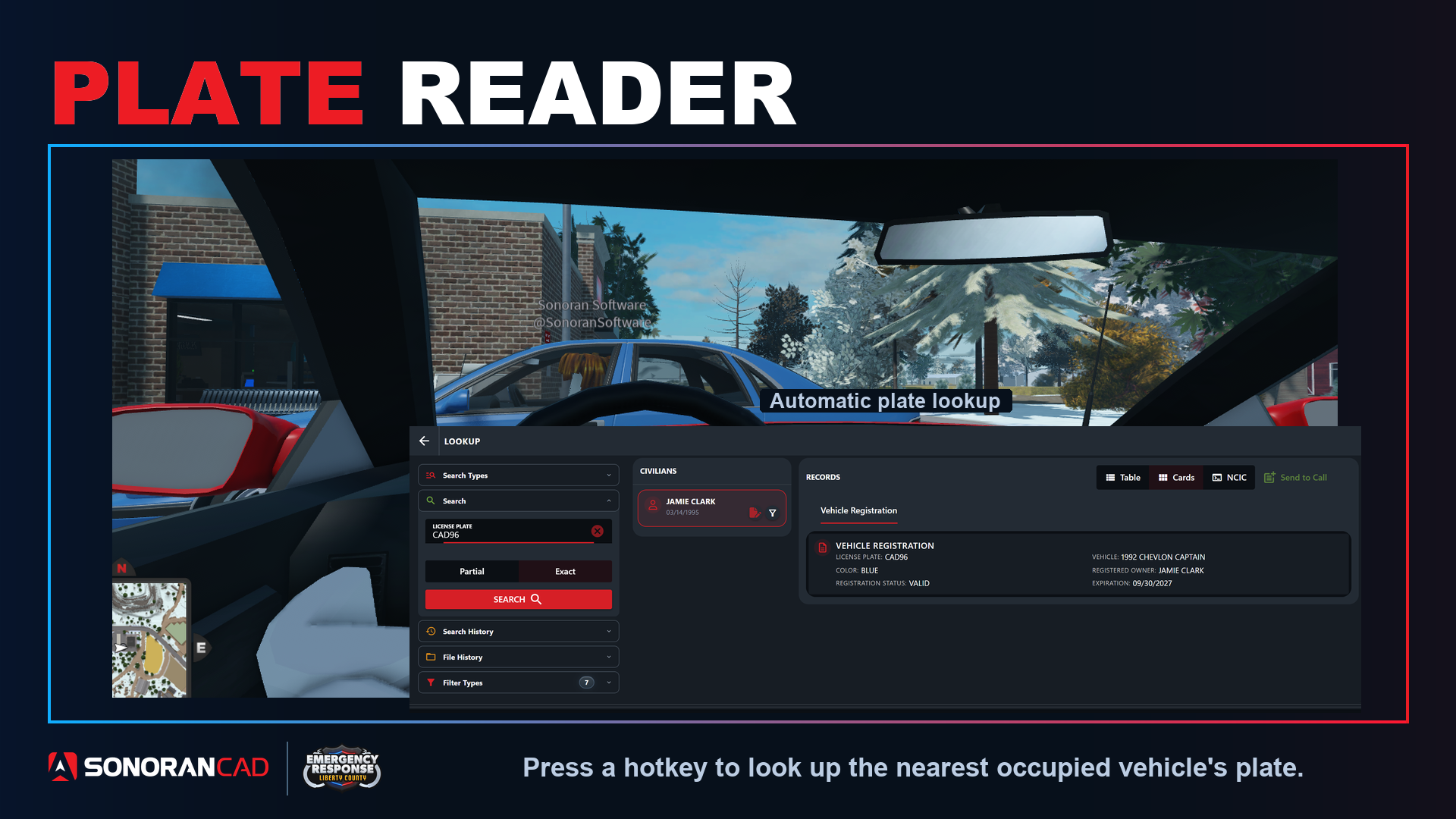
Configuration
- Download the Desktop Application
In order to use hotkeys, download the Windows or OSX desktop application.
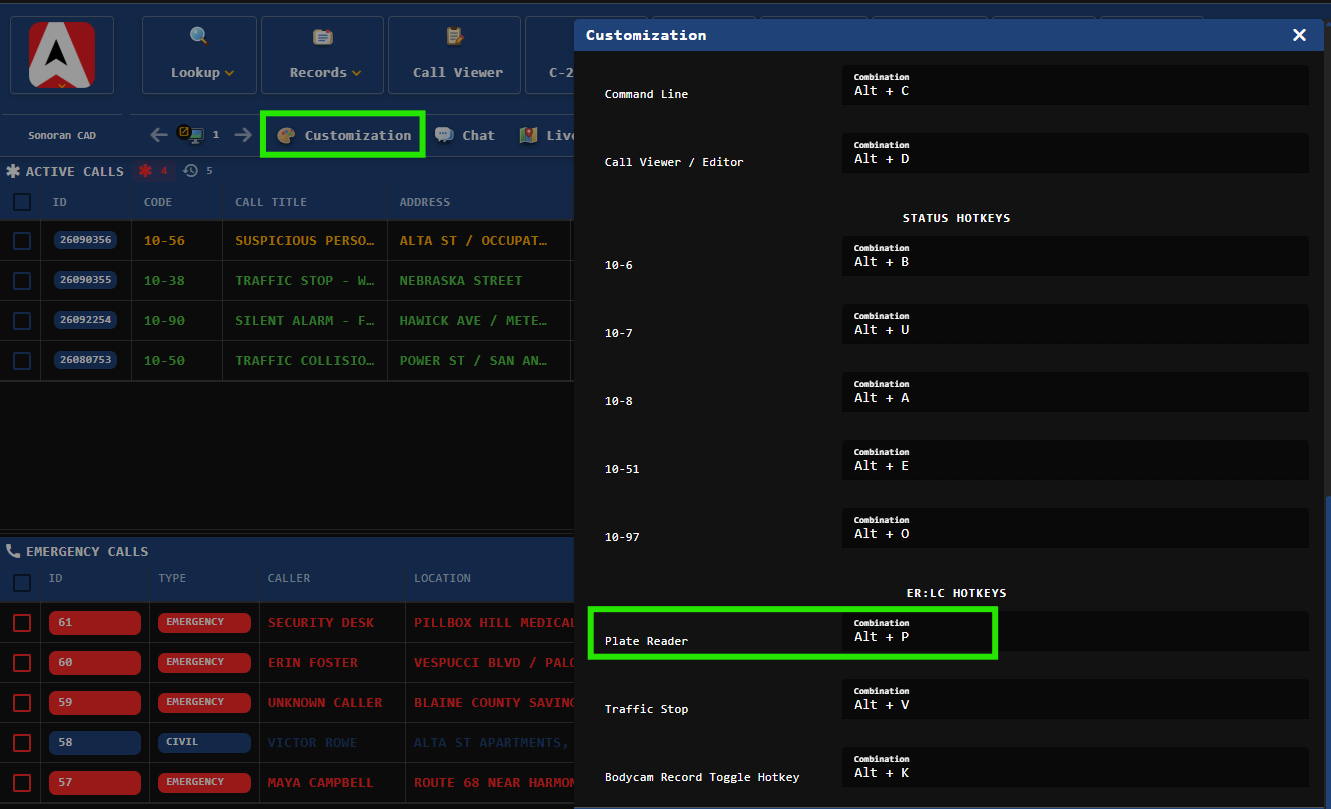
- Configure your Hotkey
Customize the plate reader hotkey under Customization > Hotkeys > Plate Reader
- Utilize the Hotkey
Once in-game, press your desktop hotkey to run a plate search.
- The vehicle must be nearby with a player in it