Identify Nearby Civilians
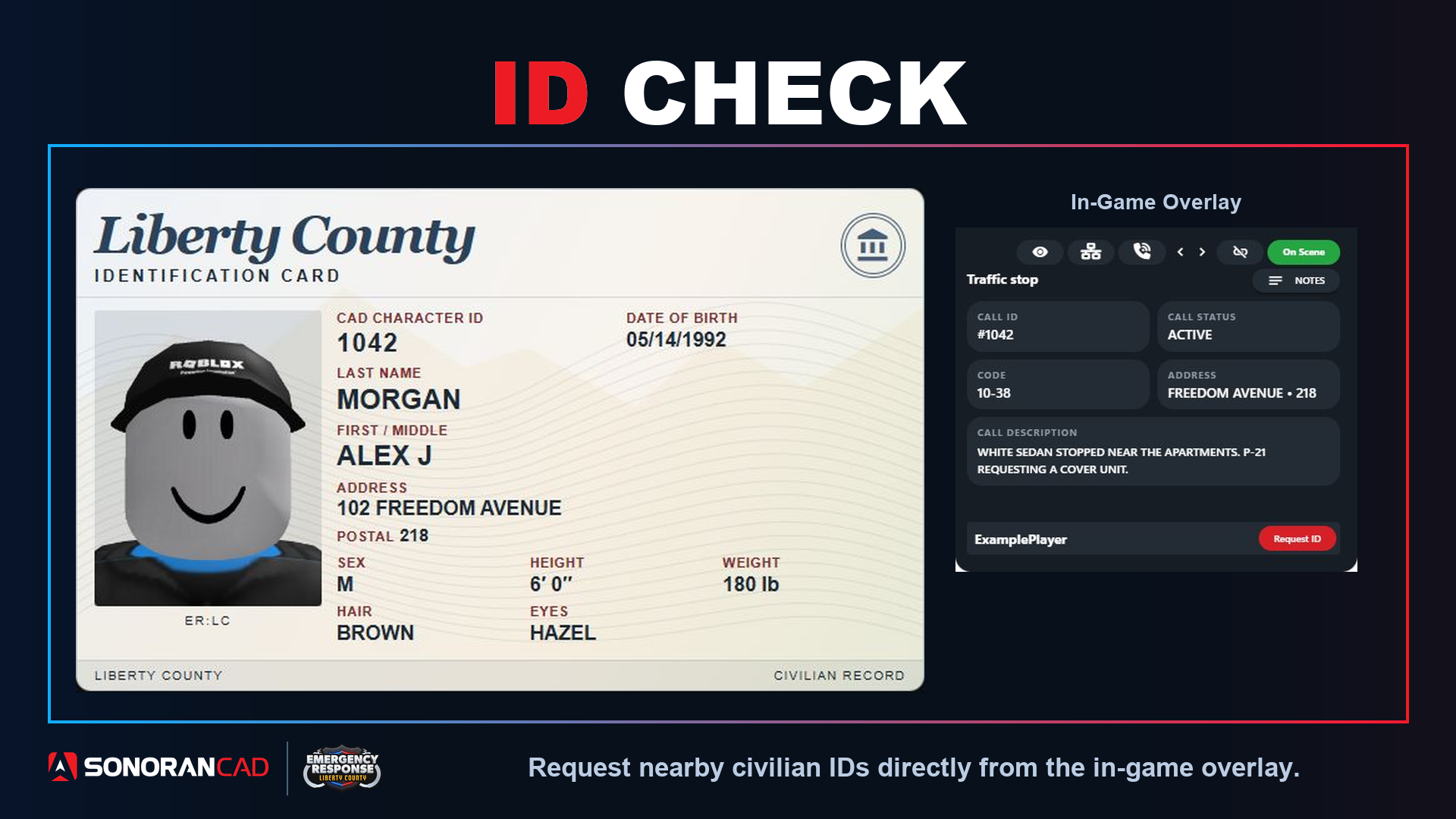
ID Check lets officers request a nearby civilian’s ID directly from the in-game overlay. The civilian’s Sonoran CAD character appears as a Liberty County identification card, including their photo, name, date of birth, address, and identifying details such as height, weight, hair, and eye color. The card uses the character’s saved information. Fields that have not been filled in display as not provided.Using ID Check
- Connect your community’s ER:LC server and link your Roblox account using the Getting Started guide.
- In the Sonoran CAD desktop app, open Police or Dispatch with an active unit and select the ER:LC server you are playing in.
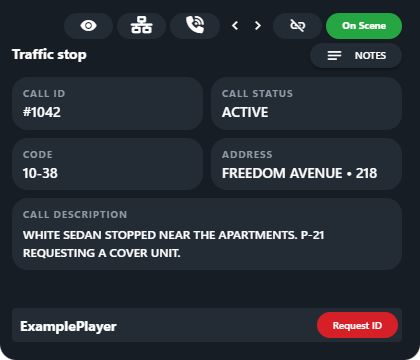
- Open the in-game overlay and approach a player on the Civilian team.
- When their username appears at the bottom of the overlay, click Request ID to view their character’s identification card.
- Close the card with X, or press Escape while the overlay is focused.