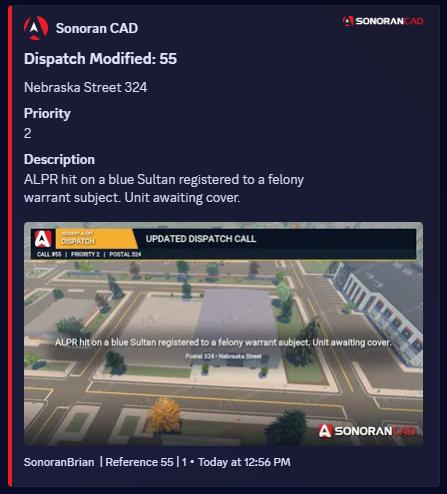
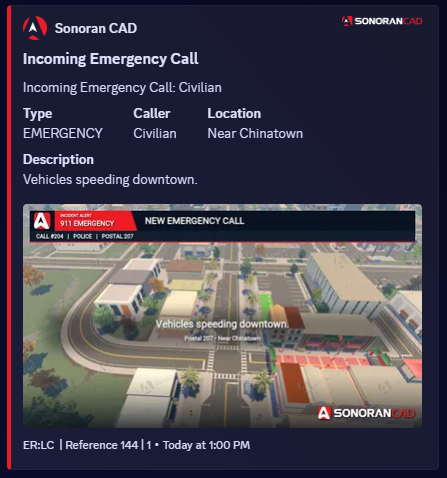
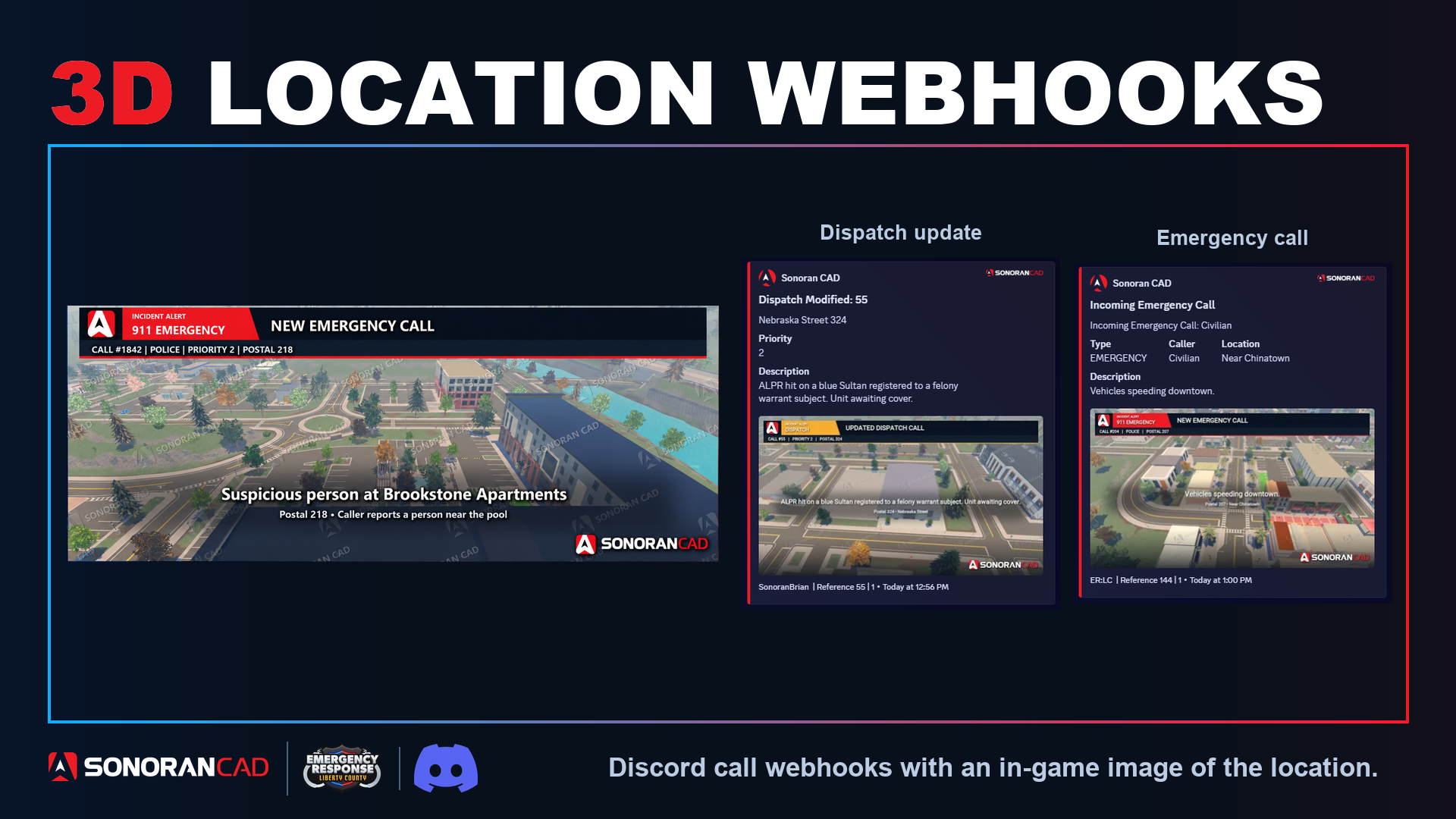
 See the call and its location together in Discord. Notifications include the call details and a watermarked aerial image when a matching location image is available.
Before you start, connect Sonoran Bot to your CAD community. For in-game 911 calls, complete ERLC setup too.
See the call and its location together in Discord. Notifications include the call details and a watermarked aerial image when a matching location image is available.
Before you start, connect Sonoran Bot to your CAD community. For in-game 911 calls, complete ERLC setup too.
- Check ERLC mode
Make sure your CAD community is in ER:LC mode under Administration → Advanced → In-Game Integration.
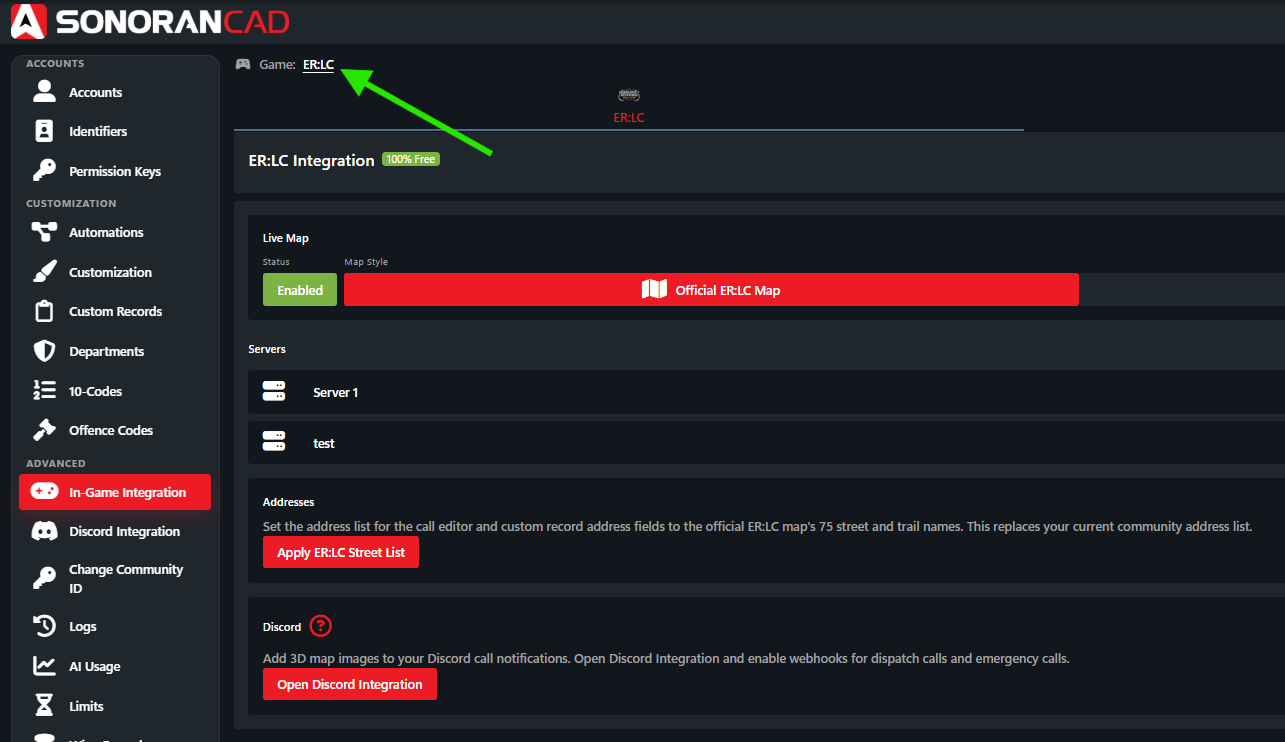
- Choose your notifications
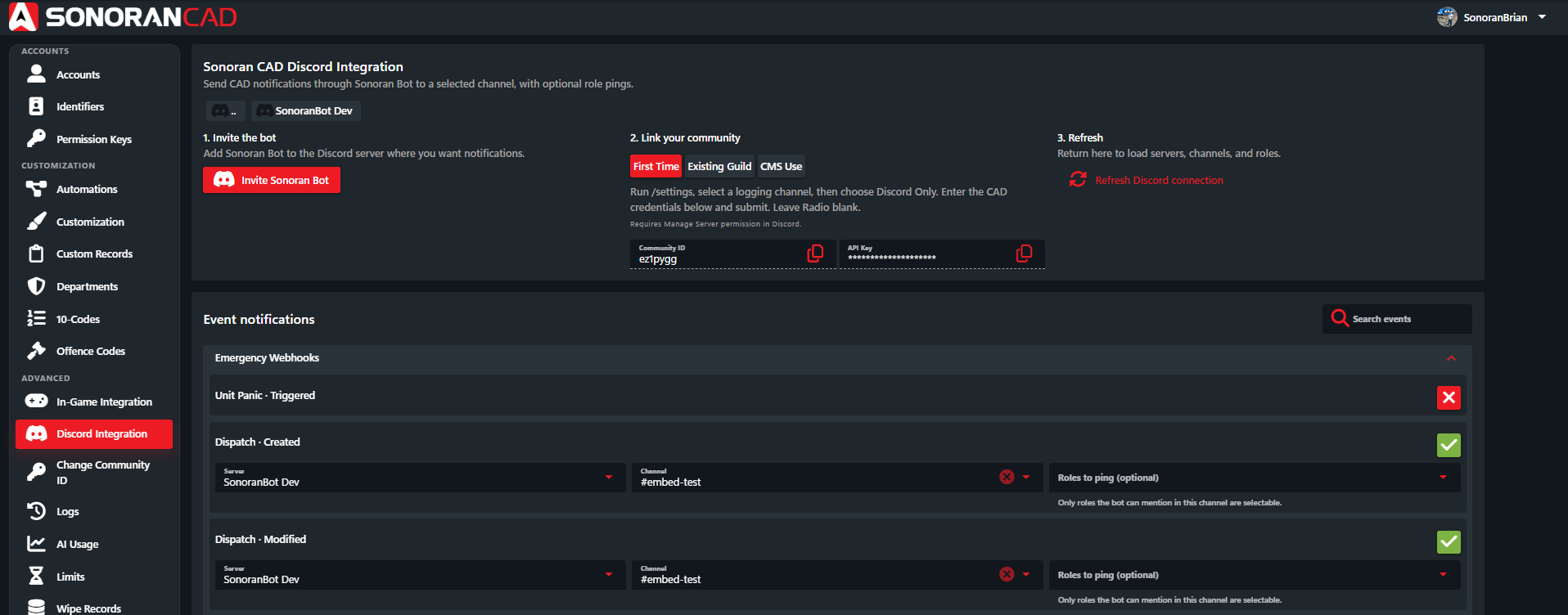
Open Administration → Advanced → Discord Integration. Enable the events you want:
- Emergency Call · Created — new 911 calls.
- Dispatch · Created — new dispatch calls.
- Dispatch · Modified — updated dispatch calls.
- Pick a channel
Choose your Discord Server and Channel for each enabled event. Changes save automatically.
For the 3D aerial images, dispatch calls must have a postal code set. In-game 911 calls already include the required location information.
Webhook Examples