# In-Game Overlay

## In-Game Overlay

<figure><img src="https://232668649-files.gitbook.io/~/files/v0/b/gitbook-x-prod.appspot.com/o/spaces%2F-M4pGN81fb4R6zFhodcu%2Fuploads%2FyRduWsSa2oZbRI2YdbVc%2Ferlc_overlay_promo.png?alt=media&#x26;token=e79d01b8-084f-45f5-bb15-47b7ce76fa6e" alt=""><figcaption></figcaption></figure>

## Using the In-Game Overlay

### Configuring the Hotkey

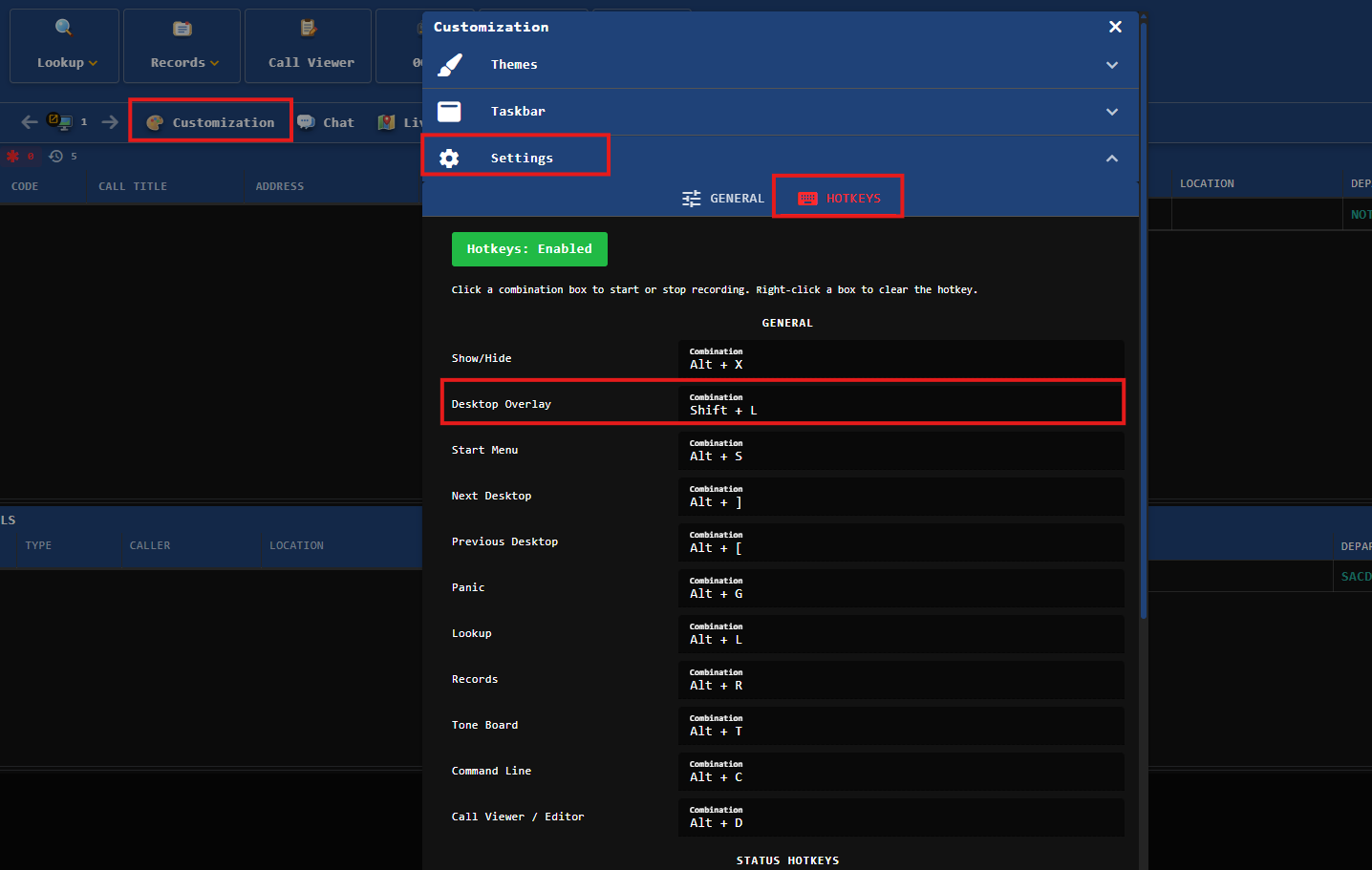
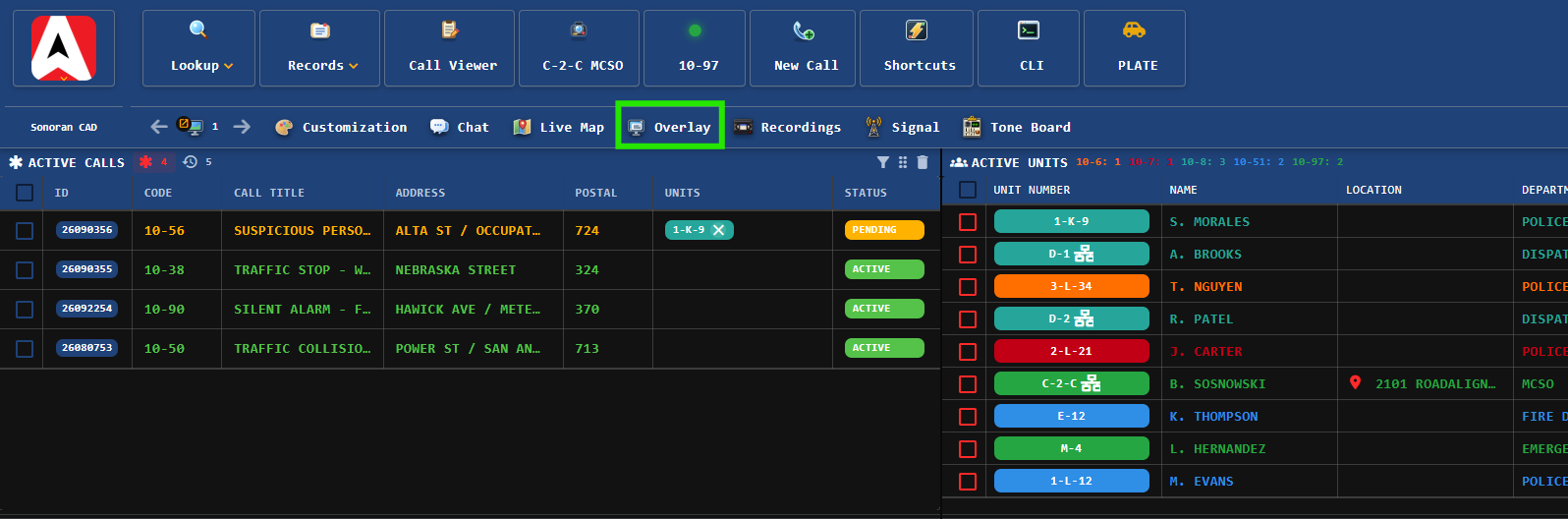
The in-game overlay is toggled via custom hotkey. Hotkeys can be configured by searching for **Settings** in the taskbar. Once in the settings window select **Hotkeys** > **Desktop Overlay** to configure.

<div><figure><img src="https://232668649-files.gitbook.io/~/files/v0/b/gitbook-x-prod.appspot.com/o/spaces%2F-M4pGN81fb4R6zFhodcu%2Fuploads%2FvPVcW7aPVrlh5lswFASv%2Fimage.png?alt=media&#x26;token=6df00799-db26-4440-af72-26a177c8bd1c" alt="" width="164"><figcaption></figcaption></figure> <figure><img src="https://232668649-files.gitbook.io/~/files/v0/b/gitbook-x-prod.appspot.com/o/spaces%2F-M4pGN81fb4R6zFhodcu%2Fuploads%2F5uoUqNvaDaA3SbRgtsBT%2Fimage.png?alt=media&#x26;token=33e69d86-a5c6-4dc6-883d-f0d465d01c69" alt="" width="347"><figcaption></figcaption></figure></div>

### Overlay Buttons

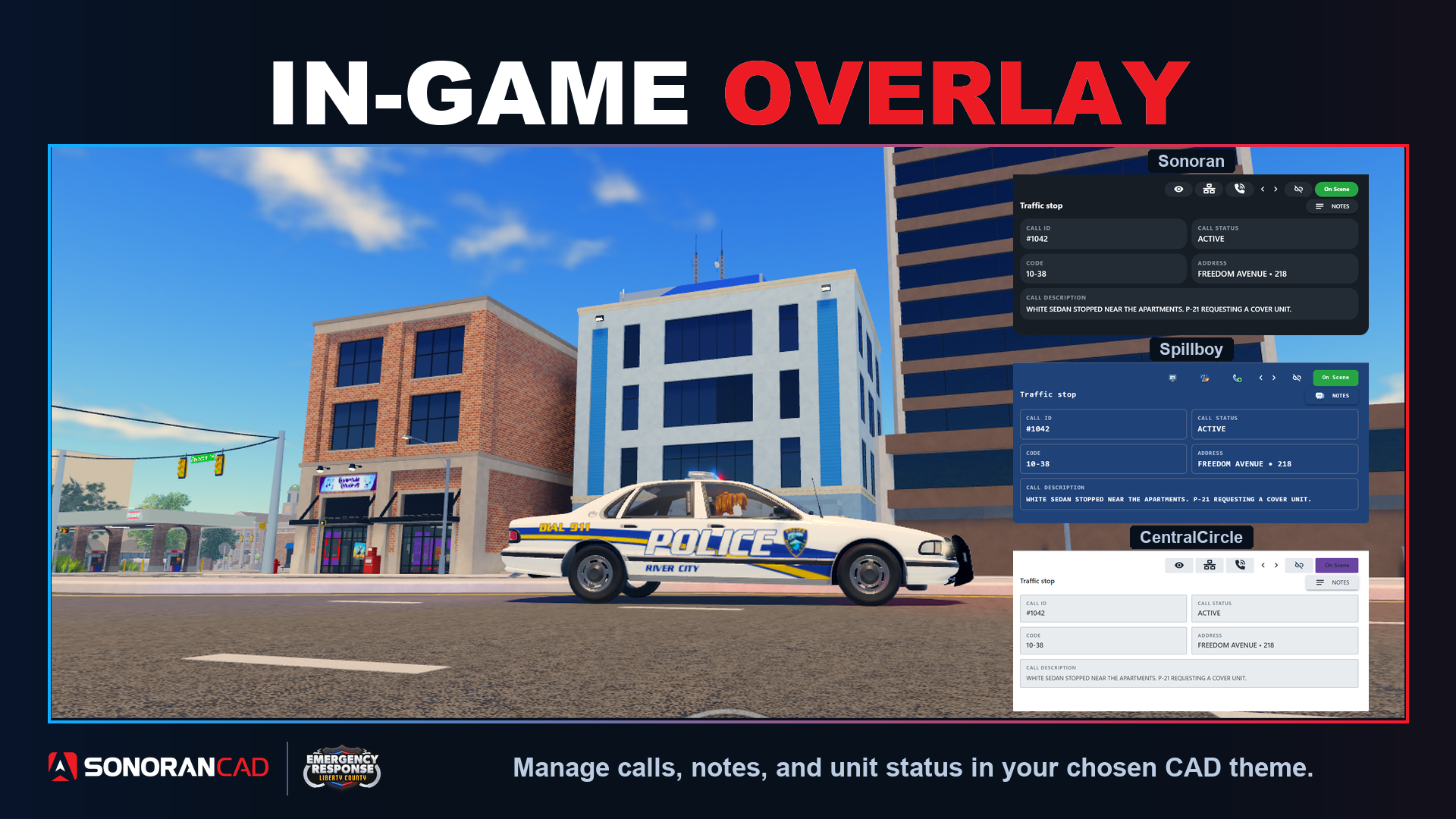
The overlay offers several buttons at the top right.

#### Visibility

Click the **Eye** icon to make the overlay window more or less transparent.

#### Self-Dispatch

Click the **Self Dispatch** button to toggle on access to dispatching features:

* Previous/Next Call
* Attach/Detach from Call

Users must have the **Self Dispatch** permission in order to toggle this on.

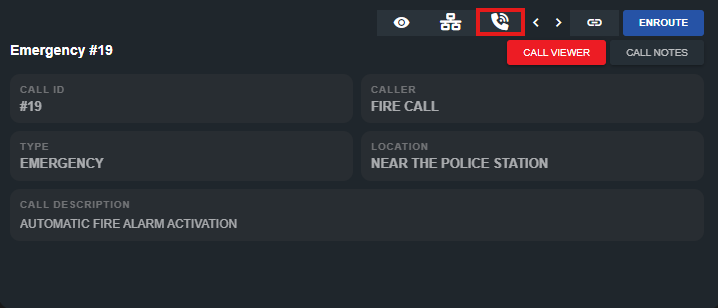
#### **Include Emergency Calls**

When enabled (requires **Self Dispatch**) emergency calls will also be displayed in the overlay. Pressing the **Attach** button (enter) will automatically convert the emergency call to a dispatch call, attaching your unit.
<figure><img src="https://232668649-files.gitbook.io/~/files/v0/b/gitbook-x-prod.appspot.com/o/spaces%2F-M4pGN81fb4R6zFhodcu%2Fuploads%2FvCKDQ7gFG8euCbi9t9n1%2Fimage.png?alt=media&#x26;token=b1f86fdf-e492-4071-8f23-5213dcb37d94" alt="" width="359"><figcaption></figcaption></figure>

#### Previous/Next Call

When **Self Dispatch** is enabled, use the left and right arrow keys (or icons) to page between active dispatch calls.

#### Attach/Detach from Call

When **Self Dispatch** is enabled, use the **enter** key or press the attach/detach icon to attach or detach from the selected dispatch call.

#### Call Notes

Click the **Call Notes** button to view the notes tab. Enter in text for live-chat while on a dispatch call.