ER:LC Character Creation
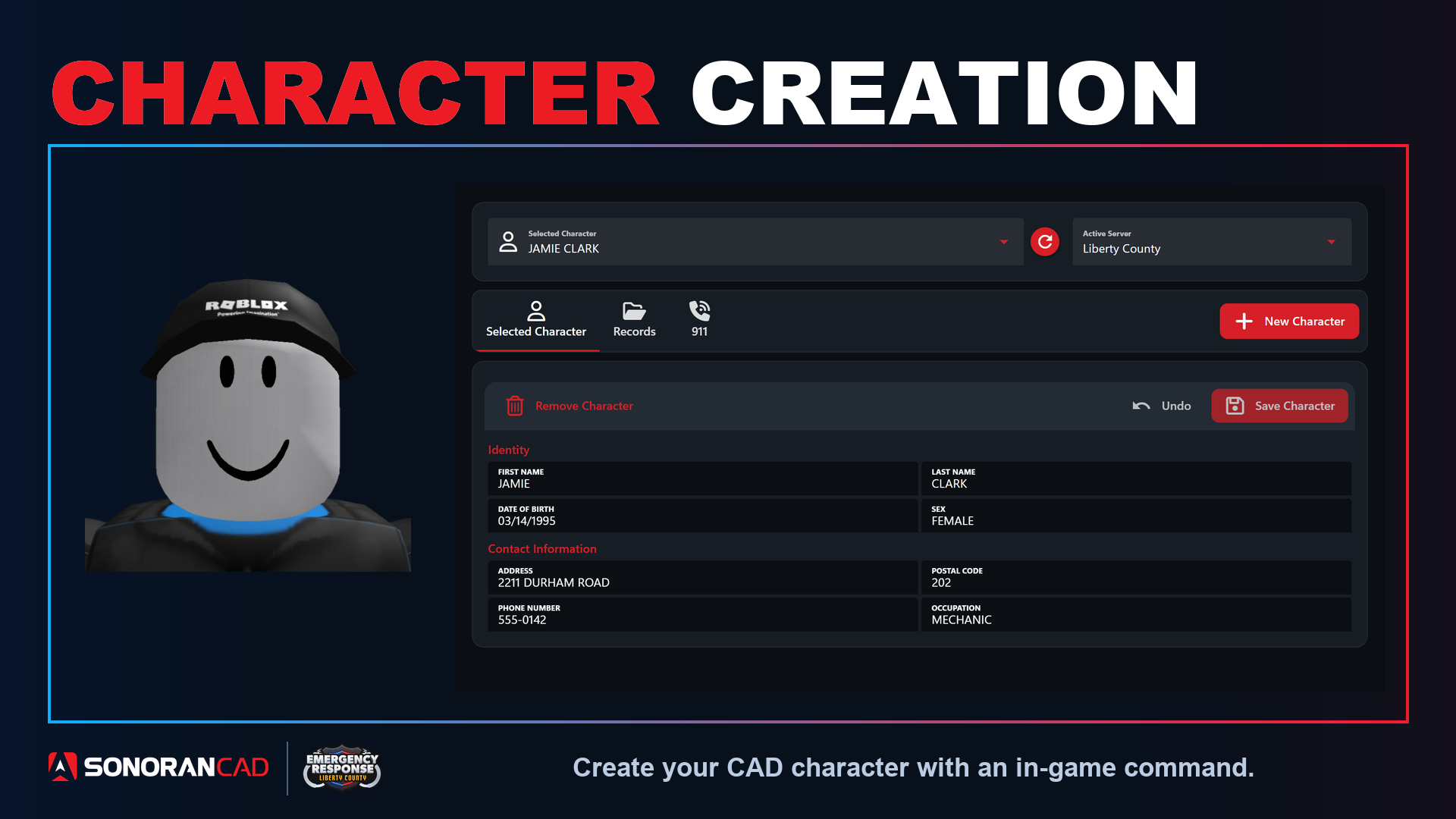 Use customizable in-game commands allowing users to register their character in the CAD, no account or CAD access required!
Once created, their civilian character will be searchable and can be used to automatically register their vehicle.
Use customizable in-game commands allowing users to register their character in the CAD, no account or CAD access required!
Once created, their civilian character will be searchable and can be used to automatically register their vehicle.
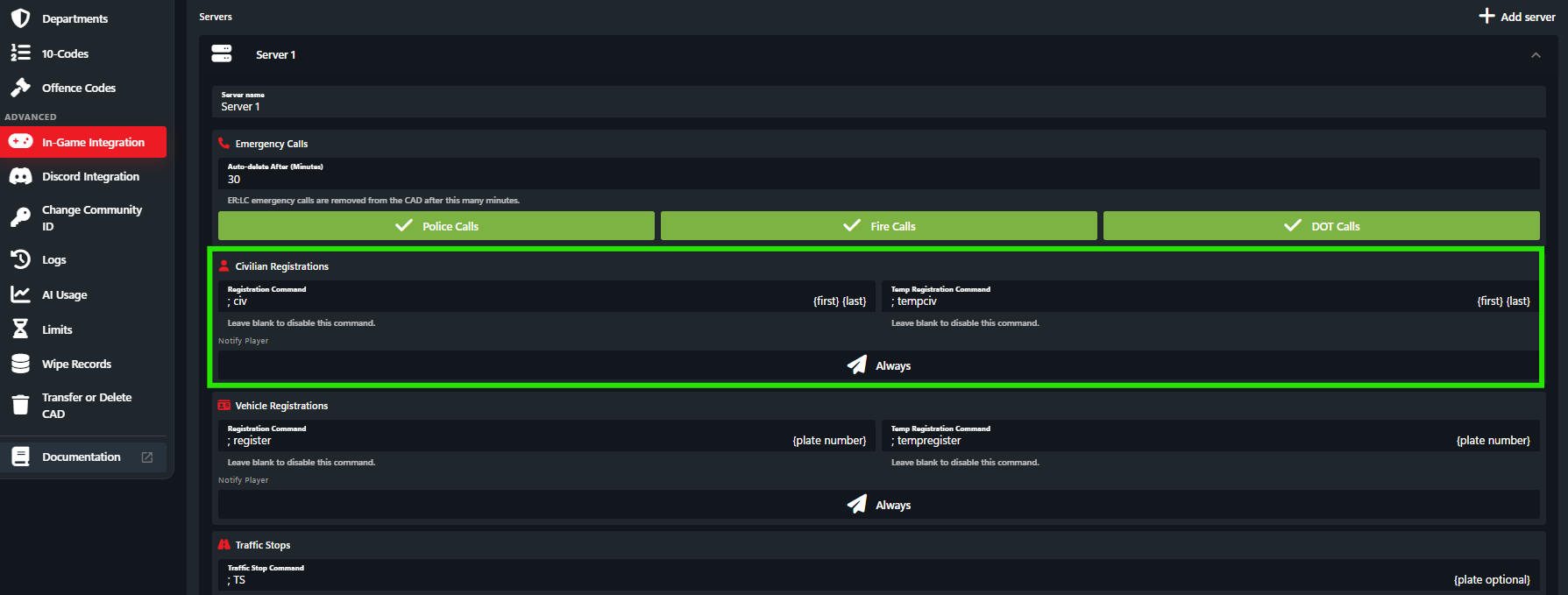
In-Game Registration Command Configuration
Register a character via a custom in-game command.Persistent Character Creation
In-Game Persistent Character Creation Command
In-Game Persistent Character Creation Command
When the character creation command is ran a new character will be created in the CAD. The character will include the first name, last name, and avatar photo.If the user already has an in-game character created, it will be replaced by this new character.
Temporary Registration
In-Game Temporary Registration Command
In-Game Temporary Registration Command
Running the temporary character creation command will perform the same actions as above. However, the civilian character record will be automatically deleted after 24 hours.
Using the In-Game Commands
When in-game, users can run the customizable character creation commands followed by the First and Last name. Ex:;civ John Doe
Once the character has been created in the CAD, users will be notified by an optional in-game message.
Once a character has been created, users can register their vehicle with a single command.
In-game commands not working? Make sure you have connected the webhook.
Customize the In-Game Commands
In-Game commands can be customized under Admin > In-Game Integration > ER:LC > Server > Civilian Registration