

# Volume and Language

### Open the Settings Modal

In the sidebar menu, select the settings button:
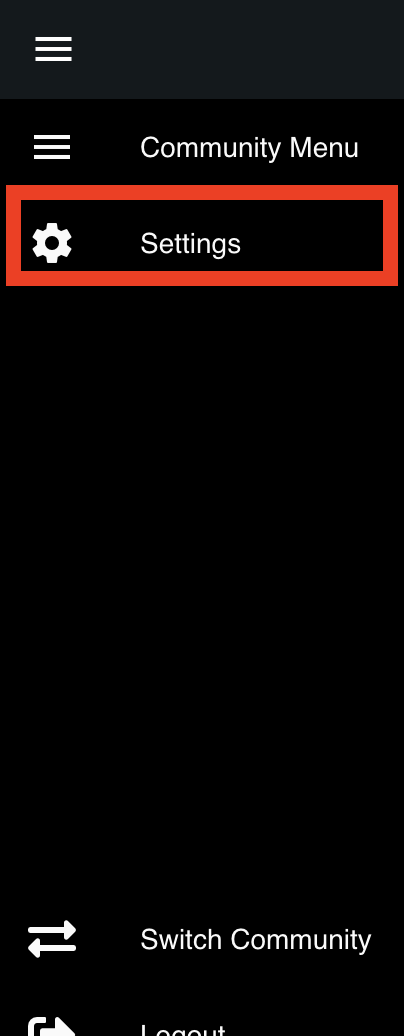
![The settings button is displayed in the side navigation menu](https://232668649-files.gitbook.io/~/files/v0/b/gitbook-legacy-files/o/assets%2F-M4pGN81fb4R6zFhodcu%2F-M5GeJ0SgX3BhrKySyoF%2F-M5GeypjinXAqY8R2BUK%2FScreen%20Shot%202020-04-19%20at%202.00.55%20AM.png?alt=media\&token=5361689e-957f-41e6-8a27-4bbb9ae9d65d)

### Change your Volume and Language

You can easily adjust your volume, and set your text-to-speech voice in the settings modal:
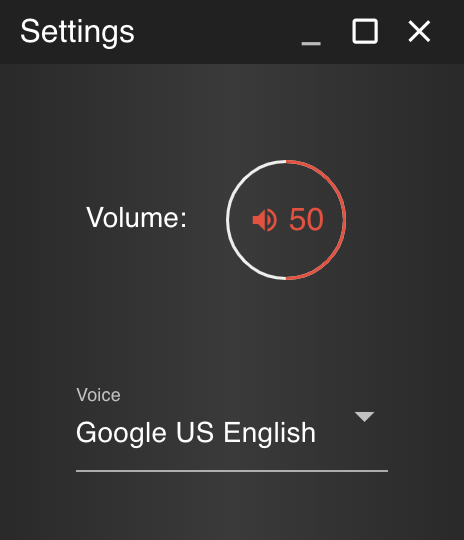
![Sonoran CAD's settings modal](https://232668649-files.gitbook.io/~/files/v0/b/gitbook-legacy-files/o/assets%2F-M4pGN81fb4R6zFhodcu%2F-M5GeJ0SgX3BhrKySyoF%2F-M5GfK6E5IQ2OxjwArxj%2FScreen%20Shot%202020-04-19%20at%202.02.29%20AM.png?alt=media\&token=77506ce0-d4a5-483d-8dfb-fc02d44f19e4)

### Translation Support

Sonoran CAD also supports full language translation support for any country or locality. Click below for more information.

{% content-ref url="broken-reference" %}
[Broken link](https://docs.sonoransoftware.com/cad/tutorials/other-features/broken-reference)
{% endcontent-ref %}
