

Troubleshooting
System Microphone Volume Changing
Automatic gain control may impact your microphone input volume for other apps, not just Sonoran Radio.
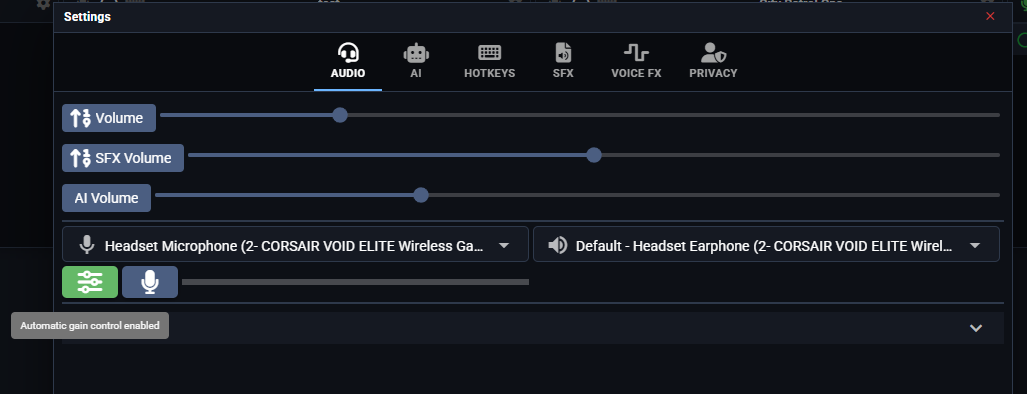
Sonoran Radio enables Automatic Gain Control by default. This feature automatically adjusts your microphone input level to keep voice volume consistent across all users.
For some users, this may interfere with other applications because it can also affect the microphone input level configured in Windows.
To resolve this, open the Settings menu > AGC > Disable.