Create a New Subscription
- Access the Payment Center
Access the payment center on the Web or Desktop version of Sonoran CMS by going to sonorancms.com/#/billing, or by viewing the guide below.
Accessing the Payment Center
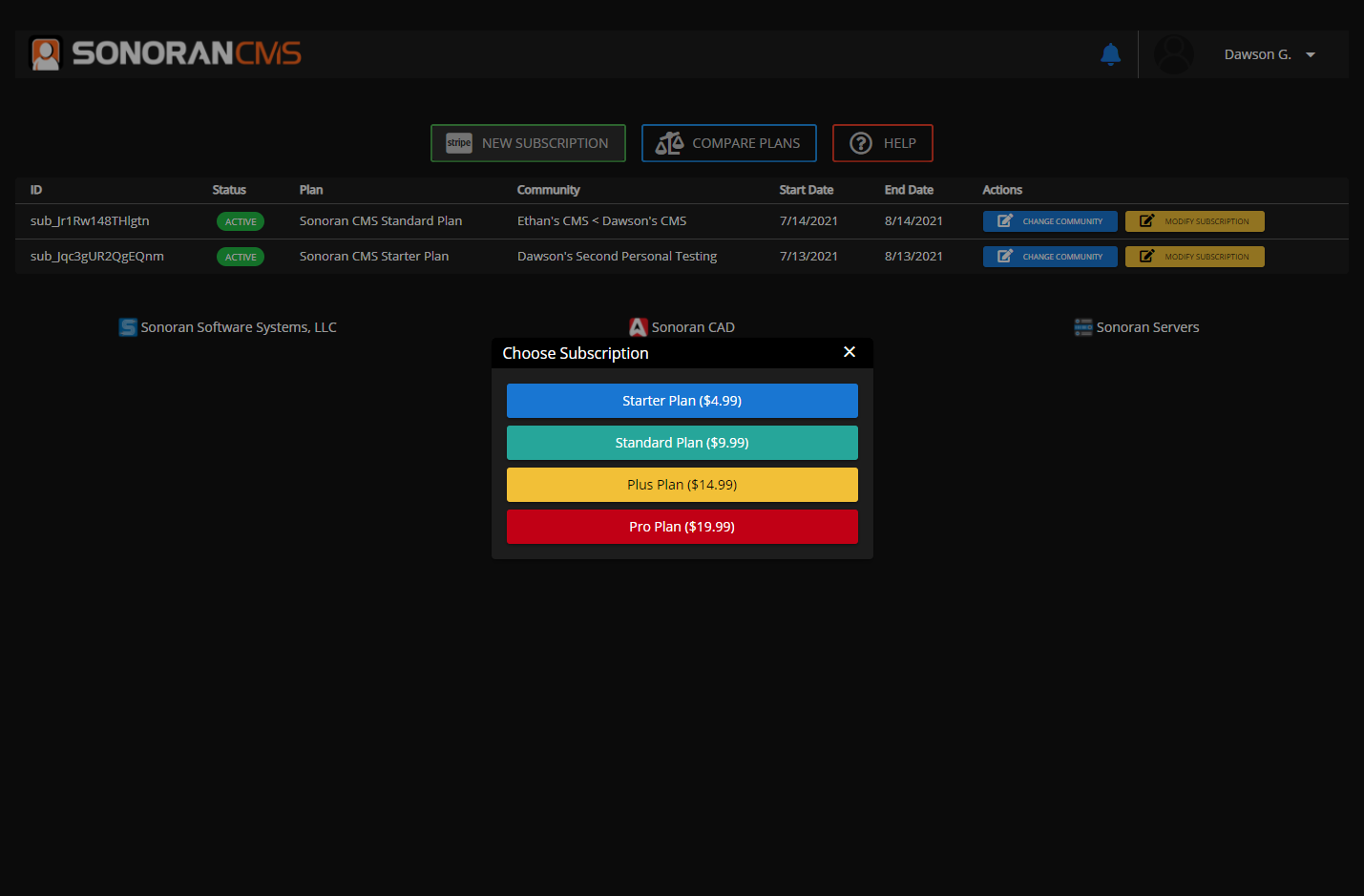
- Select the Desired Subscription
In the payment center, select “New Subscription”From there, select the monthly subscription you would like to start. If you would like to pay quarterly instead, you can select that option at checkout and receive 25% off.
- Select the Desired Community
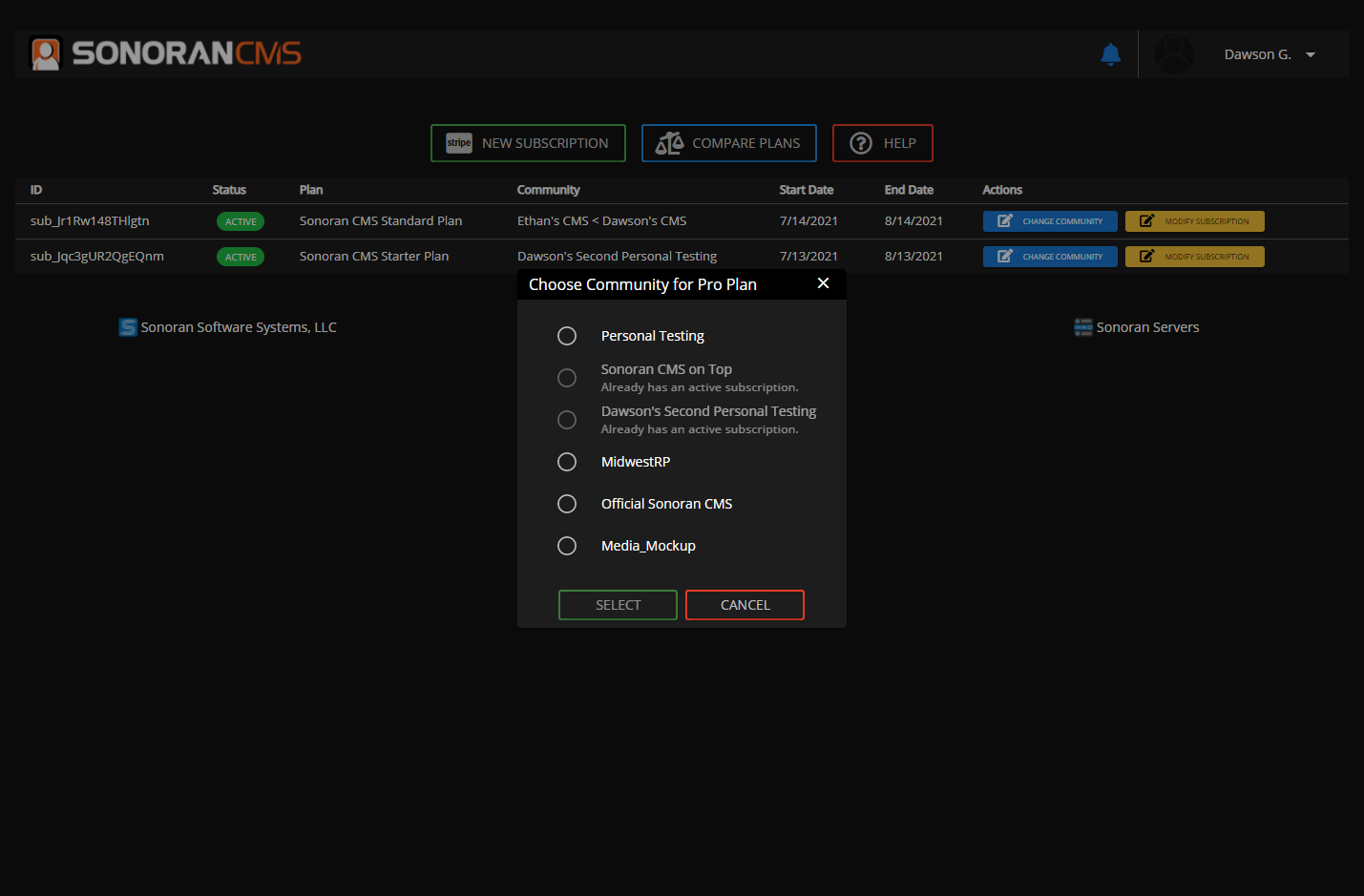
After selecting the desired subscription plan, you’ll be prompted with a community selection modal.From there, select the community you would like to assign the subscription to.
- Complete the Purchase
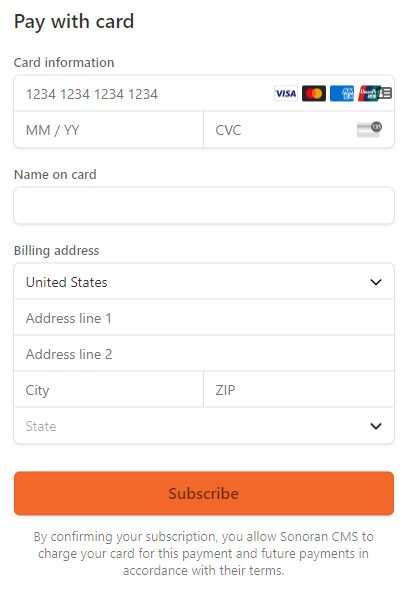
After selecting the desired subscription plan and community, you will be redirected to a Stripe checkout page.
Here, you can enter your billing information and start the subscription.
As previously stated, you will be given the option to pay quarterly instead of monthly. By paying quarterly, you are granted a 25% discount.
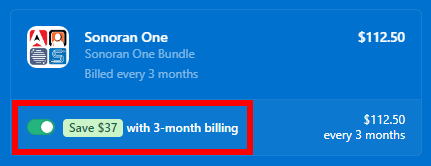 Sonoran Software - Quarterly Discount
- Celebrate
Once you’ve completed your purchase, you can celebrate that you’ve successfully upgraded your community’s plan.
Manage an Existing Subscription
You can easily update the payment information, upgrade, downgrade, or cancel your Sonoran CMS subscription at anytime.
- Access the Payment Center
Access the payment center on the Web or Desktop version of Sonoran CMS by going to sonorancms.com/#/billing, or by viewing the guide below.
Accessing the Payment Center
- Open the Stripe Customer Portal
On any active subscription, select “Modify Subscription” to open the Stripe customer portal.

- Utilize the Stripe Customer Portal
Once opened, you can easily update your payment information, upgrade, downgrade, or cancel an existing subscription.
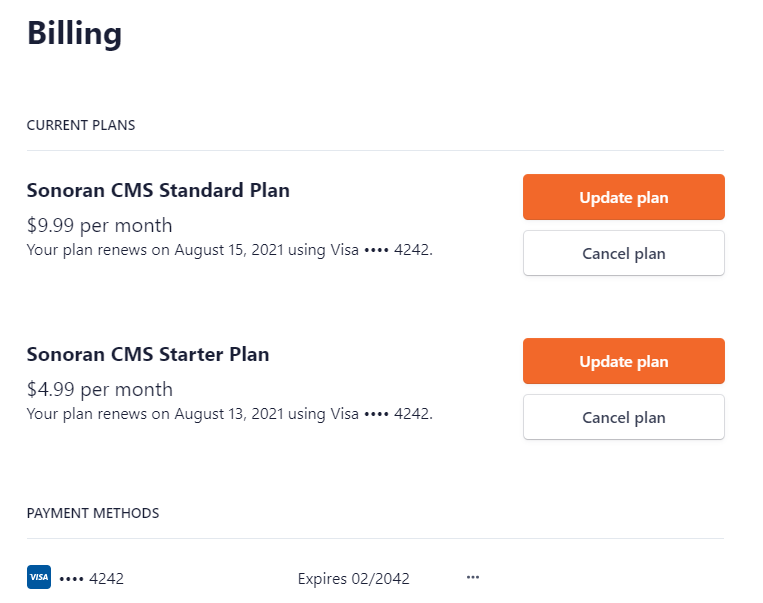
Migrate a Subscription to Another Community
Sonoran CMS subscriptions can be easily transferred from one community to another.
- Access the Payment Center
Access the payment center on the Web or Desktop version of Sonoran CMS by going to sonorancms.com/#/billing, or by viewing the guide below.
Accessing the Payment Center
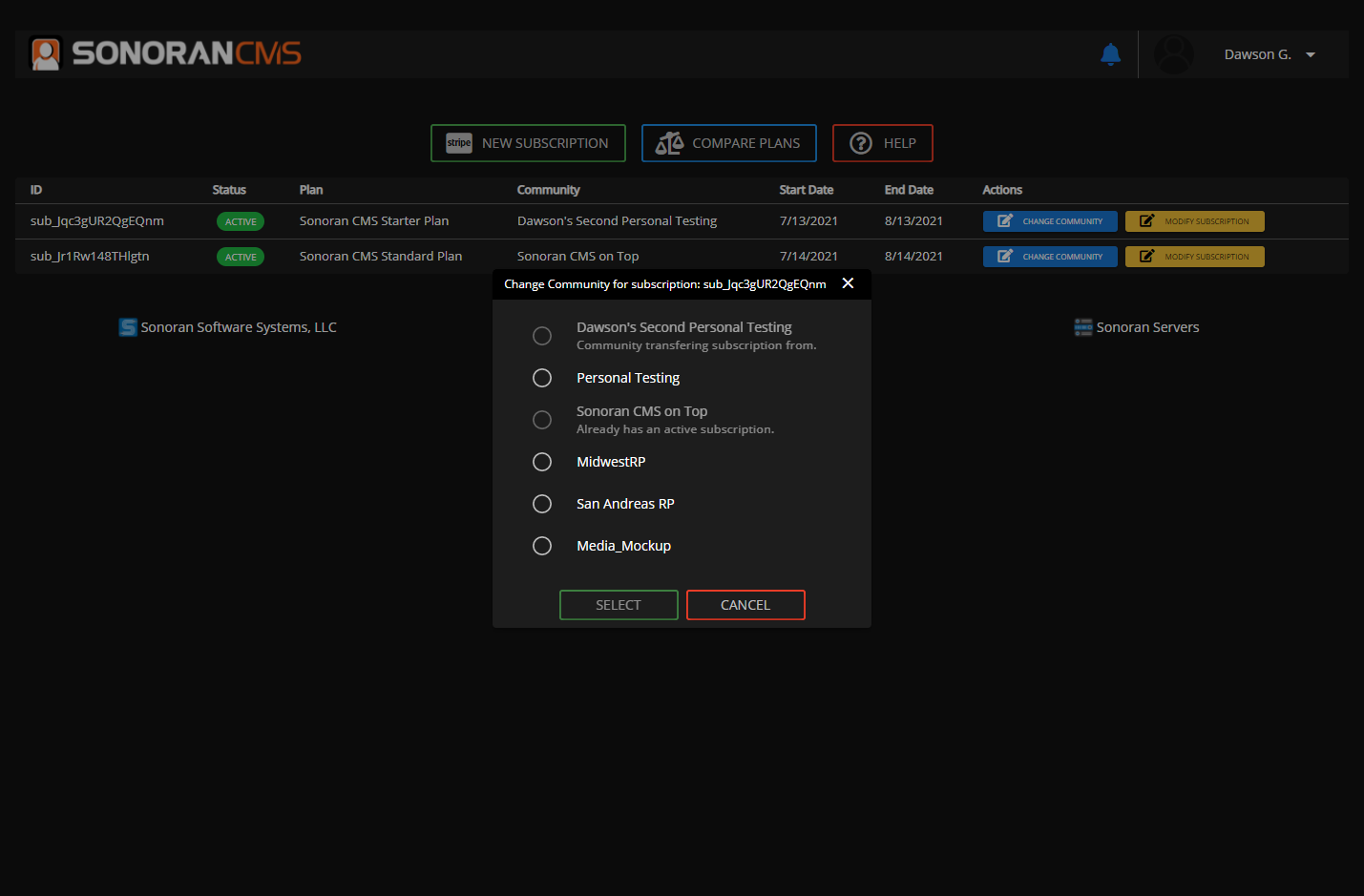
- Update the Subscription’s Community
Select “Set Community”/“Change Community” on the subscription in your billing center.

- Select the Desired Community
Select the community you would like to set the subscription to.