> For the complete documentation index, see [llms.txt](https://docs.sonoransoftware.com/llms.txt). Markdown versions of documentation pages are available by appending `.md` to page URLs; this page is available as [Markdown](https://docs.sonoransoftware.com/cms/pricing/pricing-faq/branding-removal.md).

# Branding Removal

## What is Branding Removal?

Branding removal is included with the CMS **Standard** plan ($9.99/mo). This helps make your community website look professional, without the branding included on the free plan.

## In-App Branding

### Footer Branding

Branding removal hides the "Powered by Sonoran CMS" in your website's bottom footer.

<figure><img src="/files/1swbiB9qmLVeoiA3K8T1" alt="" width="375"><figcaption><p>Sonoran CMS - Footer Branding</p></figcaption></figure>

### Browser Tab Favicon

Branding removal customizes your browser tab favicon to your community logo set in your customization settings.
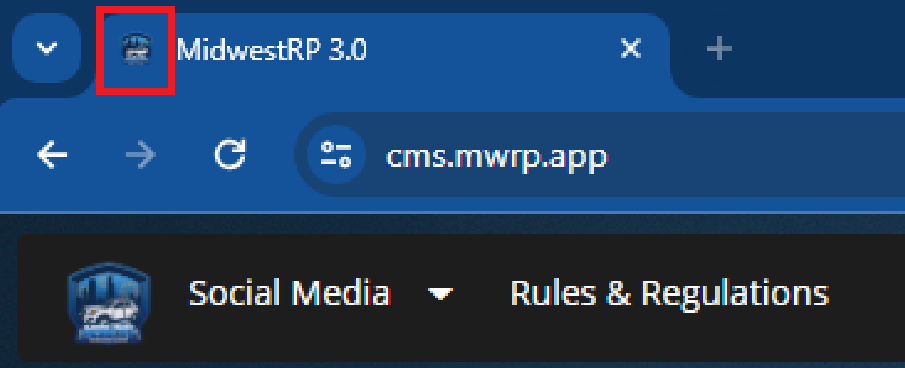
<figure><img src="/files/vslURNiOOIQl20d7CyH4" alt="" width="375"><figcaption><p>Sonoran CMS - Custom Favicon</p></figcaption></figure>

### Browser Tab Title

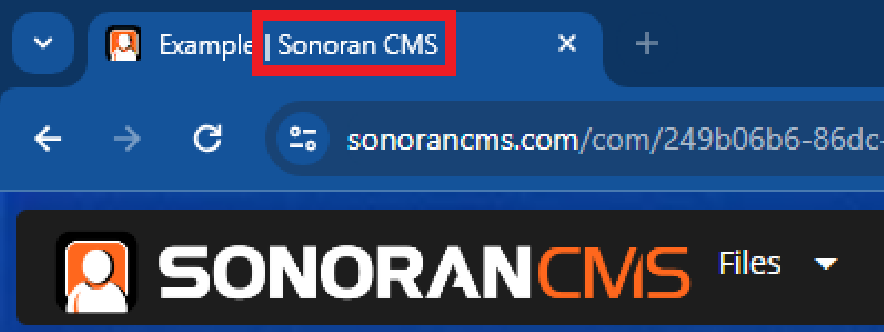
Website page names are formatted as `Title | Sonoran CMS`\
Branding removal takes away the `| Sonoran CMS` at the end of it.

<figure><img src="/files/jnMVaWJ1U0Vl9unZjsqV" alt="" width="375"><figcaption><p>Sonoran CMS - Page Title Branding</p></figcaption></figure>

### Vanity URL or Custom Domain

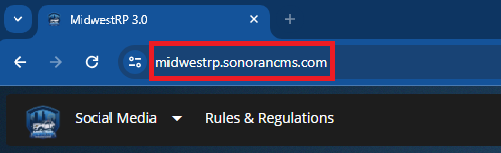
[Customize your community ID](/cms/tutorials/customization/community-branding-and-settings.md#community-id) for a nicer vanity URL `ID.sonorancms.com`

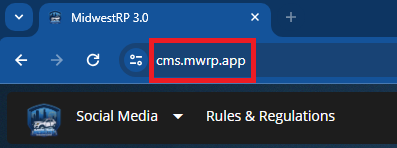
Or, use [your own fully-custom domain](/cms/tutorials/customization/custom-domain.md#custom-domain) with the **Pro** plan!

<div><figure><img src="/files/zVMEGWpUkCrW1JpqqbAi" alt="" width="251"><figcaption><p>CMS: Vanity URL</p></figcaption></figure> <figure><img src="/files/rZBkWESHZWgwcE4LQEep" alt="" width="199"><figcaption><p>CMS: Custom Domain</p></figcaption></figure></div>

### Forms Auto-Reply Avatar

When using a [forms stage automation to auto-reply](/cms/tutorials/forms/creating-custom-forms.md#form-stage-actions) to a submission, the auto-reply avatar will use your custom community logo.
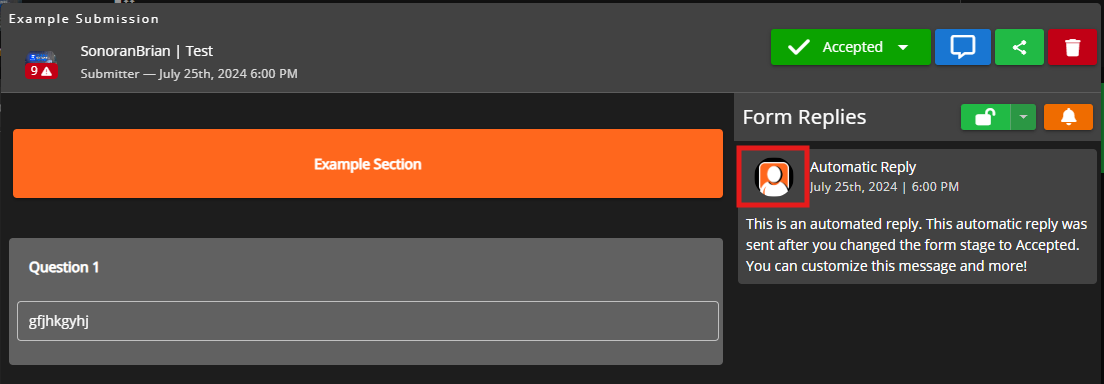
<figure><img src="/files/LitxsElOh4YXANKJBApe" alt="" width="375"><figcaption><p>Sonoran CMS - Automated Form Replies</p></figcaption></figure>

## Push Notifications

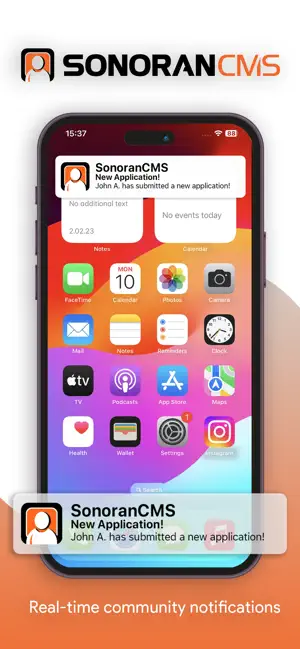
Mobile and desktop push notifications alert users when community events begin, form stages change, and more!

Branding removal changes the Sonoran CMS icon to your community's custom logo!

<figure><img src="/files/XkoTCh12HZyfO4NLXP9A" alt="" width="150"><figcaption><p>CMS: Push Notifications</p></figcaption></figure>

## Social Page Embeds

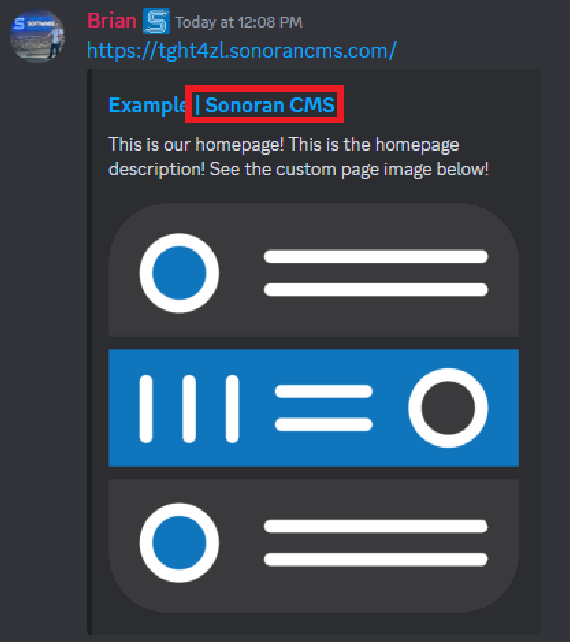
Anyone can [customize their website embeds](/cms/tutorials/community-website/website-builder.md#page-seo) for social platforms like Discord.

Branding removal removes the `| Sonoran CMS` from the embed title.

<figure><img src="/files/Q6nnI1YM9DH0oPy8Vl0F" alt="" width="285"><figcaption></figcaption></figure>

## Discord Bot

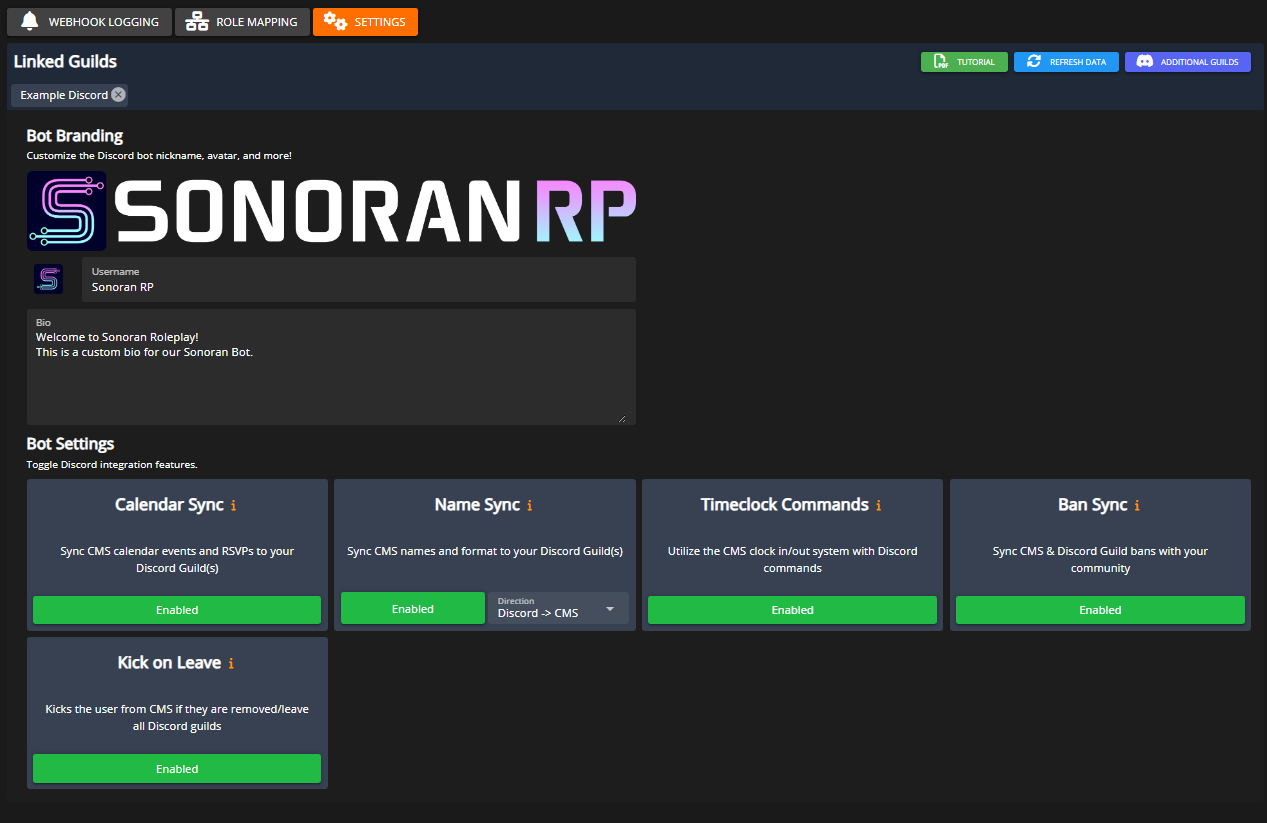
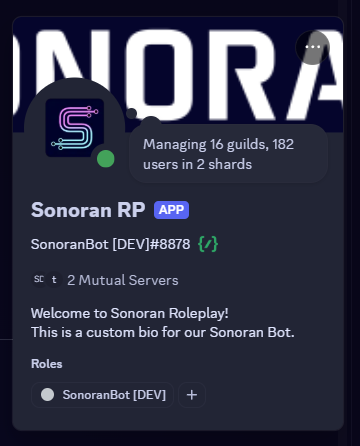
The Sonoran Discord Bot can have a [custom avatar, nickname, banner image, and bio](mailto:undefined)! These can be customized in the CMS Discord Integration's Settings panel.

Note: Due to Discord rate limits, changes can take up to five minutes to become visible.
<div><figure><img src="/files/Leyo6apATMwGfeTmvcU5" alt="" width="375"><figcaption></figcaption></figure> <figure><img src="/files/YWJsS6loXV7x7pwMDsr3" alt="" width="180"><figcaption></figcaption></figure></div>

## Emails

### Custom Form Stage Emails

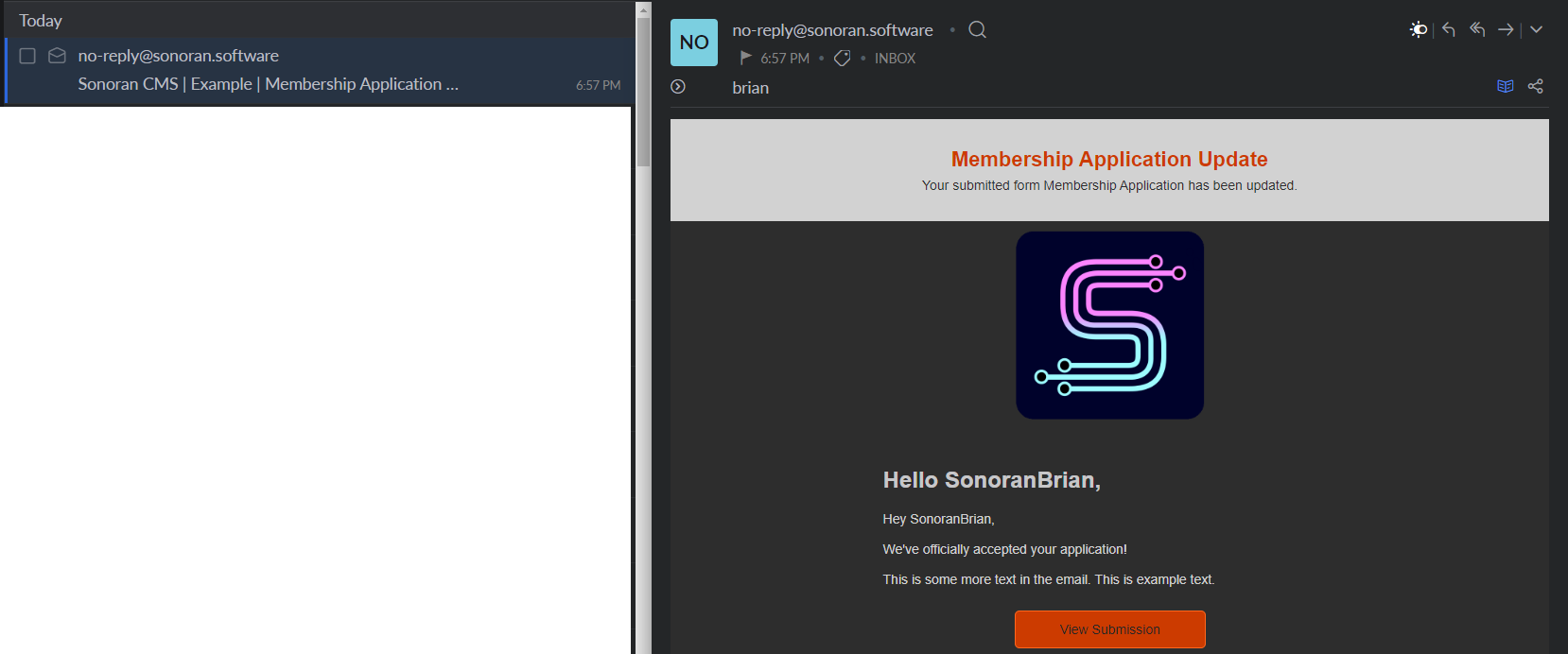
[Custom forms](/cms/tutorials/forms/creating-custom-forms.md) allow communities to send personalized email notifications to their members when stages are changed.

Ex: Moving a Membership Application from `Pending` to `Accepted`

The email subject follows a `Sonoran CMS | Community Name | Form Updated` format.\
Branding removal takes the `Sonoran CMS |` out of the subject line.

<figure><img src="/files/78VFX4BIbKLo9oxB5SWz" alt="" width="375"><figcaption><p>Sonoran CMS - Custom Form Emails</p></figcaption></figure>


---

# Agent Instructions
This documentation is published with GitBook. GitBook is the documentation platform designed so that both humans and AI agents can read, navigate, and reason over technical content effectively. Learn more at gitbook.com.

## Querying This Documentation
If you need additional information that is not directly available in this page, you can query the documentation dynamically by asking a question.

Perform an HTTP GET request on the current page URL with the `ask` query parameter, and the optional `goal` query parameter:

```
GET https://docs.sonoransoftware.com/cms/pricing/pricing-faq/branding-removal.md?ask=<question>&goal=<endgoal>
```

`ask` is the immediate question: it should be specific, self-contained, and written in natural language.
`goal` is optional and describes the broader end goal you are ultimately trying to accomplish on behalf of the user. GitBook uses it to tailor the answer towards what is most useful for that goal.

The response will contain a direct answer to the question and relevant excerpts and sources from the documentation.

Use this mechanism when the answer is not explicitly present in the current page, you need clarification or additional context, or you want to retrieve related documentation sections.