

Set Your Microphone
Sonoran Radio allows you to select and configure your microphone directly in-game.Step 1: Open the Microphone Menu
In chat, run the following command:This will open the microphone configuration menu.
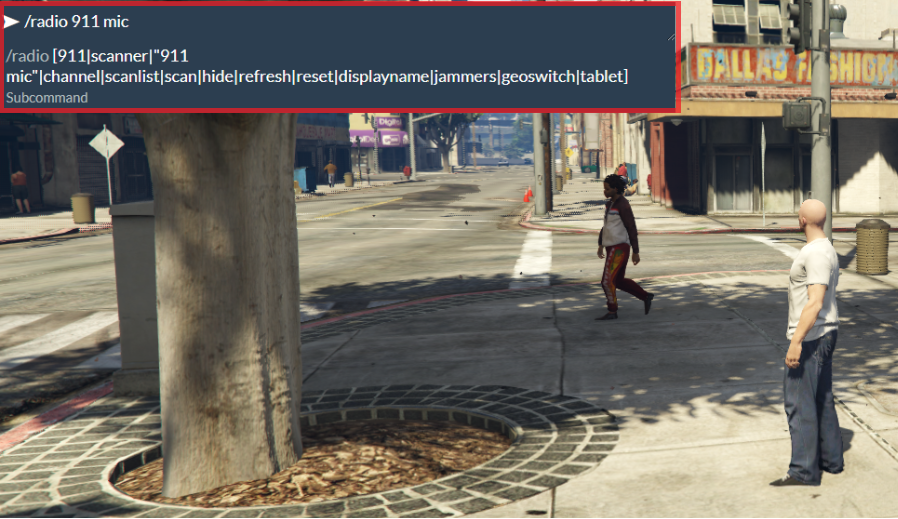 Open microphone menu
Step 2: Select Your Microphone
Click the dropdown menu and choose the microphone you want to use. Select microphone\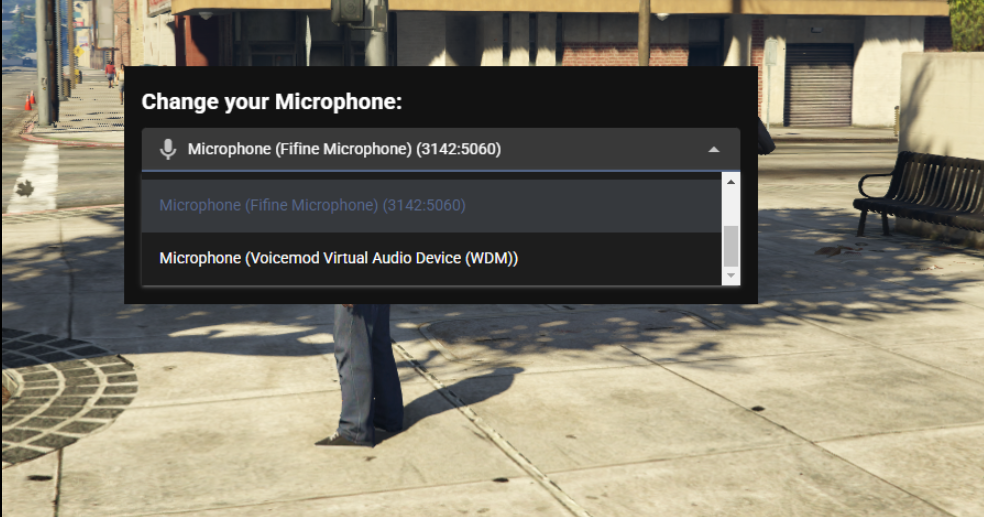
Step 3: Configure Microphone Settings
Once selected, you can enable or disable your microphone and configure Automatic Gain Control.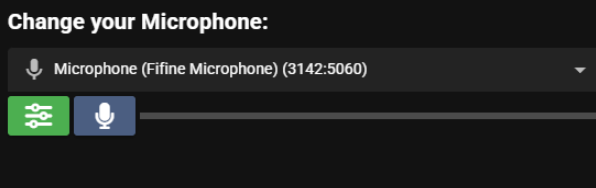
Controls
- Blue Microphone = Microphone Enabled
- Red Microphone = Microphone Muted/Disabled
- Green Slider = Automatic Gain Control (AGC)
Step 4: Return to the Game
PressESC to close the menu and return to gameplay.