

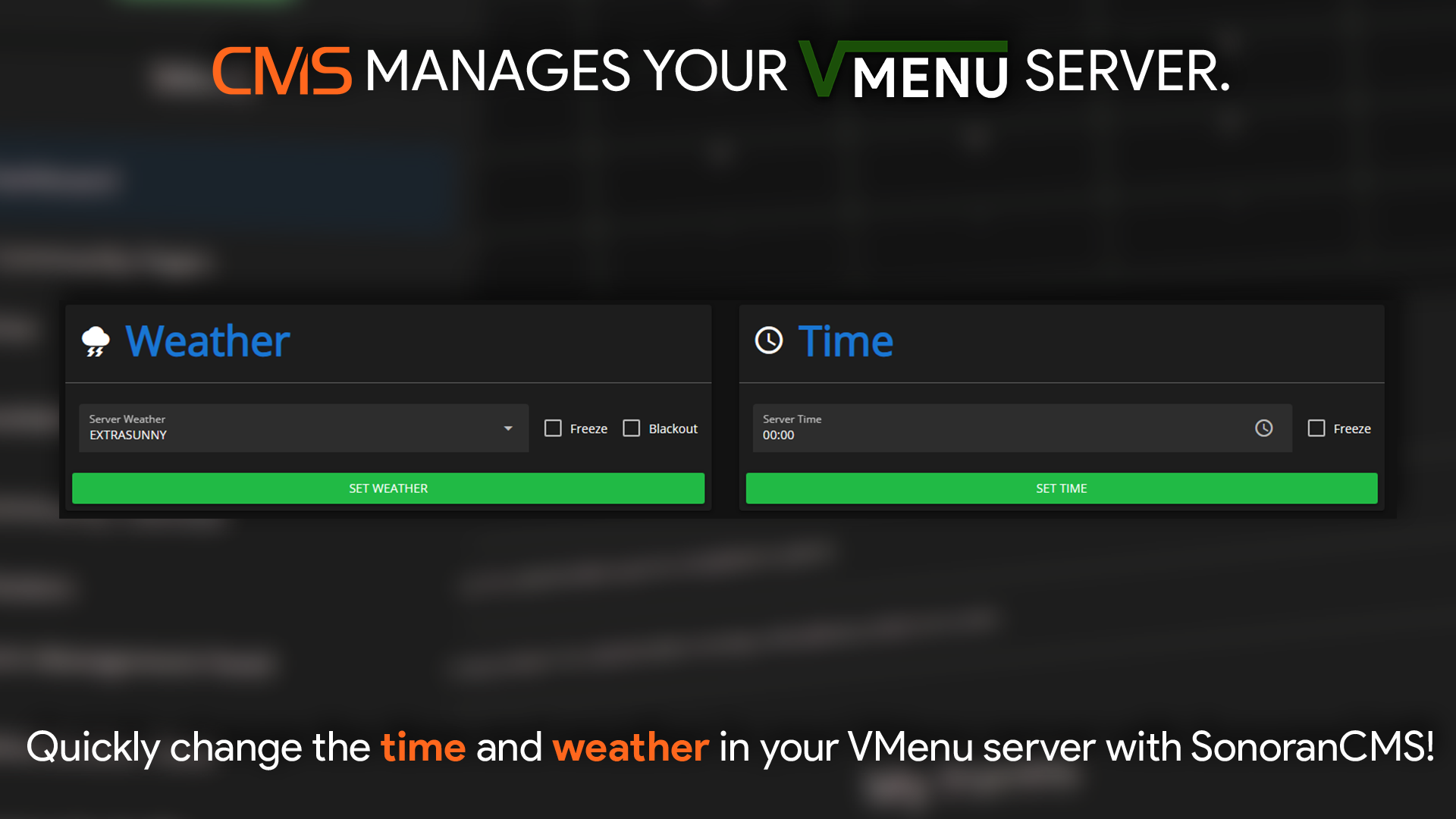
 Sonoran CMS - VMenu Game Panel Promotional Image
Manage Weather
Here you can set the current weather on your server. Open the dropdown menu and choose from 15 different weather options! You can also toggleFreeze and Blackout on the side.
Freeze forces the weather to stay as what you set it to, if toggled, it will not change on its own.
Blackout simulates a power outage, and all buildings will show as if they don’t have electricity.
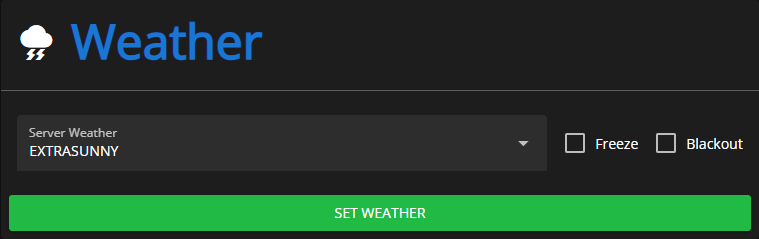 Sonoran CMS - VMenu Game Panel - Weather
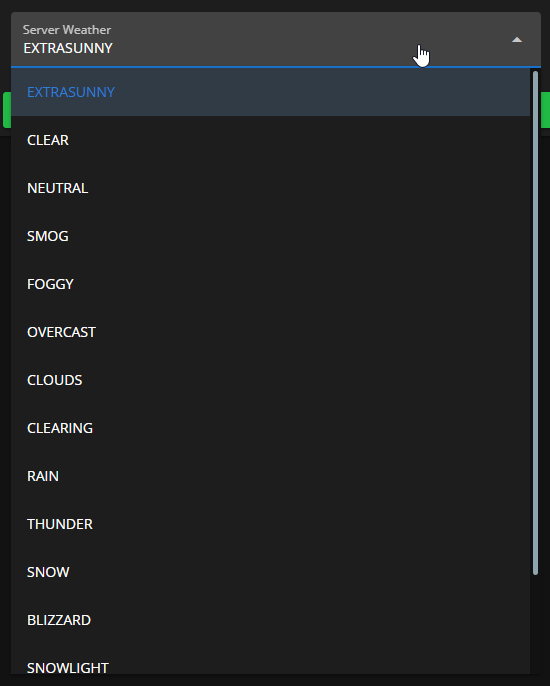 Sonoran CMS - VMenu Game Panel - Weather Options
Manage Time
You can also set the time to any time of day using the time selector. You can also toggleFreeze which locks the time to whatever you’ve set it to.
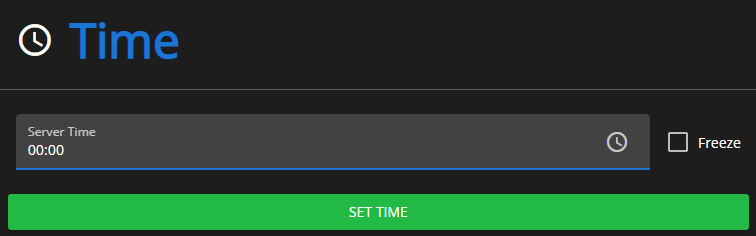 Sonoran CMS - VMenu Game Panel - Time
Weather Flickering Issue
Sometimes, having CMS installed can cause an issue where the weather and time in the server seem to rapidly “flicker”. This occurs when another resource is also trying to manage weather. If you are encountering this issue and would like to disable CMS’s weather management, then please setConfig.EnableWeatherSync to false in the resource’s config.lua.