# Record Printer
{% hint style="warning" %}
This submodule utilizes API endpoints that require the **Pro** version of Sonoran CAD or higher. For more information, view our [pricing](https://docs.sonoransoftware.com/cad/pricing/faq) page.
{% endhint %}
{% hint style="success" %}
Looking for VPS, web, or dedicated hosting? Check out our official [server hosting](https://docs.sonoransoftware.com/promotions/fivem-hosting)!
{% endhint %}
## What is the Record Printer?
Sonoran CAD’s Record Printer seamlessly connects CAD records with the in-game world, enabling officers to generate and view official documents directly through an interactive in-game printer.
Records can be **printed at configurable printer objects or within vehicles**, shared as **inventory items**, and **viewed entirely in-game**.
## Activation Guide
### 1. Download and Install the Core
If you haven't already, be sure to install and configure the [Sonoran CAD Core](https://docs.sonoransoftware.com/cad/integration-plugins/in-game-integration/fivem-installation) first.
### 2. Adjust the Core Configuration
The record printer settings are stored inside of the core configuration file.
| Variable | Description |
| ------------------------ | ------------------------------------------------------------------------------- |
| `recordPurgeDays` | The number of days that the downloaded PDF's will be stored on the local server |
| `commandPrefix` | Base command prefix, e.g. /printer queue, /printer print, /printer share |
| `printQueueCommand` | Command the view the print queue |
| `printCommand` | Command used to print PDF's in-game |
| `clearPrintQueueCommand` | Command to clear the print queue |
| `shareCommand` | Command to share a queued or printed record with other players |
| `acceptShareCommand` | Command to accept a shared record into your queue or your hand |
| `maxPrintsPerQueue` | Max number of print requests a user can have in their queue at a time |
| `vehicleConfig` | Configuration of LEO vehicles that have a printer |
| `printerObjects` | Array of in-game printer objects that can be walked up to and print records |
| `printerCoords` | Array of specific in-game coordinates where a print station is |
| `frameworks` | Framework activation configuration |
| `translations` | List of translations |
#### 3. Ox\_Inventory Support
If you are using `ox_inventory` on the ESX Framework you must add the following to your `ox_inventory/data/items.lua` file in order for records to work properly:
```lua
["sonoran_evidence_pdf"] = {
label = "Police Record",
weight = 1,
stack = false,
close = true,
consume = 0,
server = {
export = 'sonorancad.sonoran_evidence_pdf'
},
},
```
## In-Game Usage
### Sending Files From Sonoran CAD
When in-game, units must also be actively signed into the dispatch, police, fire, or EMS panel.
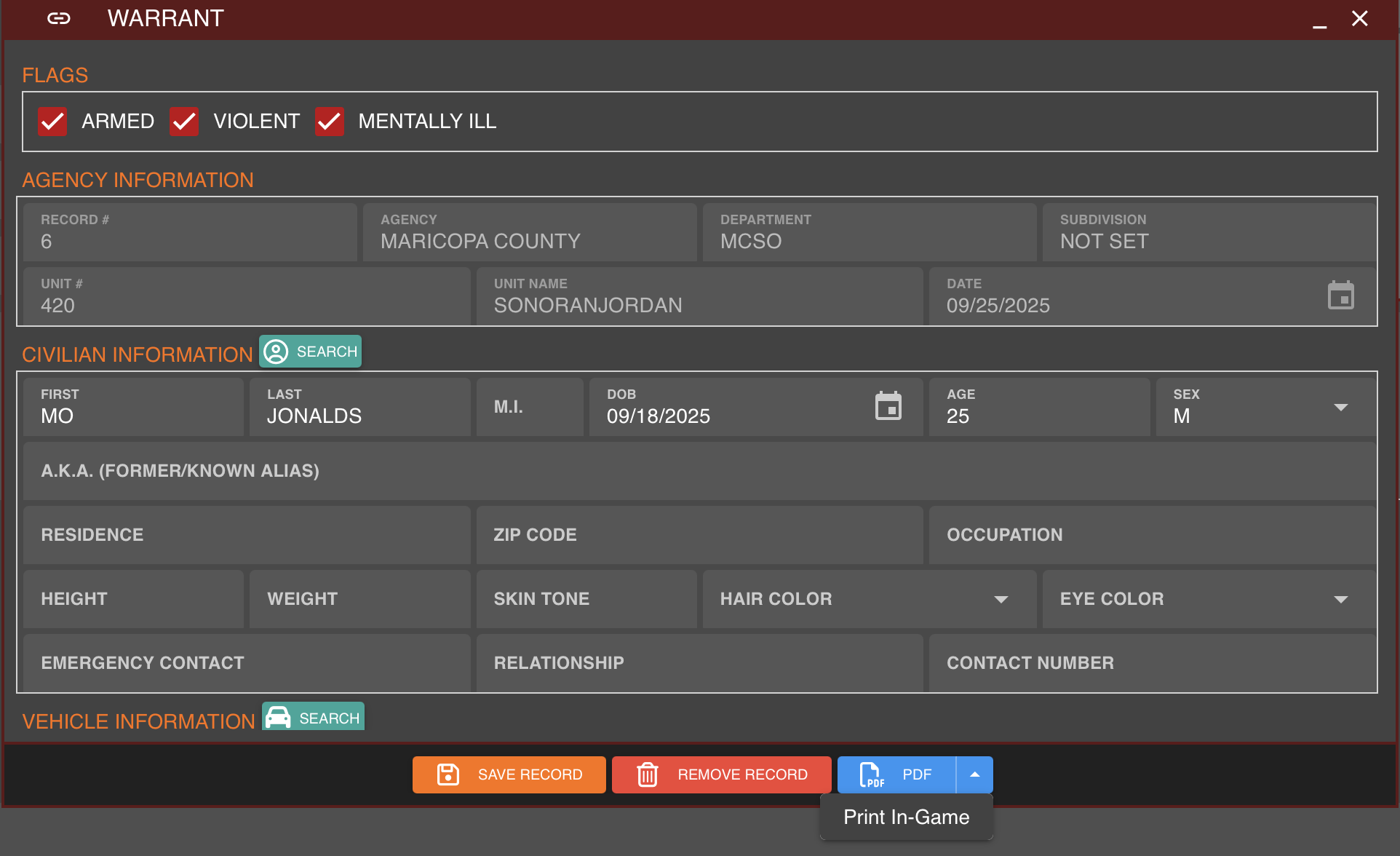
Using the records section in CAD, navigate to the record you would like to print, click the **down arrow** next to the blue **PDF** button and press **Print In-Game**.
Sonoran CAD - Print Record Option
### Printing In-Game
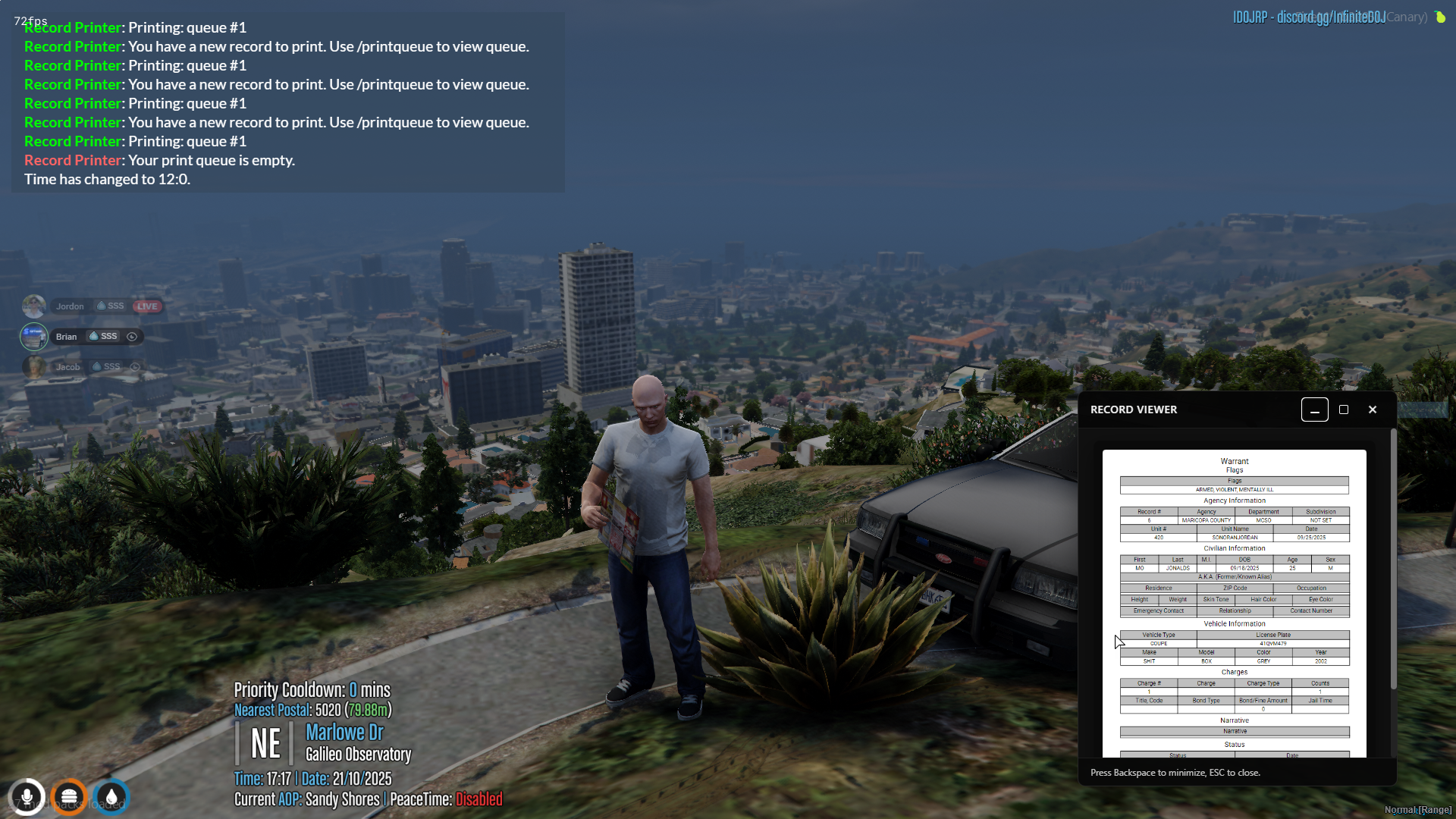
After selecting **Print In-Game**, a message will appear in-game stating "**You have a new record to print. Use `/printqueue` to view queue**".
You can print this file by using the command `/print ` near a configured printer (`printerObjects`) or inside a configured vehicle (`vehicleConfig`).
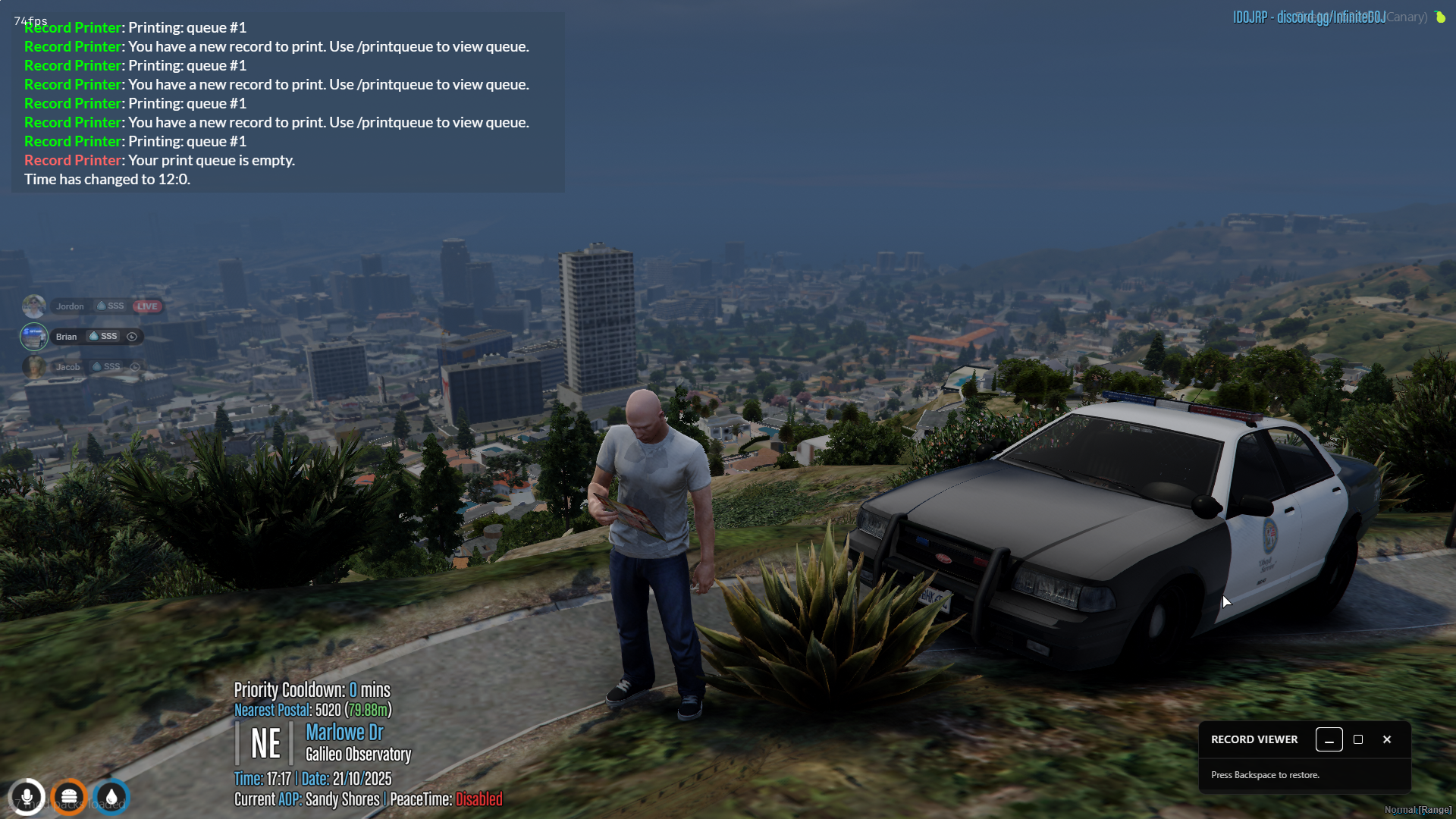
Once printed, the PDF will be placed in your hand with a viewer shown on your in-game screen. Buttons on-screen will allow you to maximize, minimize, and exit the window.
If configured, closing the record will [place it in your player inventory](#inventory-support). Otherwise, the record will be dropped on the ground and can be picked up to be viewed by other players.
### Inventory Support
Records can be stored and shared as an inventory item. The `frameworks` configuration item allows for inventories like ESX, QB Core, OX Inventory, and more.
### Sharing Records on Non-Framework Servers
You can now share records on non-framework servers via the newly added commands `/printer recordshare` and the target user can use the command `/printer accept` to accept a PDF. If you are in front of someone you can directly hand them the PDF in your hand, or you can "email" the record to their print queue from anywhere on the map. The record must be in your print queue in order to email it.