# Delete User Account

{% embed url="<https://www.youtube.com/watch?v=eck2vPJkr7s>" %}

### 1. Access your Sonoran Software Account

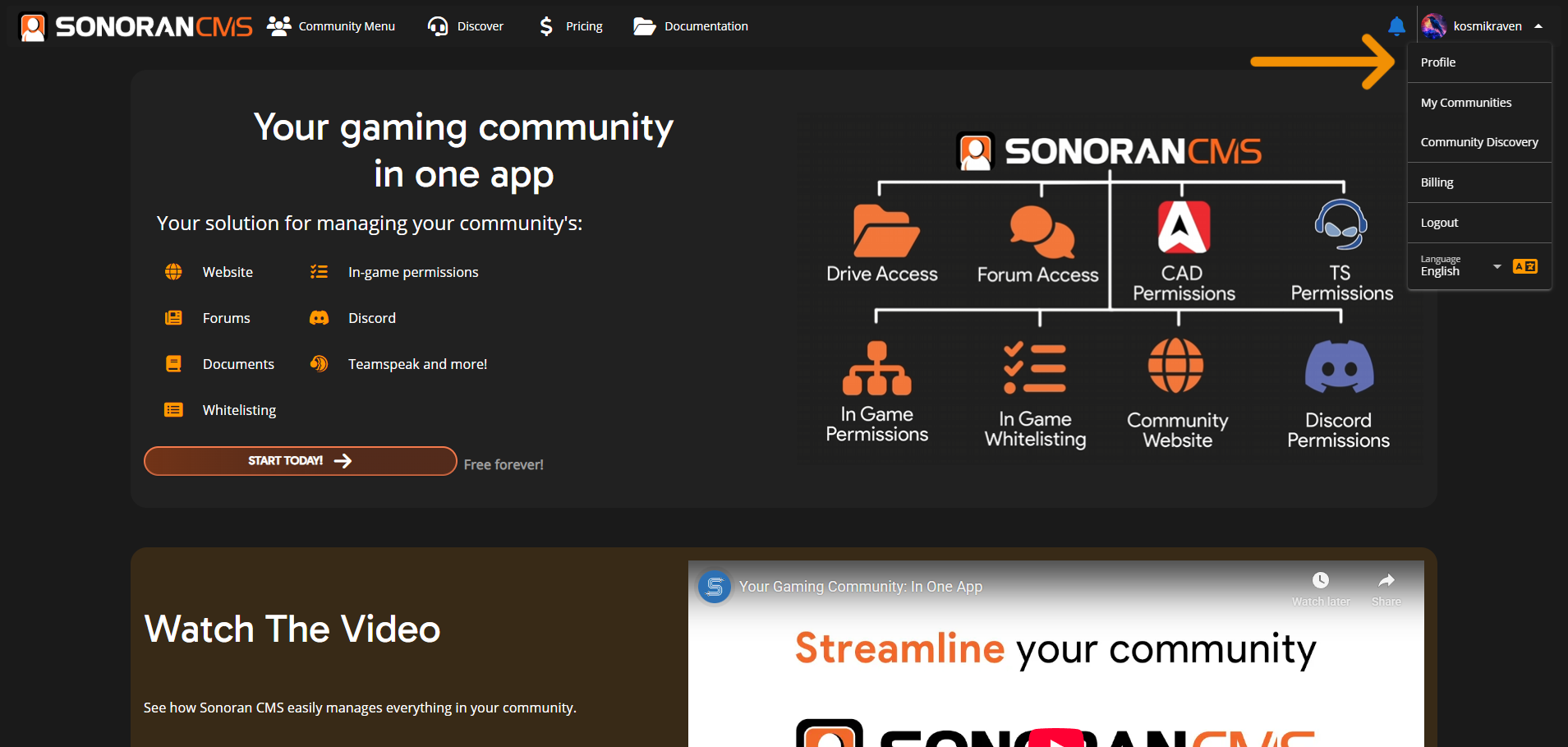
You can access your Sonoran Software account by going to [account.sonoransoftware.com](https://account.sonoransoftware.com), or by selecting "Profile" in the side menu then "Edit Account" on the next page.

![Sonoran CMS - Modify Account](https://3006847189-files.gitbook.io/~/files/v0/b/gitbook-x-prod.appspot.com/o/spaces%2F-MdBOa9OFjtdqw9FdXli%2Fuploads%2FBvY9gu4CR0At2C73p7Ej%2FScreenshot%20\(418\).png?alt=media\&token=54818622-c5f2-43ff-a43b-7c74b6d029f8)

### 2. Send an Account Removal Email

On the Sonoran Account website, select `Account` > `Advanced` > `Delete Account`

This will send an email confirmation to the address on file.

![Sonoran Account - Delete Account](https://3006847189-files.gitbook.io/~/files/v0/b/gitbook-x-prod.appspot.com/o/spaces%2F-MdBOa9OFjtdqw9FdXli%2Fuploads%2FNsOZh9xKKJsTo4UqGLUi%2FScreenshot%20\(419\).png?alt=media\&token=b05f46a2-5098-47f3-afab-1469412e768e)

### 3. Verify your Email

Check your email for an account removal request and click the "Remove Account" button.\
Having trouble seeing it? Be sure to check your spam/junk folder.
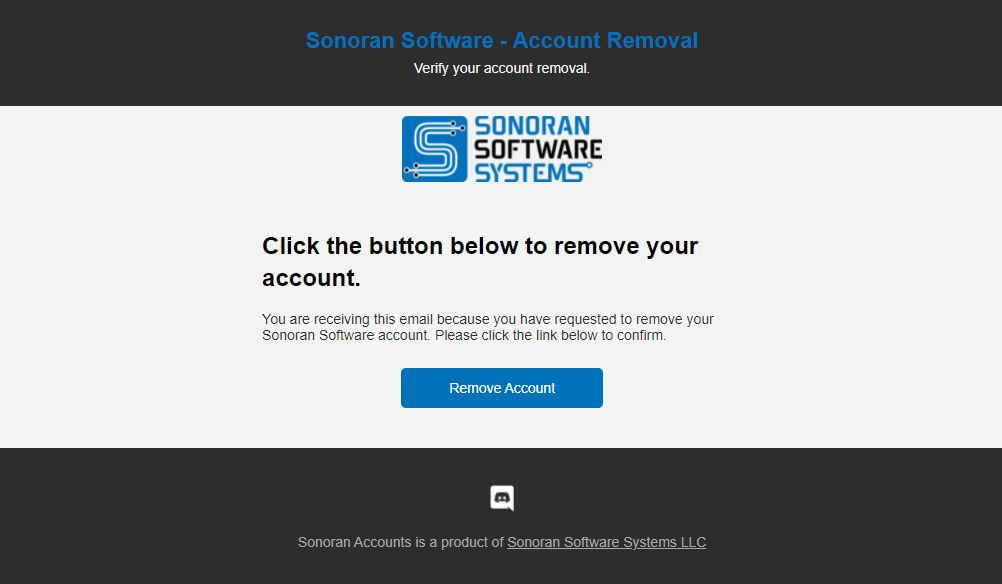
![Sonoran Account - Removal Email](https://3006847189-files.gitbook.io/~/files/v0/b/gitbook-x-prod.appspot.com/o/spaces%2F-MdBOa9OFjtdqw9FdXli%2Fuploads%2Fgit-blob-d1982d7c969c77bdd7675c753a1740e08dd5ea20%2Fimage.png?alt=media)