 Sonoran Radio: Customizable Sound Effects
Community-Wide SFX
Community-wide sound effects can be customized in theCustomize > SFX Customization menu.
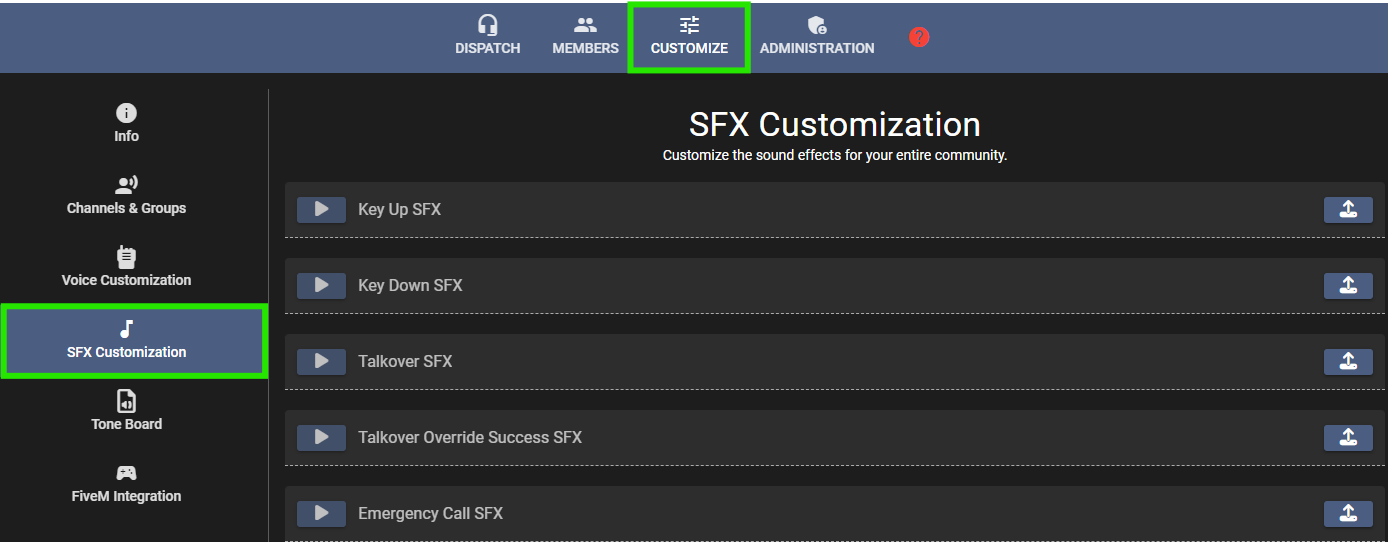 Sonoran Radio: Community Sound Effect Customization
Key Up/Down
When a user presses or releases their push-to-talk key, theKey Up SFX and Key Down SFX audio will play.
Individual users can also customize in their settings menu whether or not to hear their own key up/down SFX and other user’s key up/down SFX.
Users can also customize the key up/down SFX that they hear locally.
Talkover Error and Override
When a channel has talkover protection enabled and a user is already transmitting, a second user attempting to talk at the same time will hear theTalkover SFX audio.
If a user has talkover override permissions, double-pressing the push-to-talk key and holding will play the Talkover Override Success SFX once they are able to transmit.
Emergency Call
When a user places an emergency call, dispatchers will hear theEmergency Call SFX audio to alert them of an incoming call.
Panic Button
When a user toggles their panic state, dispatchers will hear thePanic Button SFX audio.
Volume Up/Down (Hotkey) SFX
When a user changes their volume in the dispatch panel or in-game via hotkey, they will hear theVolume Up/Down (Hotkey) SFX audio.
Background Audio Injection
Background audio injection blends in-game sounds—like sirens, helicopter rotors, boat engines, and gunshots—into your microphone output. If you’re responding with sirens active, others on the radio will hear them in the background of your voice transmissions.In-Game Siren
When the user is inside of or near a vehicle with a siren activated, this sound effect will be played in the background of their transmissions.In-Game Boat Engine
When the user is inside of a boat, this engine and water noise sound effect will be played in the background of their transmissions.In-Game Pistol & Rifle (Silenced)
When the user shooting or near someone shooting, this sound effect will be played in the background of their transmissions.Per-User SFX
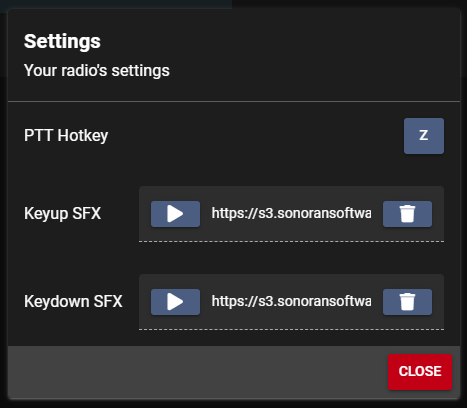
Key Up/Down
Individual users can customize their key-up and key-down SFX in their user settings dialog in their radio or dispatch portal. Once configured, the user will override any default or community-wide SFX. Note: SFX uploads are only available on the web, desktop, or mobile apps and can not be done from in-game.