

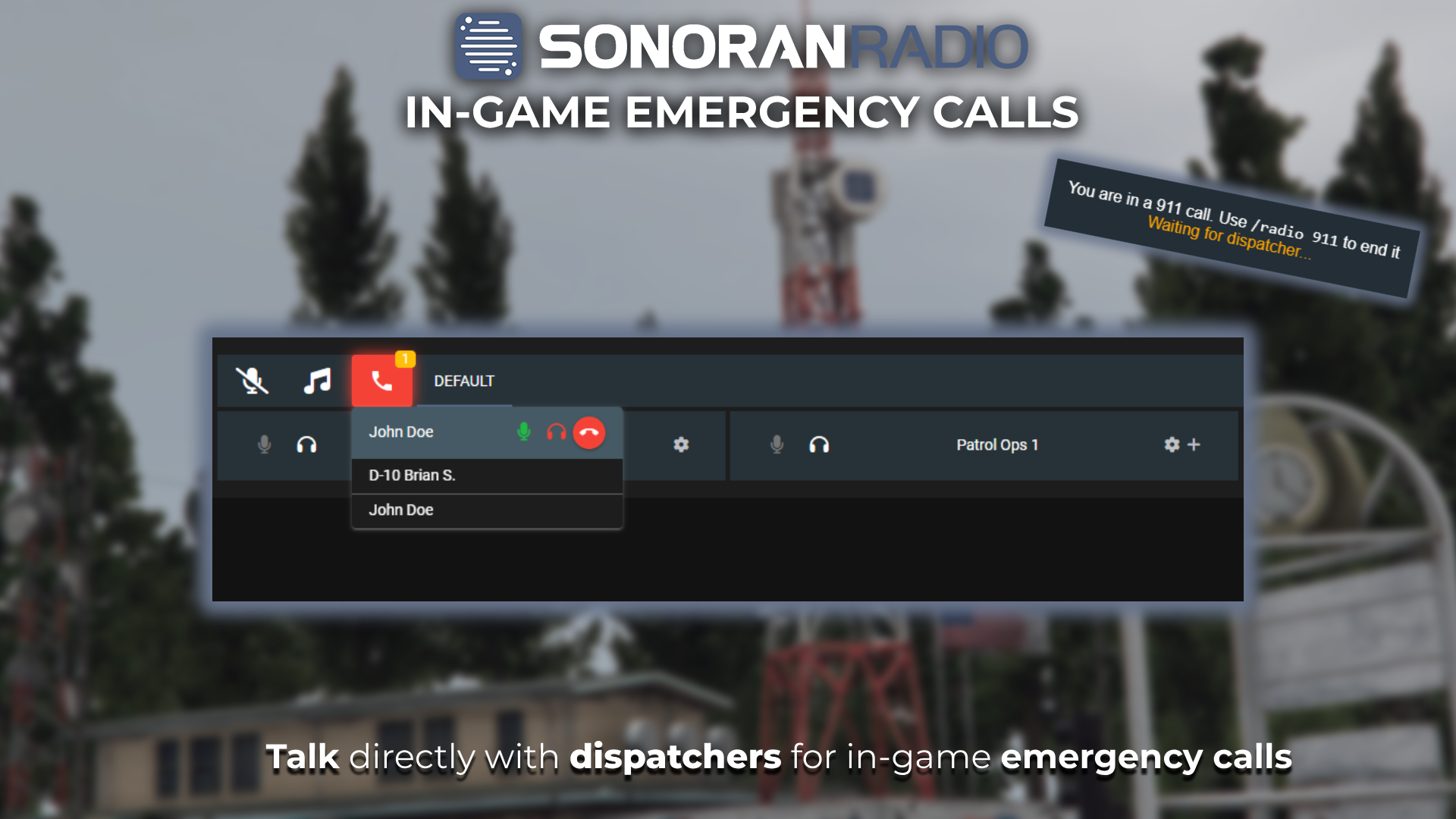
 Sonoran Radio - Emergency Calls
Creating Emergency Calls
Via Portal/App
Via Portal/App
Via Portal/App
Users can place emergency calls directly from the web, desktop, or mobile apps. 
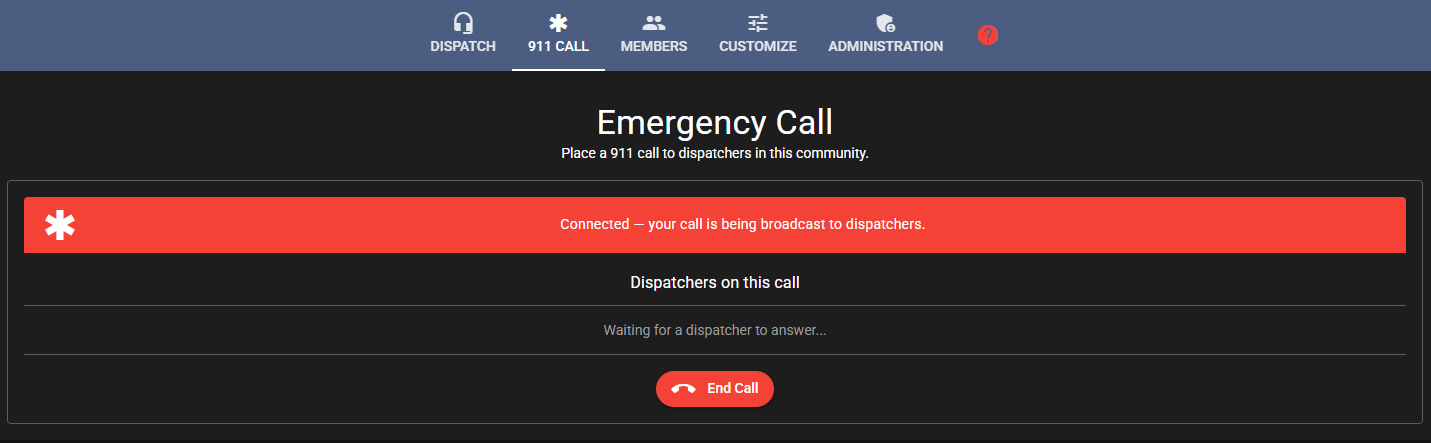 PermissionsUsers can be restricted to accessing the emergency call panel and not the radio with the Call-Only permission.
PermissionsUsers can be restricted to accessing the emergency call panel and not the radio with the Call-Only permission.FiveM Emergency Calling
FiveM Emergency Calling
FiveM Emergency Calling
Players are able to make an emergency call in FiveM with  Sonoran Radio FiveM - Emergency Call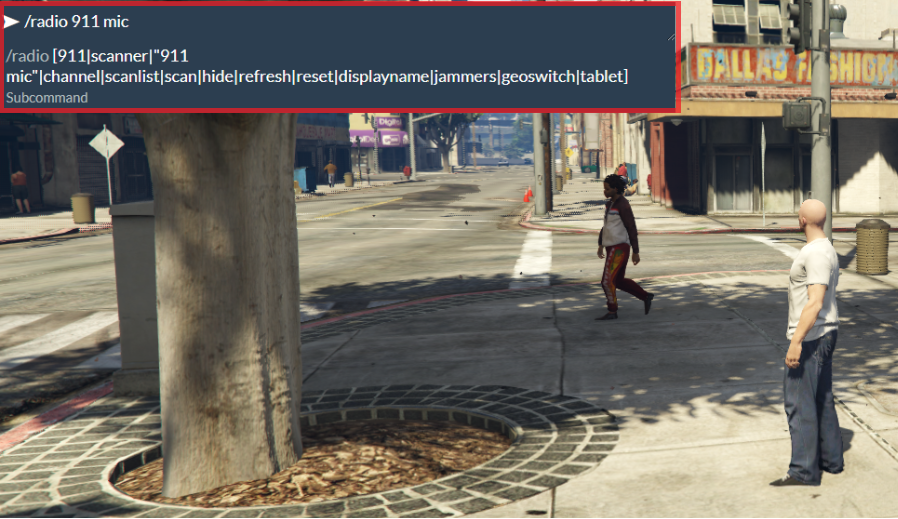
/radio 911. This will place them in a call on the Dispatch Panel waiting for a dispatcher.Sonoran Radio FiveM - Emergency CallCaller Microphone
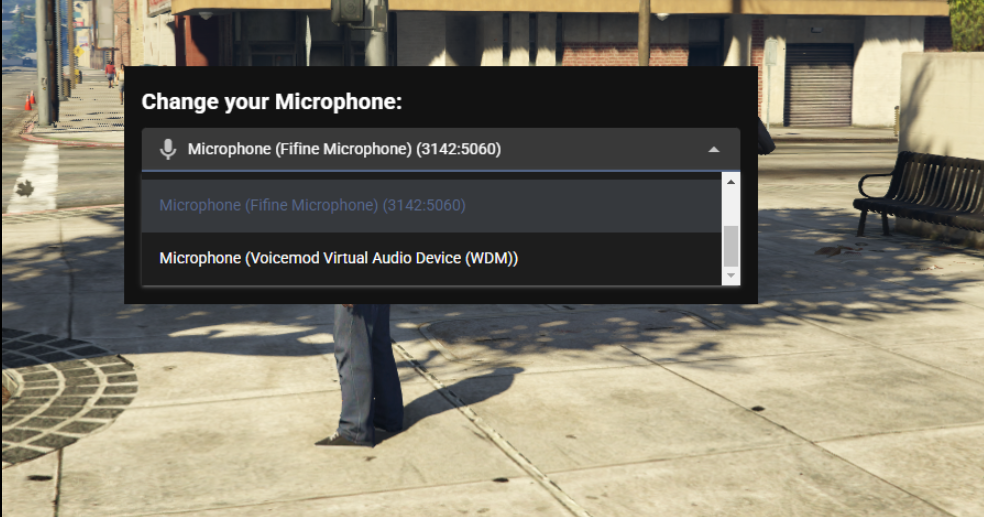
The emergency call will use the caller’s default microphone. If the caller can not be heard, they may need to change the input device selection with/radio 911 mic.Answering the Emergency Call
You can join and listen to an emergency call using the microphone and headphone buttons, just like any other channel in Sonoran Radio. The buttons will highlight green and red respectively when enabledMic clicks are disabled in emergency channels
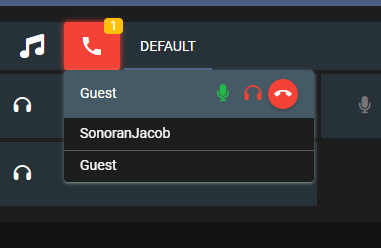 Sonoran Radio - Speaking in 911 Call
Ending the Emergency Call
Dispatchers can end an emergency call with the red “End Call” button, and FiveM players can end it by using/radio 911 again.
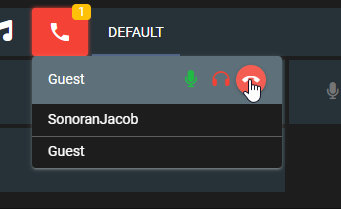 Sonoran Radio - End 911 Call
Redial the Caller
In some cases, the caller may hang up or dispatch needs to call them back for more information. Once the call has ended, aRe-dial {user} option will appear. Click the green call button to re-dial.
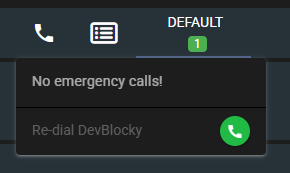
Dial a Specific Number
Dispatchers can also manually dial an in-game number to call someone directly.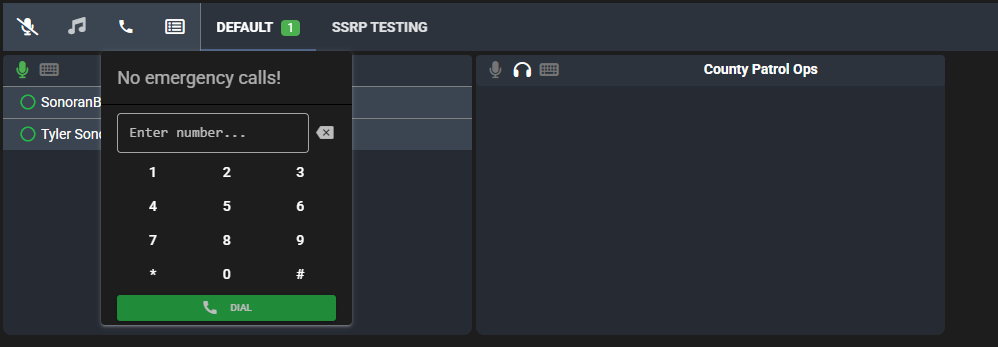
FiveM: Customize the Emergency Number & Banner
By editing the config file you can customize the following options:- Customize
911to any other number or word by editing theemergencyCommandproperty. - Hide the user’s emergency call banner by setting
showEmergencyCallHelptofalse.