# Gangs

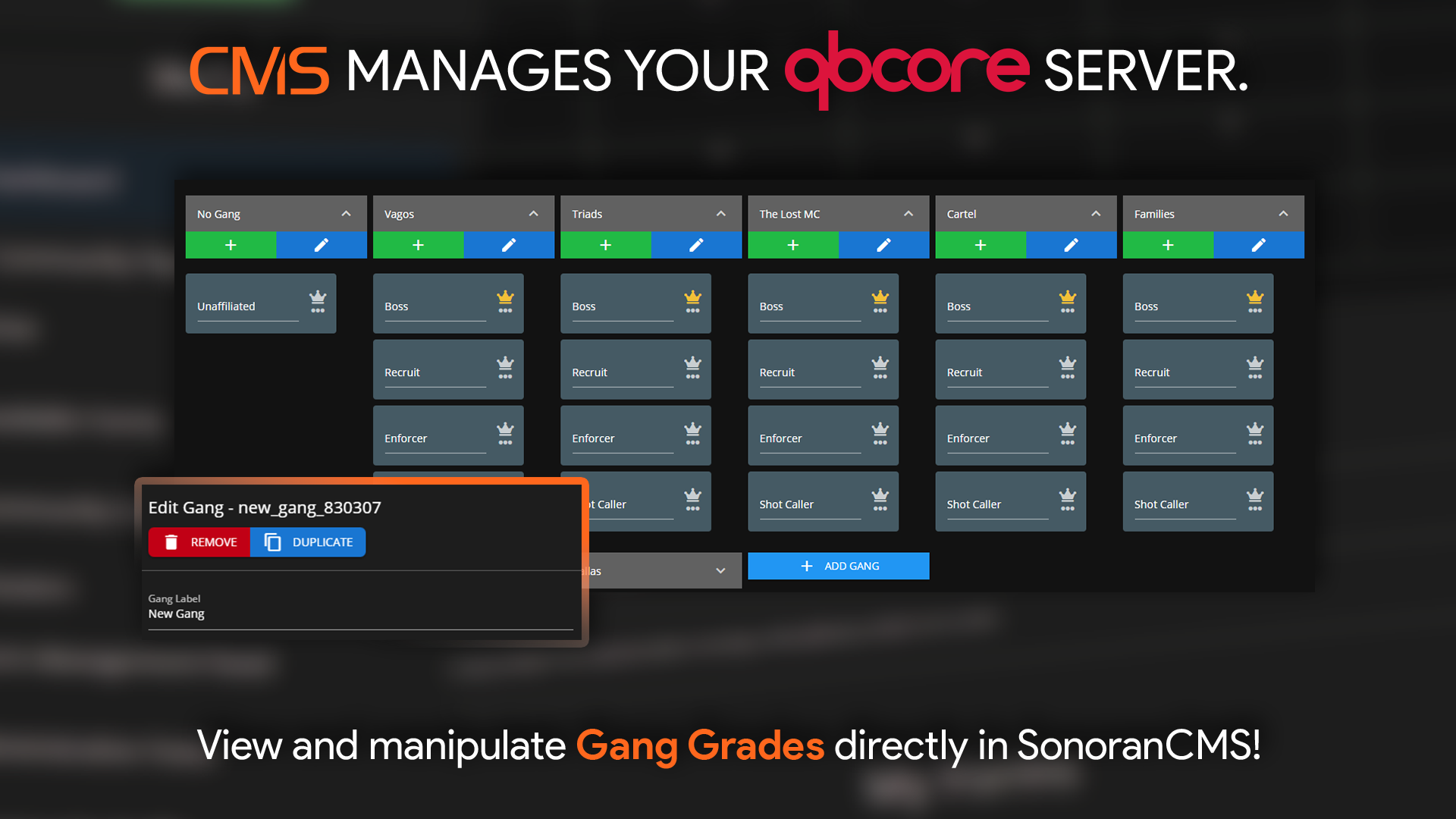
<figure><img src="https://3006847189-files.gitbook.io/~/files/v0/b/gitbook-x-prod.appspot.com/o/spaces%2F-MdBOa9OFjtdqw9FdXli%2Fuploads%2Fgit-blob-f85e05734dc7c632d9f17aa37fb937375c5e0ba0%2Fqbcore_gangs.png?alt=media" alt=""><figcaption><p>Sonoran CMS - QBCore Game Panel Promotional Image</p></figcaption></figure>

## Managing Gangs

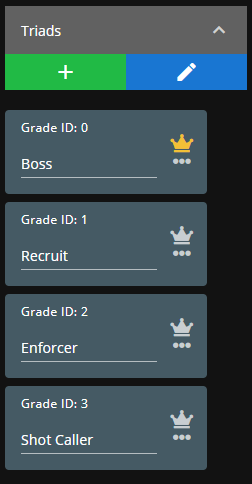
Click any gang to expand the contained grades/ranks.

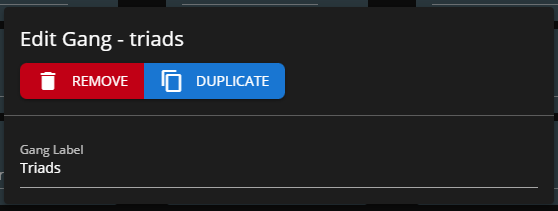
Select the `+` symbol to add a new grade and the pencil icon to edit a job type.

You can toggle a grade as boss and reorder them via drag-and-drop.
<div align="left"><figure><img src="https://3006847189-files.gitbook.io/~/files/v0/b/gitbook-x-prod.appspot.com/o/spaces%2F-MdBOa9OFjtdqw9FdXli%2Fuploads%2Fgit-blob-29cdaa797c27ad9e5ffc993ab9fb6b857d709ba2%2Fimage.png?alt=media" alt="" width="126"><figcaption></figcaption></figure> <figure><img src="https://3006847189-files.gitbook.io/~/files/v0/b/gitbook-x-prod.appspot.com/o/spaces%2F-MdBOa9OFjtdqw9FdXli%2Fuploads%2Fgit-blob-8ad7b43acd01bb98ffdf11fdecdd664b90ba0027%2Fimage.png?alt=media" alt="" width="279"><figcaption></figcaption></figure></div>

## Add a New Gang

You can create a new gang type by selecting `New Gang` at the end of the gang list.

Expand it to edit the gang information and add grades.

<figure><img src="https://3006847189-files.gitbook.io/~/files/v0/b/gitbook-x-prod.appspot.com/o/spaces%2F-MdBOa9OFjtdqw9FdXli%2Fuploads%2Fgit-blob-37ffe3cc8319abcf0e5bb3fae66ae7a85876de46%2Fimage.png?alt=media" alt="" width="256"><figcaption></figcaption></figure>