# Vehicles

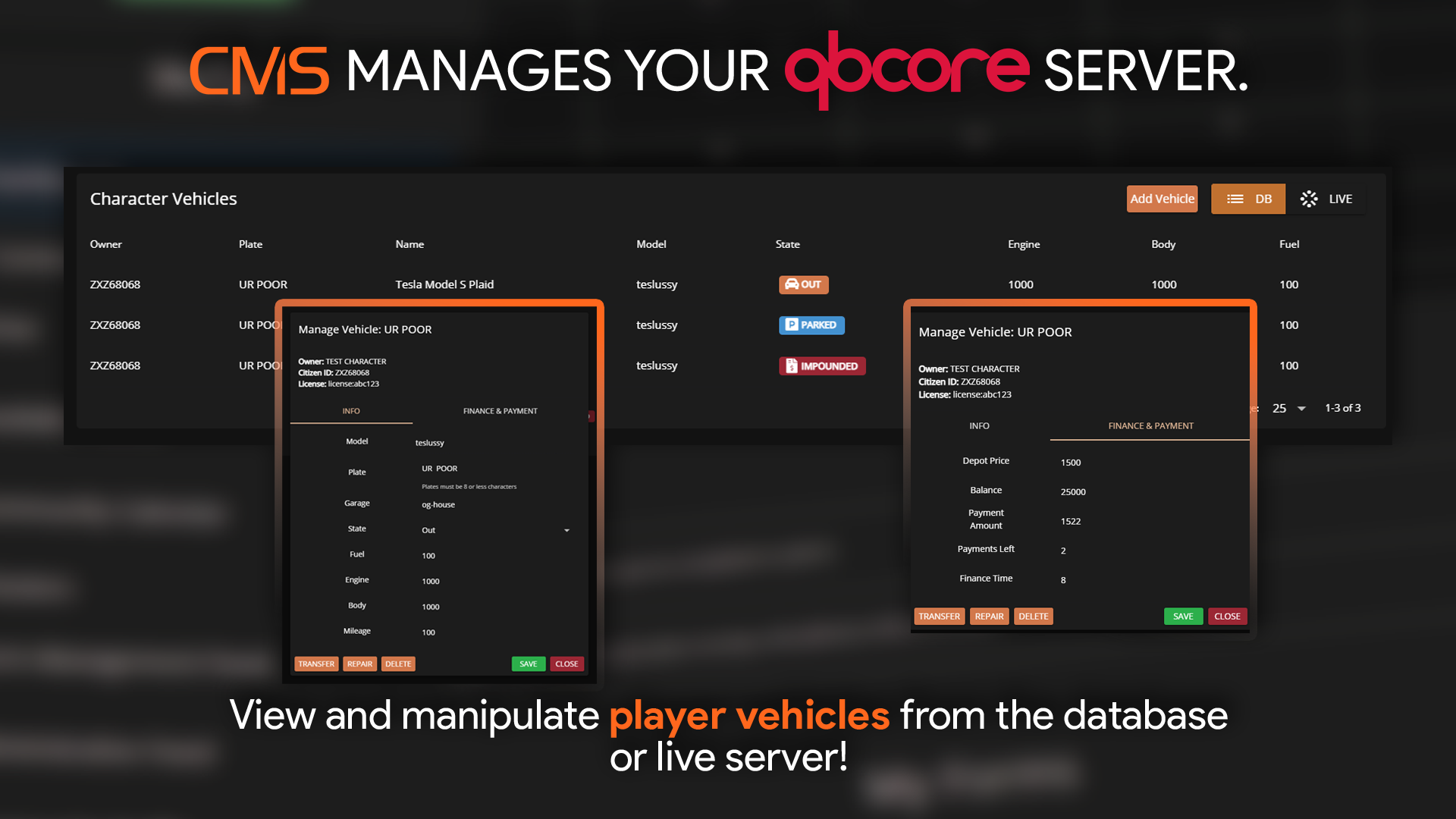
<figure><img src="/files/FNASbRe2ZM89Z245YzQW" alt="" width="563"><figcaption><p>Sonoran CMS - QBCore Game Panel Promotional Image</p></figcaption></figure>

## Switch Between Live and DB Vehicles

You can switch to view only live vehicles active in the server, or all vehicles in the database at the top right.

<figure><img src="/files/nQMtvpPdUCkM3pWw3Fnn" alt="" width="375"><figcaption></figcaption></figure>

## Add a Vehicle

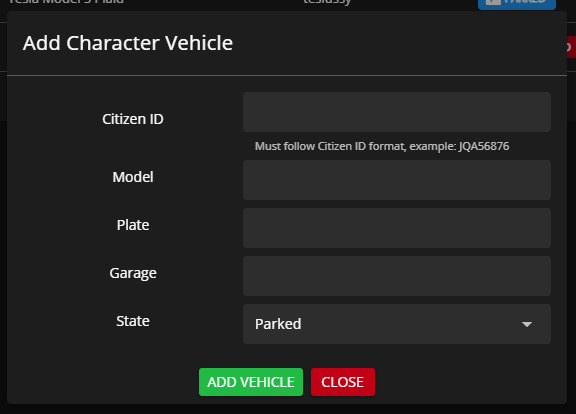
Selecting `Add Vehicle` at the top right allows you to create a new vehicle and assign it's ownership to a player.

<figure><img src="/files/BDof4F2VSPHu2tDVU2nX" alt="" width="288"><figcaption></figcaption></figure>

## Manage a Vehicle

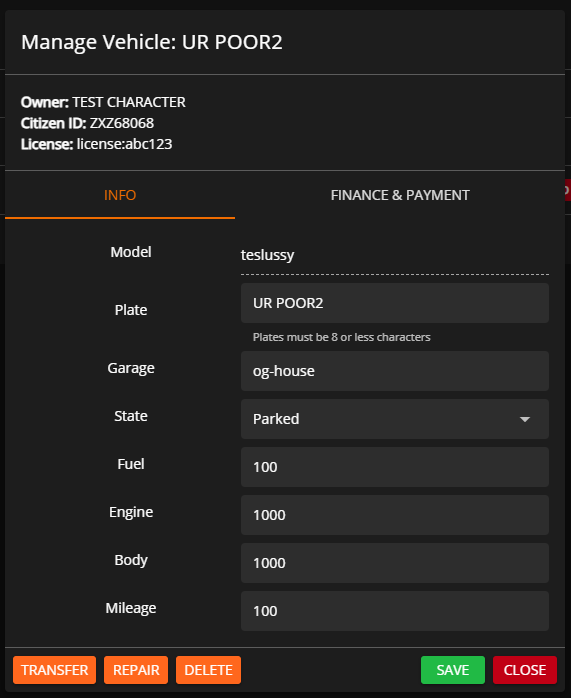
Select any vehicle to modify it's information, transfer ownership, repair it, or delete it from the server.
<figure><img src="/files/HrunR8ZHRcBPiii3LEx2" alt="" width="286"><figcaption></figcaption></figure>

## Supported Garage Scripts

Currently, Sonoran CMS supports the following QB Core garage scripts:

* QB (Base) Garages
* Codesign Garage
* Quasar Advanced Garages
* JG Advanced Garages
* AK47 QG Garage

You can suggest more integrations on our [support portal](https://support.sonoransoftware.com) or if you would like to add the support yourself, simply paste this code snippet in any **SERVER-sided** file in your garage resource.

```lua
local function getAllGarages()
    local garages = {}
    for k, v in pairs(Config.Garages) do
        garages[#garages+1] = {
            name = k,
            label = v.label,
            type = v.type,
            takeVehicle = v.takeVehicle,
            putVehicle = v.putVehicle,
            spawnPoint = v.spawnPoint,
            showBlip = v.showBlip,
            blipName = v.blipName,
            blipNumber = v.blipNumber,
            blipColor = v.blipColor,
            vehicle = v.vehicle
        }
    end
    return garages
end
exports('getAllGarages', getAllGarages)
```


---

# Agent Instructions: Querying This Documentation

If you need additional information that is not directly available in this page, you can query the documentation dynamically by asking a question.

Perform an HTTP GET request on the current page URL with the `ask` query parameter:

```
GET https://docs.sonoransoftware.com/cms/integration-capabilities/fivem-game-panel/qbcore-and-qbox-panel/vehicles.md?ask=<question>
```

The question should be specific, self-contained, and written in natural language.
The response will contain a direct answer to the question and relevant excerpts and sources from the documentation.

Use this mechanism when the answer is not explicitly present in the current page, you need clarification or additional context, or you want to retrieve related documentation sections.