

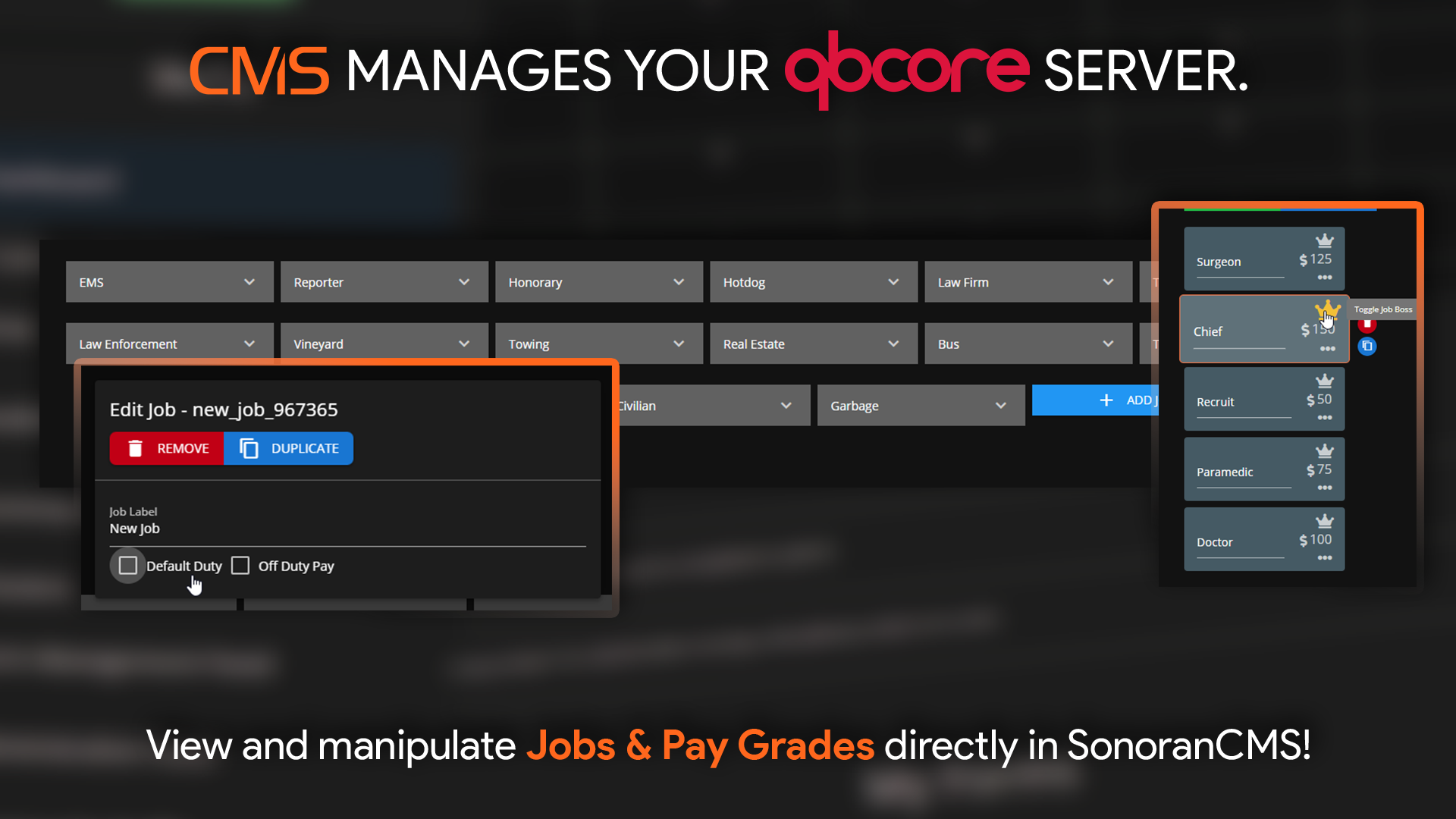
 Sonoran CMS - QBCore Game Panel Promotional Image
Managing Jobs
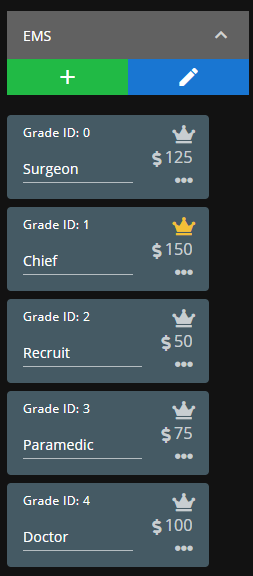
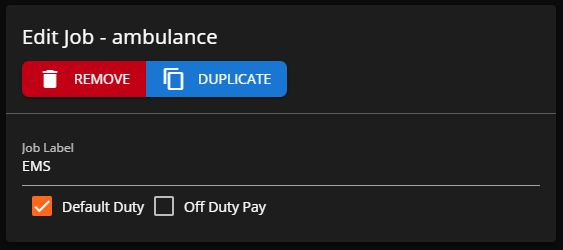
Click any job to expand the contained grades/ranks. Select the+ symbol to add a new grade and the pencil icon to edit a job type.
You can adjust the grade name, pay, toggle it as boss, and reorder via drag-and-drop.
Add a New Job
You can create a new job type by selectingNew Job at the end of the job list.
Expand it to edit the job information and add grades.
