# Growth Panel

<figure><img src="/files/C6rvr5XA4GO80ETxVhTx" alt=""><figcaption><p>Sonoran CMS - Growth Panel</p></figcaption></figure>

{% hint style="info" %}
Community metrics are limited to the last 24 hours on free and standard plans.

Full metric history is available with the [pro version](https://github.com/Sonoran-Software/SonoranCMS-Documentation/blob/master/tutorials/administrative/growth-and-discovery/broken-reference/README.md) of Sonoran CMS.
{% endhint %}

<figure><img src="/files/GdMm35lqCk4E0IPSzEWO" alt=""><figcaption><p>Sonoran CMS - Growth Panel</p></figcaption></figure>

## Community Leaderboard

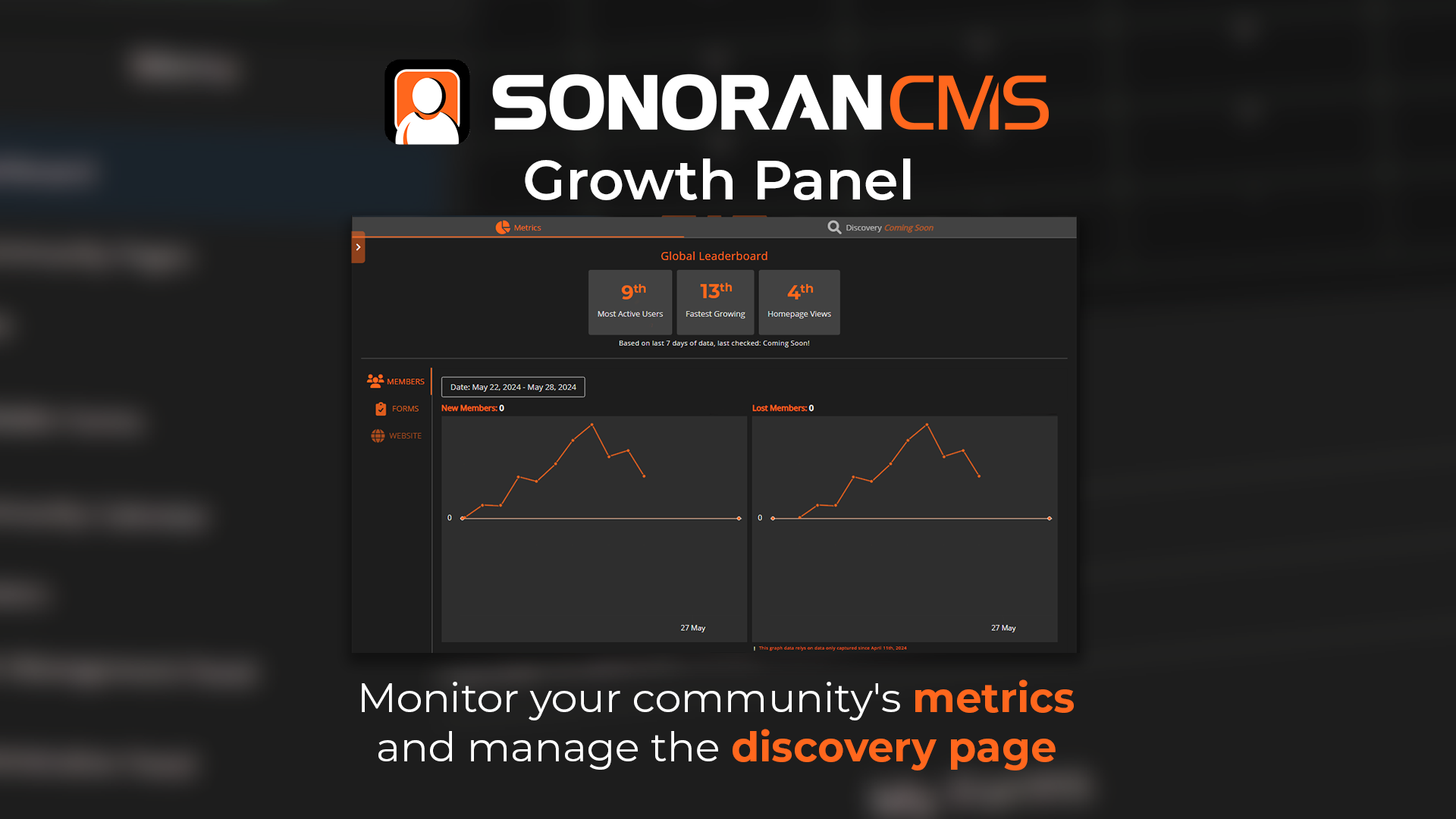
The leaderboard at the top of the growth panel displays your global rankings compared to other CMS communities.

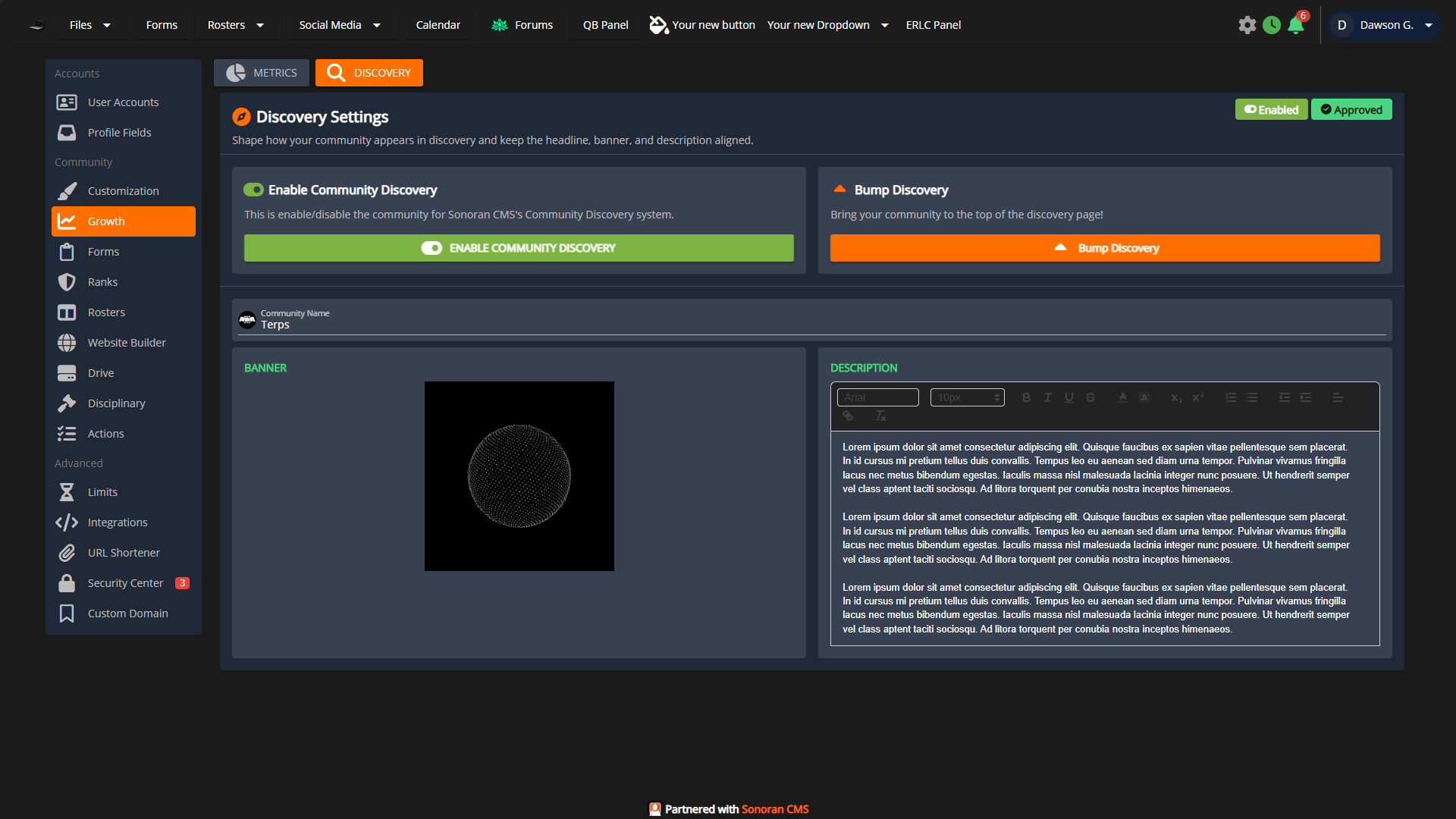
These placements are used to [rank your community in the discovery page](/cms/tutorials/administrative/growth-and-discovery/discovery.md), helping to drive new users to your community!

## Community Metrics

The metrics panel offers historical metrics and performance graphs for your community.\
This allows administrators to easily track their community's growth, decline, or stagnation.

* New Members
  * Number of new members joining the community
* Lost Members
  * Number of members that left the community
* Active Members
  * Unique user visitors per day
* Form Submissions
  * Number of new form submissions on each custom form
* Website Views
  * Number of unique visitors per day on each custom webpage
* Discovery
  * Number of unique views and clicks from the [community discovery system](/cms/tutorials/administrative/growth-and-discovery/discovery.md)
* URL Shortener
  * Number of visits to each link from the[ URL shortener](/cms/tutorials/administrative/url-shortener.md)

<figure><img src="/files/Uo57kynA7ifnVg3HEsGf" alt=""><figcaption><p>Sonoran CMS - Discovery Settings</p></figcaption></figure>


---

# Agent Instructions: Querying This Documentation

If you need additional information that is not directly available in this page, you can query the documentation dynamically by asking a question.

Perform an HTTP GET request on the current page URL with the `ask` query parameter:

```
GET https://docs.sonoransoftware.com/cms/tutorials/administrative/growth-and-discovery/growth-panel.md?ask=<question>
```

The question should be specific, self-contained, and written in natural language.
The response will contain a direct answer to the question and relevant excerpts and sources from the documentation.

Use this mechanism when the answer is not explicitly present in the current page, you need clarification or additional context, or you want to retrieve related documentation sections.