Priority Player List
Priority Player List
Priority Player List
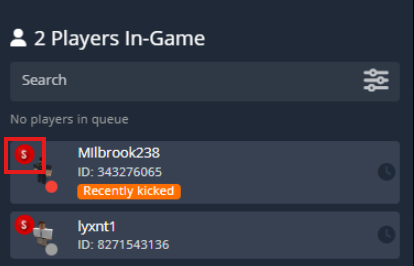
The Priority Player List highlights in-game users with specific CMS ranks by moving them to the top of the player list. This is useful for quickly identifying which staff members (or other ranks) are currently online.Players with one of the configured CMS ranks will display a rank badge on their player card and appear at the top of the dashboard list.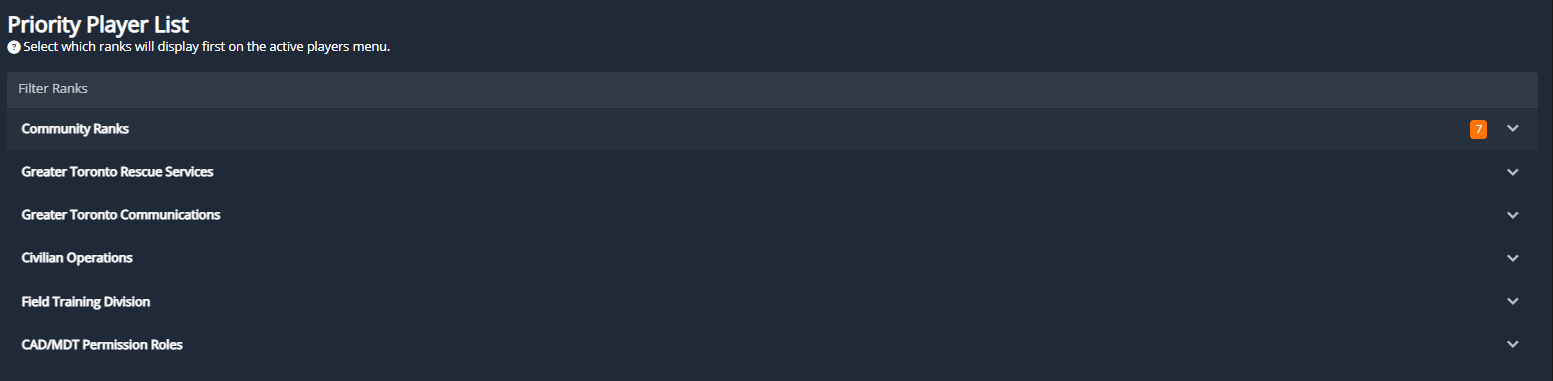
Custom Record Types
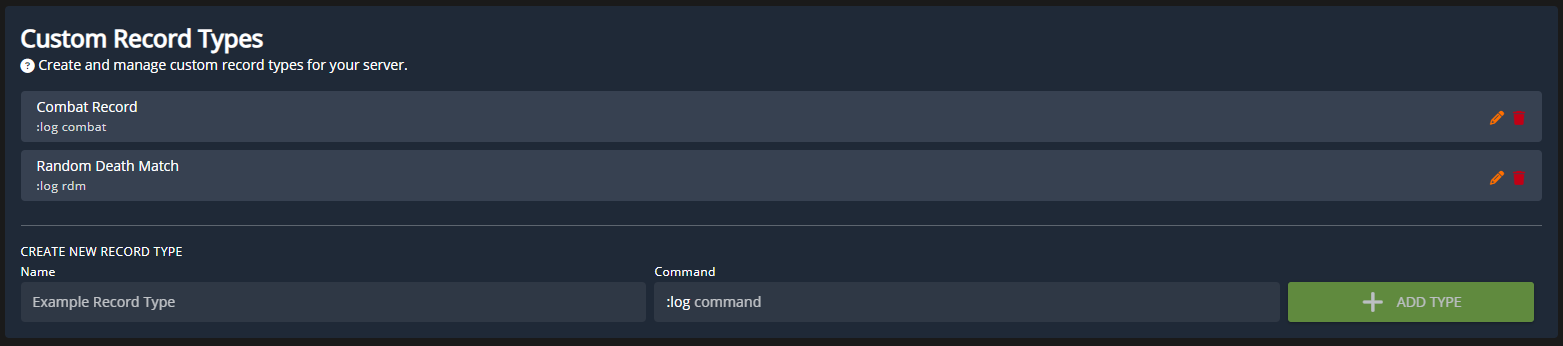
Custom Record Types
Custom Record Types
Request Form Types
Custom Request Forms
Custom Request Forms
Request form types are CMS form submissions that are displayed right in the ER:LC panel for quick processing.Example: Priority RequestsMany communities require approval for a “priority” scene (a roleplay scene with multiple users, weapons, etc.)In the Request Form Types we’ve selected a custom CMS form for Priority Requests. When a user submits this form and it’s in the Awaiting Review stage, it will be displayed on the ER:LC panel.Additionally, players can submit this form (as long as their Roblox account is linked) from in-game using a custom 
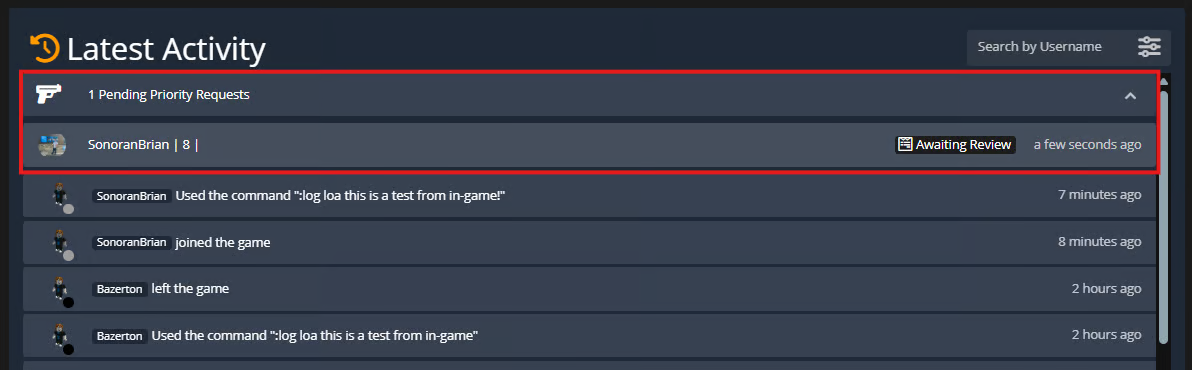
:log command. All additional text after the command will be inserted into the selected form field.Ex: :log prio this is an example > would create a new Priority Request form submission with “this is an example” inserted into the form field “What is the priority for?”Stage ActionsWhen a form stage is changed automated actions, including ER:LC commands can be ran.Username Moderation
Username Moderation
Username Moderation
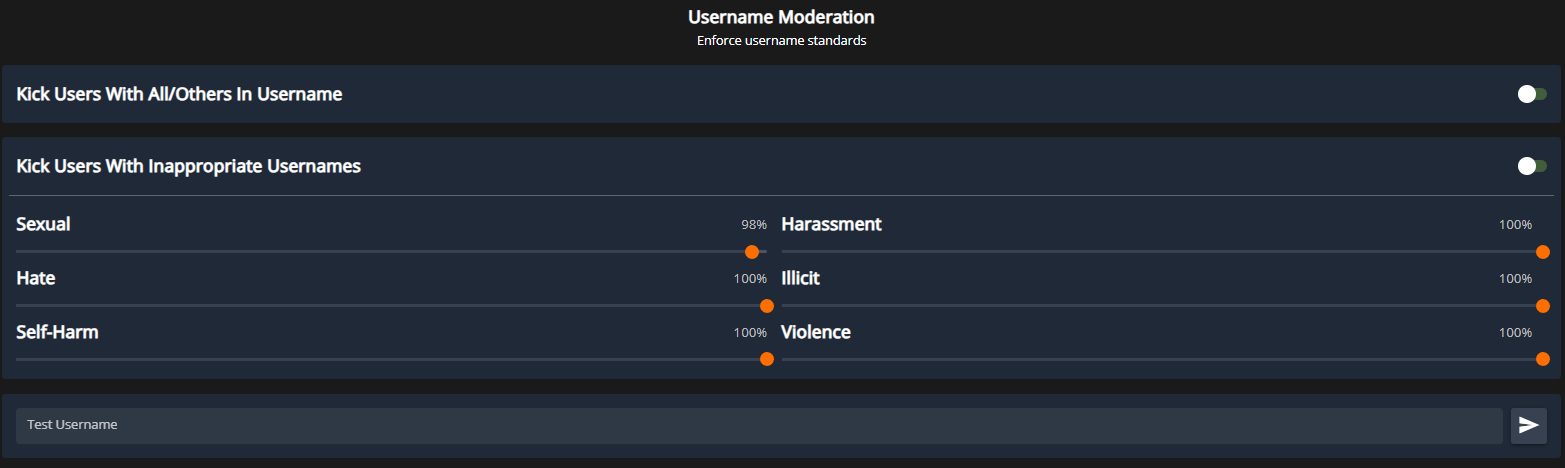
Even with Roblox’s built-in username moderation, some inappropriate names can still bypass filters. The Username Moderation panel allows you to automatically kick users with “All” or “Others” in their username — preventing commands targeting them from affecting the entire server.You can also configure AI-based moderation standards to automatically detect and handle inappropriate usernames.