

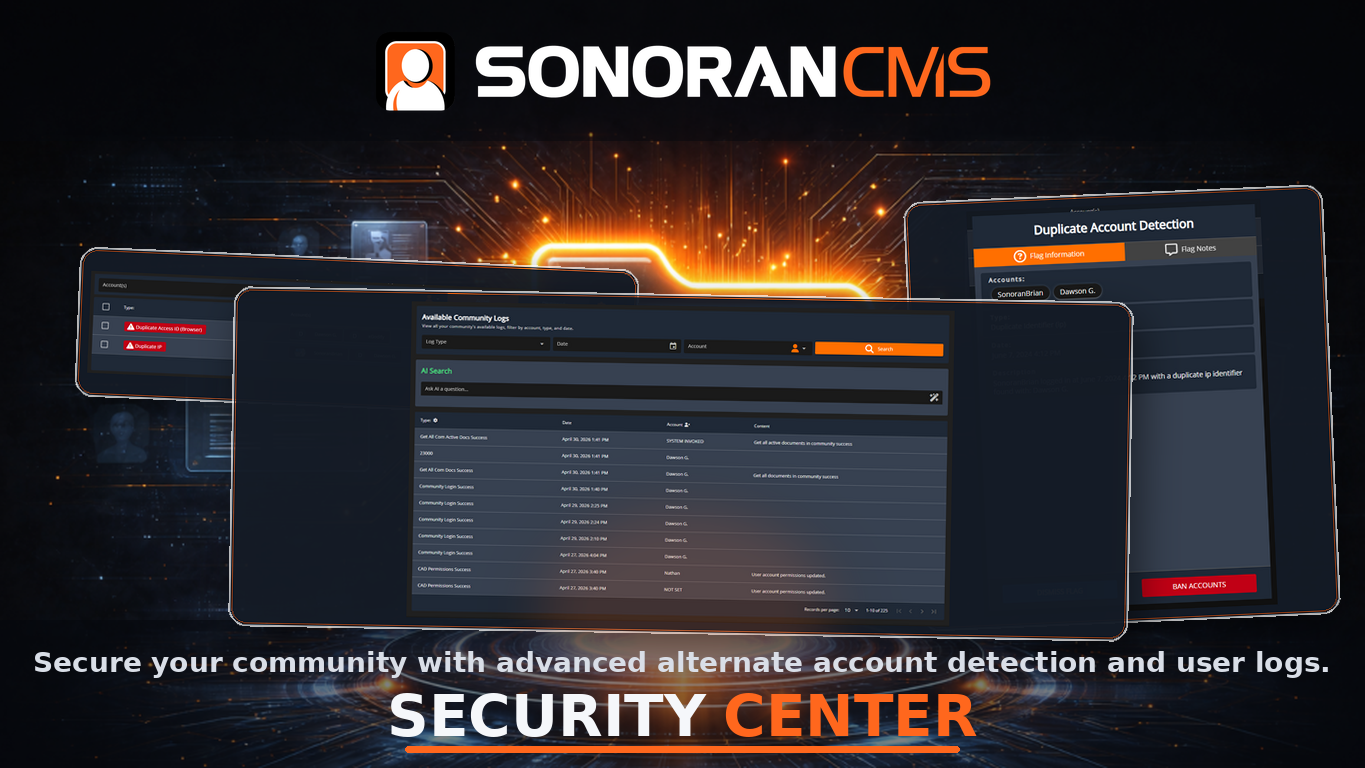
 Sonoran CMS - Alt Detection
What is Alternate Account Detection?
When bad actors are banned from your community, it’s important to ensure they don’t come back under a different account name, alias, etc. Sonoran CMS offers advanced tools to detect ban evasion, easily detecting duplicate accounts on member applications, forums posts, user profiles, game session joins, etc.Account Flags
What is an Account Flag?
Account flags are raised when a user has a “clash” with another account in your CMS. Ex: “Bob123” logs in with the same IP address as “Alice456” -> this results in aDuplicate IP flag
What Flag Types are there?
- Duplicate IP Address
- Duplicate Browser IDs
- Duplicate PC Hardware IDs
- Duplicate Mobile Device IDs
- Duplicate Linked Discord IDs
- Duplicate CFX License (in-game)
- Duplicate Steam ID (in-game)
- Duplicate Xbox Live ID (in-game)
- VPN Usage Detection
Flag Management
How Do I View Flags?
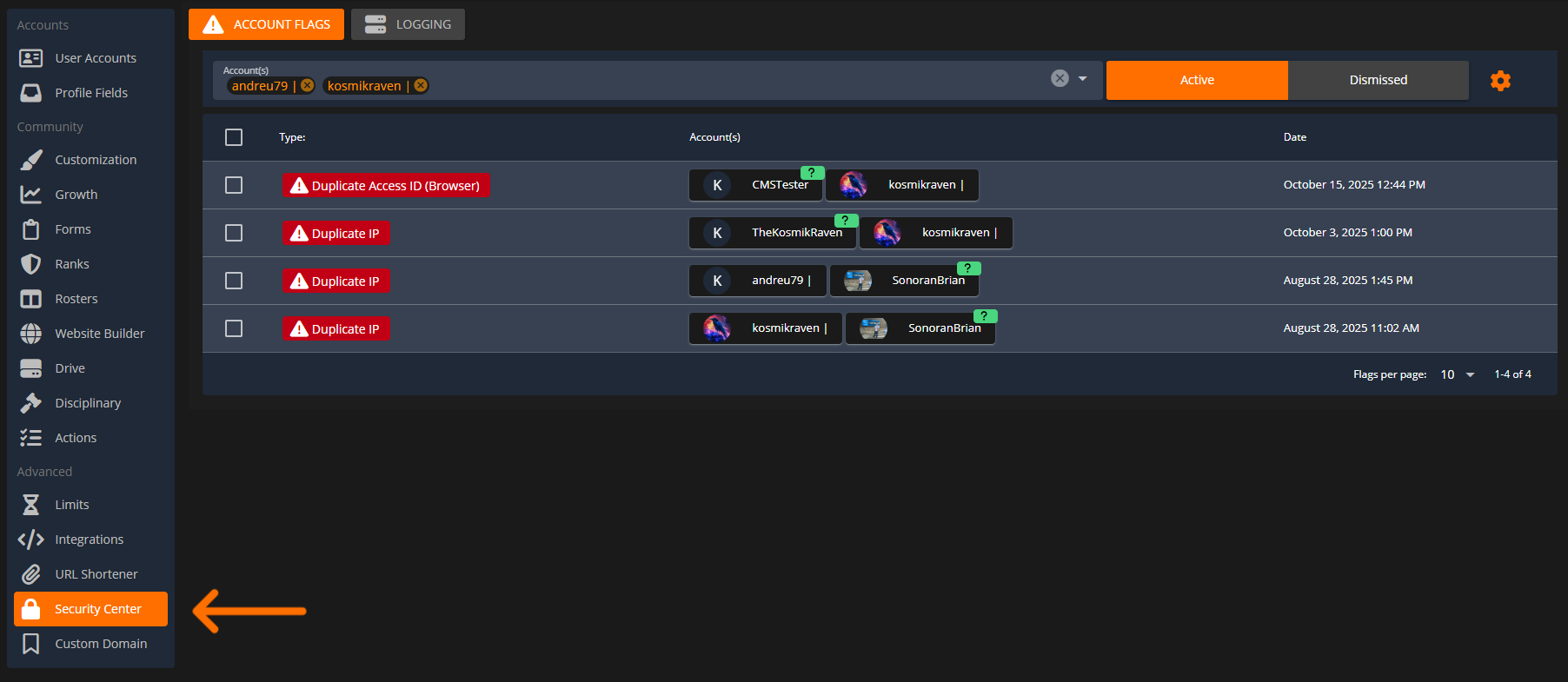
Via Security Center
In theAdministrator Panel the Security Center tab highlights all active flags that need to be reviewed.
 Sonoran CMS - Security Center
Via Account Avatar
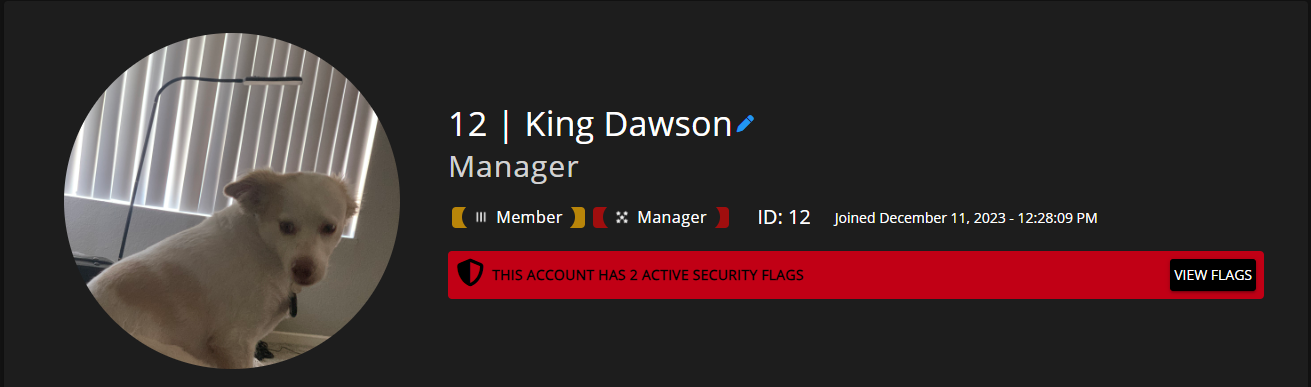
Anywhere an account avatar is visible it will also show a user’s account flags.- Forms and Applications
- Forums Posts
- User Accounts Panel
- User Profile and Bio
 Sonoran CMS - Account Avatar
Select the highlighted flag on a user’s account avatar to automatically redirect to the security center with their specific flags raised.
Sonoran CMS - Account Avatar
Select the highlighted flag on a user’s account avatar to automatically redirect to the security center with their specific flags raised.
Viewing and Dismissing Flags
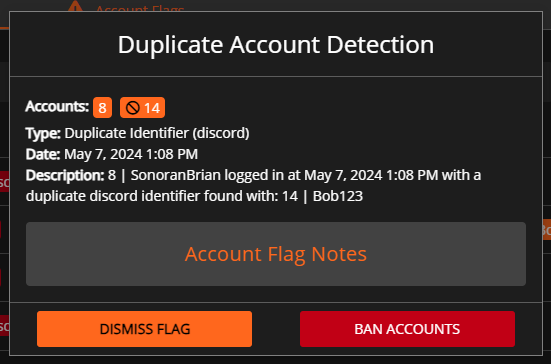
Select a flag in the account flags center to view more details. This will show what type of flag it is and what accounts it has been raised on.Investigating a Flag
Investigate the flag type and the users involved. If one of the users was a previously banned user, and the other is a new member - it’s possible it’s the same person trying to evade a community ban. This example shows user8 (SonoranBrian) linked a Discord account that a banned user 14 (Bob123) previously used.
 Sonoran CMS - Security Center
Flag Icons
When viewing a flag, the user accounts mentioned may also display one of the following icons:- 🚫 - This user is banned in your community
- 🕒 - This user is pending in your community (no ranks yet, new applicant)
- ❓ - This user has not yet joined your community but may be an alternate account of someone who is already in your community
Dismissing a Flag
Sometimes two different users may be harmlessly sharing the same physical device, IP address, etc. Ex: Two users sharing the same Wi-Fi network, but both are in your community. After investigating why these two users have a shared identifier, and that it’s harmless, you can “dismiss” the flag. Once dismissed, the flag with the involved accounts will no longer appear unless an additional account matches up in the future.Flag Permissions
In order to view and manage these account flags, users will need theSecurity Center Manage Flags permissions under the System tab in the rank manager.