What is the Logging Center?
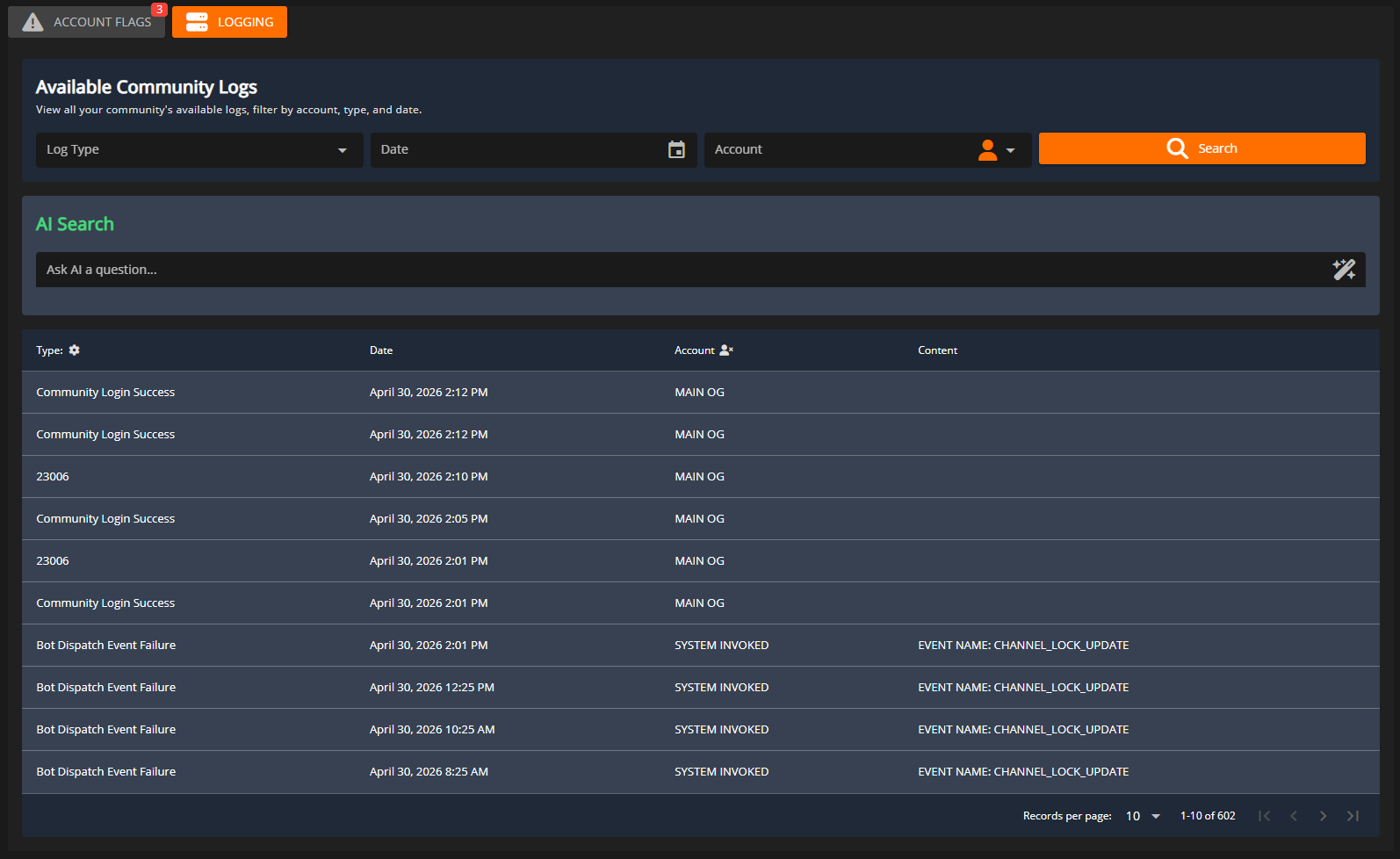
The logging center allows administrators to search and find historical user actions in their CMS community. If a user maliciously deleted a document or updated a webpage, it’s easy to find out who and when!Accessing the Logging Center
The logging center is located in theAdministration Panel > Security Center
User Permissions
Users will need theSecurity Center permission under the System tab in the rank manager.
Searching Logs
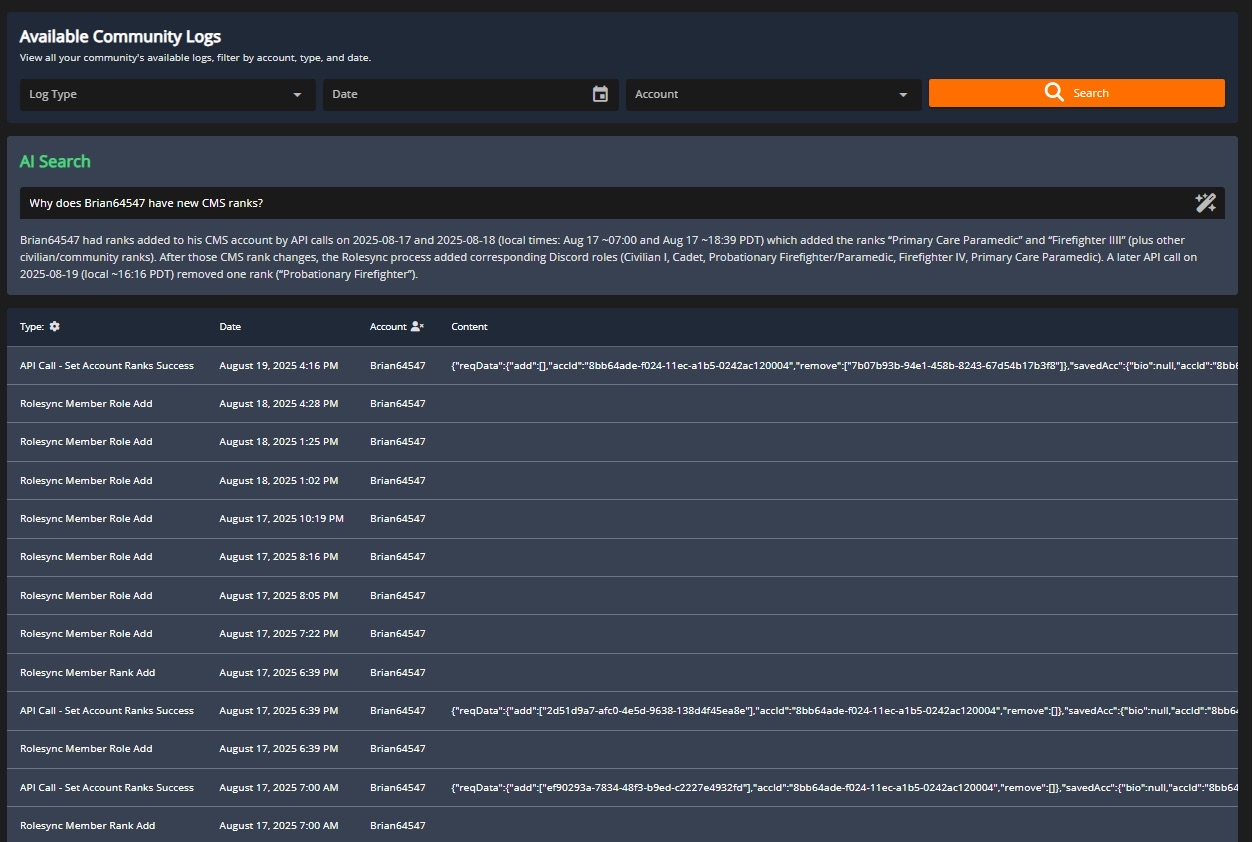
Logs can be searched and filtered by thetype, user, and date of occurrence.
All logs are stored for 30 days, regardless of your subscription tier. Some logs (kicks, bans, permission changes) are stored indefinitely.
AI Search
With the large amount of logs to search through, our AI agent can help automatically find relevant logs and provide a summary of the actions. Simply type your question including any details about the username, unique ID, Discord ID, Roblox ID, TeamSpeak ID, or action types to get started.