

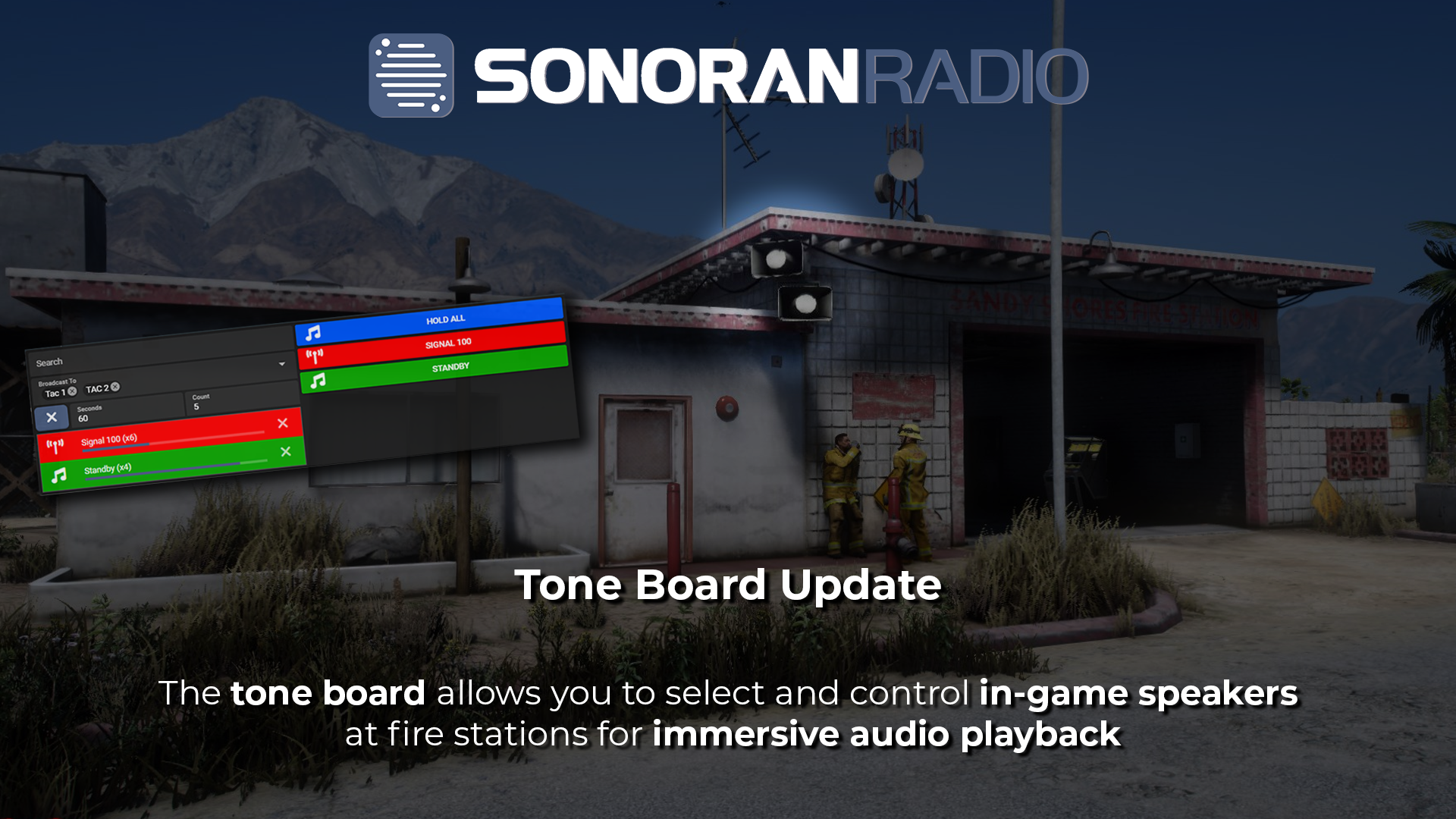
Configuring In-Game Speakers
- Access the Menu
Open the menu with the in-game /radiomenu command and select Toneboard Speaker Menu > Spawn/Move/Delete Speaker
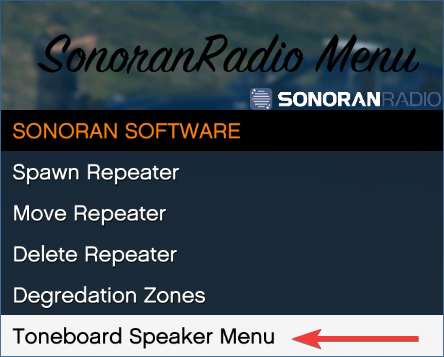 Sonoran Radio - /radiomenu
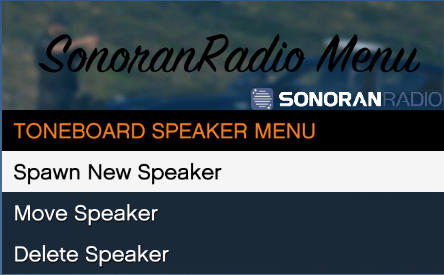 Sonoran Radio - Toneboard Speaker Menu
- Configure the Speaker
Menu Options
The spawn (create) and edit menu will allow you to set the speaker type, name, range, and position.
Speaker Types
When spawning a new speaker please select the type you would like to use. See types below: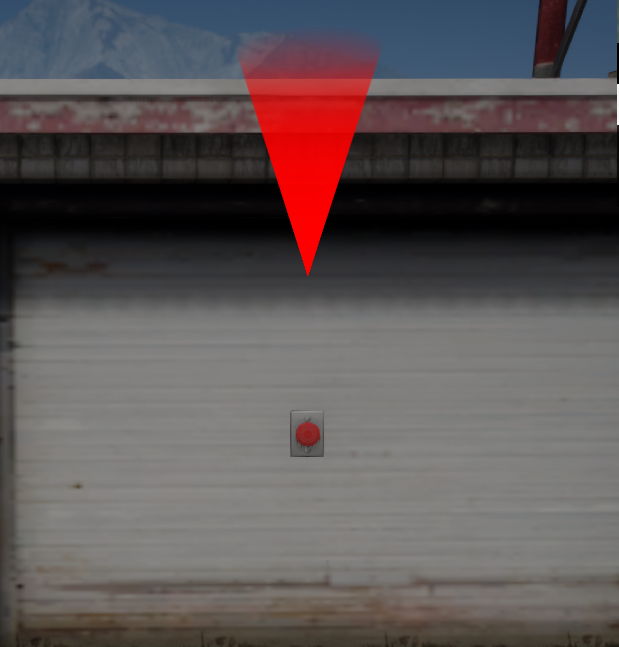 Small - Wall
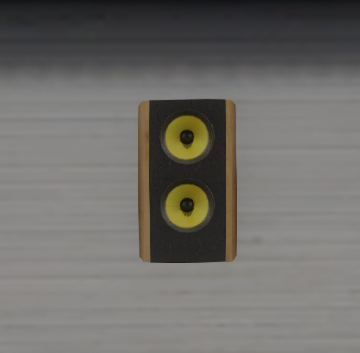 Medium
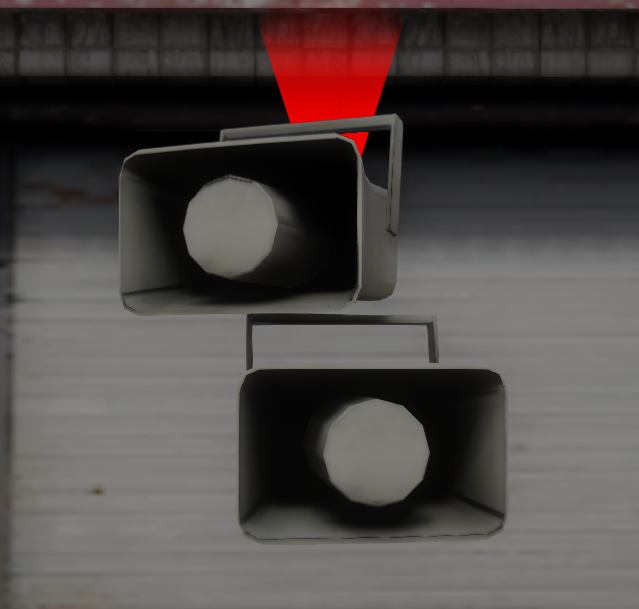 Medium - Wall
 Large
Large
Speaker Position
Use the controls displayed on screen to rotate and move the speaker to the desired location. Sonoran Radio - Speaker Position Controls
- Speaker Grouping
Speakers can be grouped by a customizable name when placed. Grouped speakers show up as a single option on the tone board.
If you would like to group already placed speakers you can do so by navigating to the speakers.json file and adding a group property. (If the value of the group property is empty, speakers will not group together). See below for more:
| Ungrouped Speaker(s) | Grouped Speaker(s) |
|---|---|
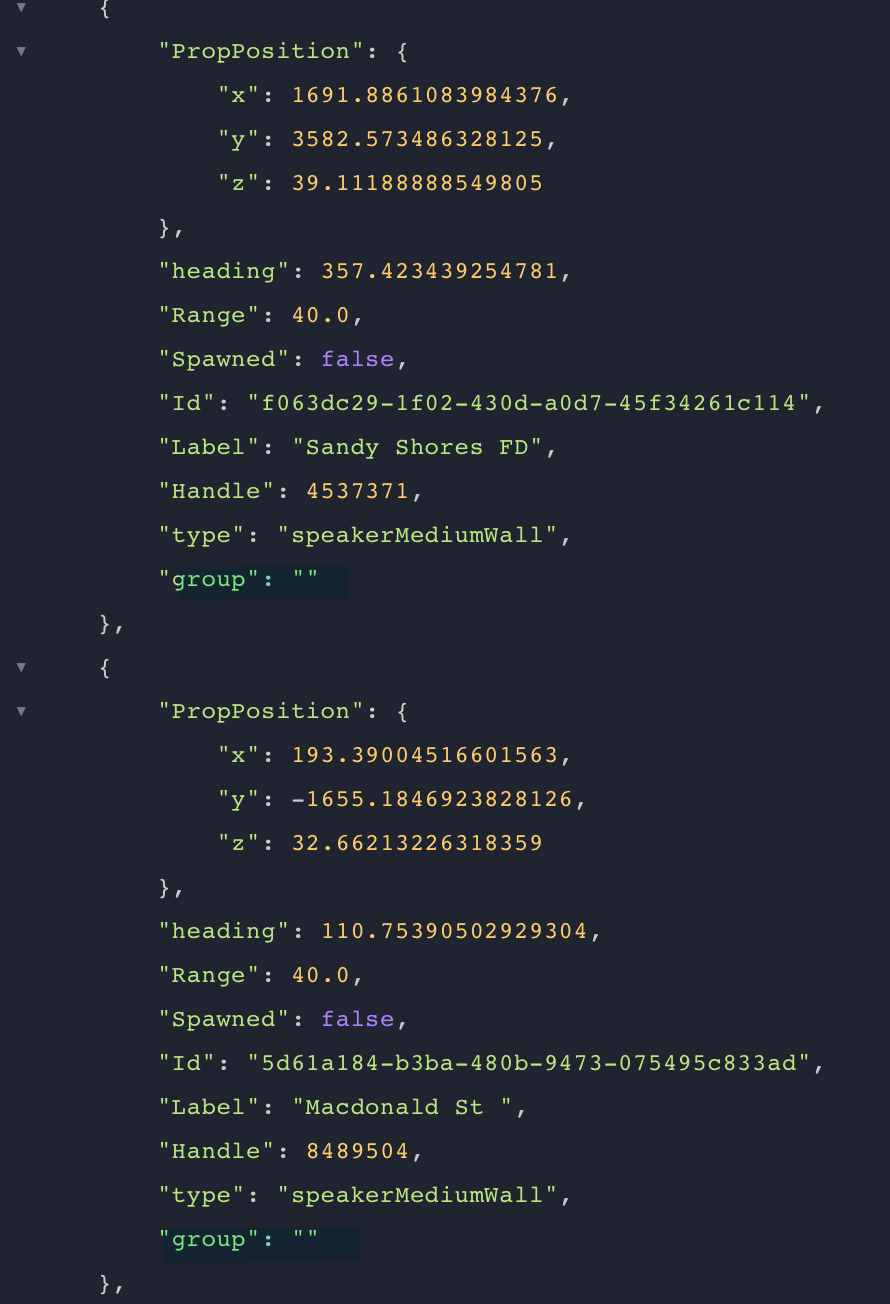 | 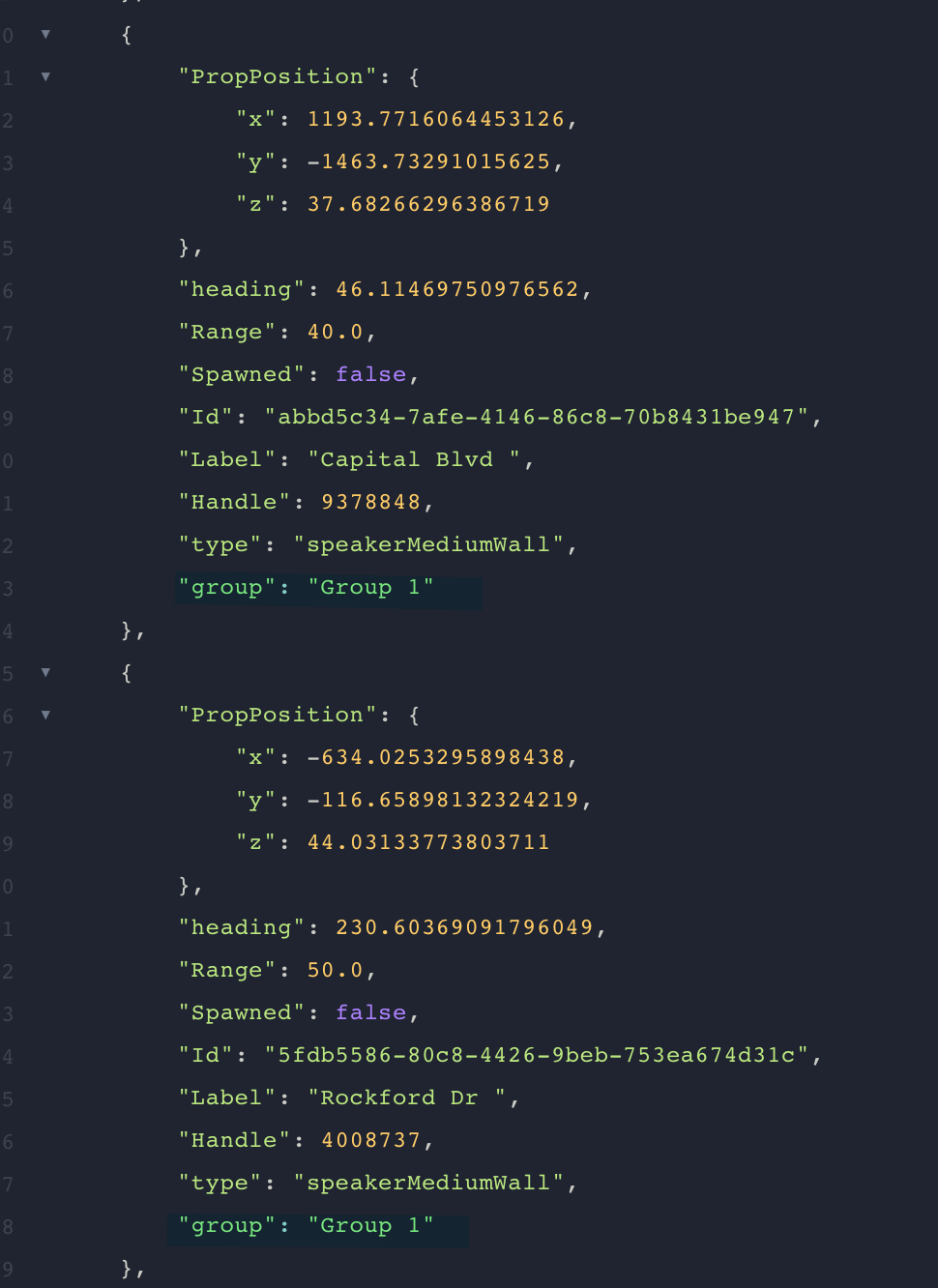 |
Playing Tones to In-Game Speakers
Dispatchers can now use the tone board and select one of the in-game speaker options to broadcast tones, microphone recordings, or AI powered text-to-speech to.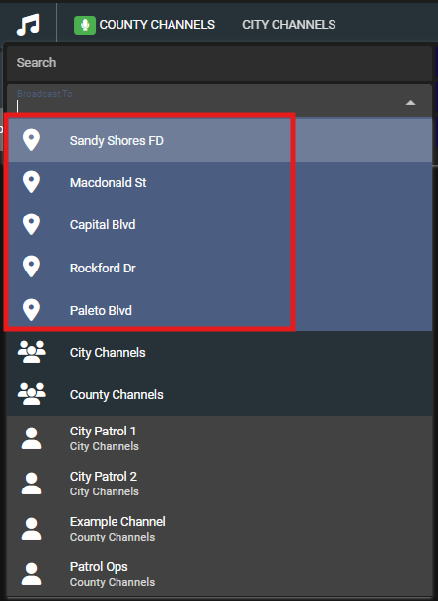 Sonoran Radio - In-Game Speaker Broadcast