# LB Phone App

{% hint style="warning" %}
LB Phone is a paid, third-party script. For support or questions on LB Phone, please contact their support team.
{% endhint %}

<figure><img src="/files/YjHF93Uc3e7RE8vHjqcO" alt=""><figcaption></figcaption></figure>

## LB Phone App

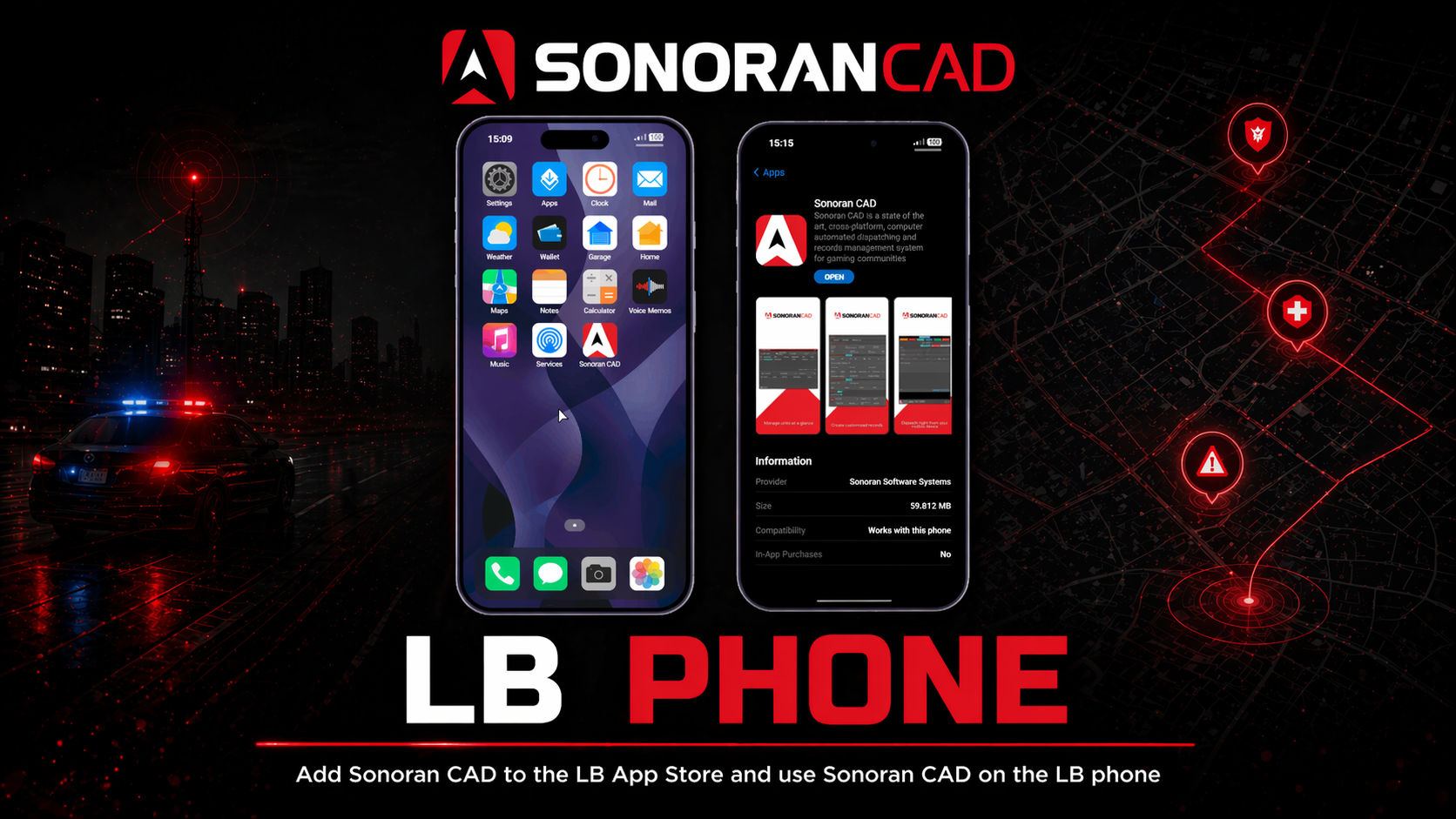
[LB Phone](https://lbscripts.com/phone) is a popular, in-game phone script for FiveM. LB Phone allows you to configure custom applications (like Sonoran CAD) to add and view on the in-game phone. [LB Phone must be purchased from LB Scripts](https://lbscripts.com/phone).

## Activation Guide

### 1. Add the Custom App to LB

In the `lb-phone/config/config.lua` file, add a new entry to the array of `Config.CustomApps`.

The example below shows the `Config.CustomApps` with a single, custom Sonoran CAD application.

<details>

<summary>Custom Sonoran CAD App</summary>

```
Config.CustomApps = {
  -- START COPY HERE --
       ["sonorancad"] = { -- A unique identifier for the app, not shown to the user
        name = "Sonoran CAD", -- The name of the app, shown to the user
        description = "Sonoran CAD is a state of the art, cross-platform, computer automated dispatching and records management system for gaming communities", -- The description of the app, shown to the user
        developer = "Sonoran Software Systems", -- OPTIONAL the developer of the app
        defaultApp = false, -- OPTIONAL if set to true, app should be added without having to download it,
        game = false, -- OPTIONAL if set to true, app will be added to the game section
        size = 59812, -- OPTIONAL in kB
        images = { "https://is1-ssl.mzstatic.com/image/thumb/PurpleSource221/v4/7e/be/65/7ebe6512-9c4a-161f-8108-5a844e16914e/b916289b-fc06-49fe-9ae3-347c6f49a23d_activeunits.png/230x0w.webp", "https://is1-ssl.mzstatic.com/image/thumb/PurpleSource211/v4/40/cf/ba/40cfba85-925a-5b6b-ce46-e1164a13adb5/45ffeb07-5b14-47af-bf99-ebf3473f1188_customrec.png/230x0w.webp", "https://is1-ssl.mzstatic.com/image/thumb/PurpleSource211/v4/d9/b4/09/d9b40925-3b97-7bce-fa92-6c80644c21bb/b0ff740c-e590-499e-aada-fcdb7f818252_dispatch.png/230x0w.webp", "https://is1-ssl.mzstatic.com/image/thumb/PurpleSource211/v4/39/ab/e3/39abe3e6-2ae4-adde-6070-322601145326/ba8def97-a711-44cb-8303-bde8e066fe9d_integrations.png/230x0w.webp", "https://is1-ssl.mzstatic.com/image/thumb/PurpleSource221/v4/39/28/cc/3928cc44-4419-2177-b166-11a0a19b3498/a147df6d-ee3d-4f76-aa44-481da34d02de_livemap.png/230x0w.webp" }, -- OPTIONAL array of images for the app on the app store
        ui = "https://sonorancad.com/", -- OPTIONAL
        icon = "http://s3.sonorancad.com/icon_white_bkg.png", -- OPTIONAL app icon
        price = 0, -- OPTIONAL, Make players pay with in-game money to download the app
        landscape = false, -- OPTIONAL, if set to true, the app will be displayed in landscape mode
        keepOpen = true, -- OPTIONAL, if set to true, the app will not close when the player opens the app (only works if ui is not defined)
        onUse = function() -- OPTIONAL function to be called when the app is opened
            -- do something
        end,
        onServerUse = function(source) -- OPTIONAL server side function to be called when the app is opened
            -- do something
        end
    }
  -- END COPY HERE --
} -- https://docs.lbscripts.com/phone/custom-apps/
```

</details>

### 2. Restart LB Phone

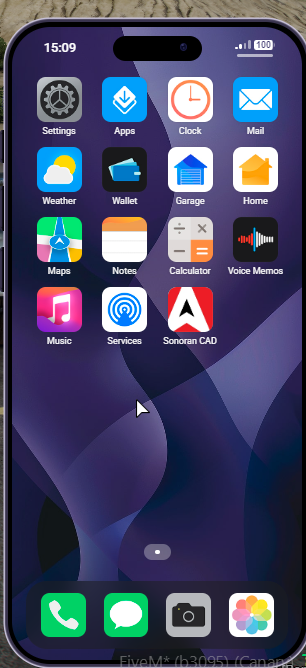
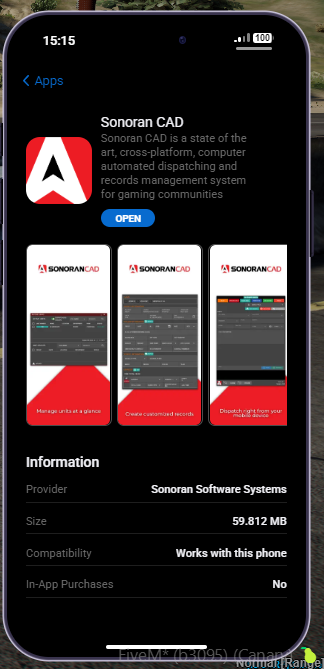
Restart LB phone and you can now "install" Sonoran CAD on the LB Phone from the App Store.
<div><figure><img src="/files/yIOYfpHidG2ntKPZoIwc" alt="" width="162"><figcaption></figcaption></figure> <figure><img src="/files/geMpTHxniLSAUXwKIdst" alt="" width="153"><figcaption></figcaption></figure></div>


---

# Agent Instructions: Querying This Documentation

If you need additional information that is not directly available in this page, you can query the documentation dynamically by asking a question.

Perform an HTTP GET request on the current page URL with the `ask` query parameter:

```
GET https://docs.sonoransoftware.com/cad/integration-plugins/in-game-integration/available-plugins/lb-phone-app.md?ask=<question>
```

The question should be specific, self-contained, and written in natural language.
The response will contain a direct answer to the question and relevant excerpts and sources from the documentation.

Use this mechanism when the answer is not explicitly present in the current page, you need clarification or additional context, or you want to retrieve related documentation sections.