

# Call Templates

<figure><img src="/files/QF5g5kWQ1iUk3fSqUyua" alt=""><figcaption></figcaption></figure>

## Call Templates

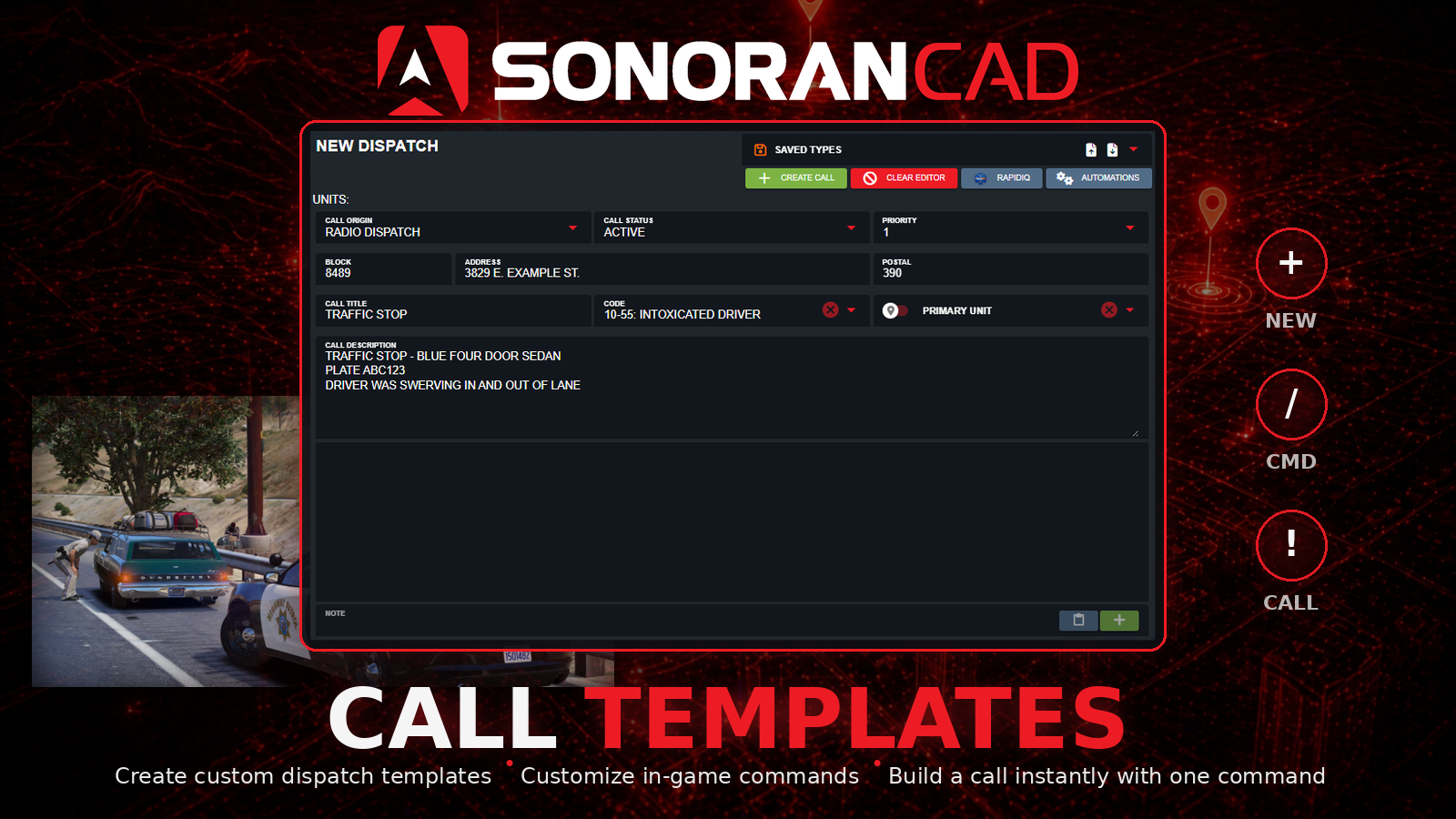
This submodule lets communities export custom dispatch call templates from the CAD, define a custom in-game command, and generate dispatch calls using that command.

## Activation Guide

### 1. Download and Install the Resource

{% hint style="info" %}
This submodule is already **enabled by default** when installing the [Sonoran CAD FiveM resource](/cad/integration-plugins/in-game-integration/fivem-installation.md).

\
The [locations submodule](/cad/integration-plugins/in-game-integration/available-plugins/locations.md) includes required logic to send location data and is **already enabled by default**. Keep this submodule enabled to maintain functionality.

\
The [postals submodule](/cad/integration-plugins/in-game-integration/available-plugins/postals.md) is optional and also enabled by default. Keep this submodule enabled if you wish to include postal code information with emergency calls.
{% endhint %}

### 2. Adjust the Configuration

The CAD display settings are stored inside of the `/configuration/calltemplates_config.lua` file.

### 3. Ensure Players are Linked

Ensure the player has already [linked their CAD](/cad/integration-plugins/in-game-integration/link-user-in-game.md) for this integration to work.

### Configuration

<details>

<summary>a. Main Configuration</summary>

| Option                     | Description                                                                           | Default                                                                                                                                                               |
| -------------------------- | ------------------------------------------------------------------------------------- | --------------------------------------------------------------------------------------------------------------------------------------------------------------------- |
| `callTypeDirectory`        | Location of the call type JSON file                                                   | `submodules/calltemplates/calltypes`                                                                                                                                  |
| `defaultOrigin`            | Call origin used if the template does not specify one                                 | <p>Default: <code>2</code><br>Options:<br>- <code>0</code>: Caller<br>- <code>1</code>: Radio Dispatch<br>- <code>2</code>: Observed<br>- <code>3</code>: Walk Up</p> |
| `defaultStatus`            | Call status used if the template does not specify one                                 | <p>Default: 1<br>Options:<br>- <code>0</code>: Pending<br>- <code>1</code>: Active<br>- <code>2</code>: Closed</p>                                                    |
| `defaultPriority`          | Call priority used if the template does not specify one                               | `1`                                                                                                                                                                   |
| `reloadTemplatesOnEachUse` | When true, templates are re-read every command execution (useful while editing files) | `false`                                                                                                                                                               |

</details>

<details>

<summary>b. Call Type Configuration</summary>

In the `calltemplates_config.lua` file you will find a section named `commands` . In here, you can configure each custom command that will be used to create a call. Below you will find the options you can use during configuration.

| Option               | Type    | Description                                                                                                      |
| -------------------- | ------- | ---------------------------------------------------------------------------------------------------------------- |
| `command`            | String  | The name of the command                                                                                          |
| `callTypeFile`       | String  | The name of the associated JSON file for the call type                                                           |
| `descriptionPrefix`  | String  | The prefix of the call description                                                                               |
| `suggestionText`     | String  | The command suggestion text                                                                                      |
| `includeWraithPlate` | Boolean | Attach locked plate from wraithv2 if available                                                                   |
| `includePlayerUnit`  | Boolean | Attach the player's unit to the call                                                                             |
| `useAcePermissions`  | Boolean | Require an ace permission to utilize the command. The ace permission is `command.commandName` \| Ex. `comand.ts` |

</details>

#### c. Add Call Type JSON Files

Each call type requires a JSON file to be added to the directory `submodules/calltemplates/calltypes`. You can either configure this file yourself or you can download it from Sonoran CAD. This [guide](/cad/tutorials/dispatching/creating-a-call.md#import-export-saved-call-types) will explain how to create and export call types.

## Usage

By default, this submodule comes with a `/ts` (traffic stop) and `/towrq` (tow request) commands.

Example:

`/ts Blue four door sedan, occupied x1`

* Creates a dispatch call with the presets for a traffic stop.
* Adds `Blue four door sedan, occupied x1` to the description.
* Pre-fills the call's address and postal location with your in-game location.


---

# Agent Instructions: Querying This Documentation

If you need additional information that is not directly available in this page, you can query the documentation dynamically by asking a question.

Perform an HTTP GET request on the current page URL with the `ask` query parameter:

```
GET https://docs.sonoransoftware.com/cad/integration-plugins/in-game-integration/available-plugins/call-templates.md?ask=<question>
```

The question should be specific, self-contained, and written in natural language.
The response will contain a direct answer to the question and relevant excerpts and sources from the documentation.

Use this mechanism when the answer is not explicitly present in the current page, you need clarification or additional context, or you want to retrieve related documentation sections.
