

Activation Guide
- Download and Install the Resource
This submodule is already enabled by default when installing the Sonoran CAD FiveM resource.
The locations submodule includes required logic to send location data and is already enabled by default. Keep this submodule enabled to maintain functionality.
The postals submodule is optional and also enabled by default. Keep this submodule enabled if you wish to include postal code information with emergency calls.
The locations submodule includes required logic to send location data and is already enabled by default. Keep this submodule enabled to maintain functionality.
The postals submodule is optional and also enabled by default. Keep this submodule enabled if you wish to include postal code information with emergency calls.
- Adjust the Configuration
The CAD display settings are stored inside of the /configuration/callcommands_config.lua file.
Notifications are handled by the Sonoran CAD core. See Core Configuration for settings and supported values.
- Ensure Players are Linked
Ensure the player has already linked their CAD for this integration’s panic feature to work.
Usage
Commands
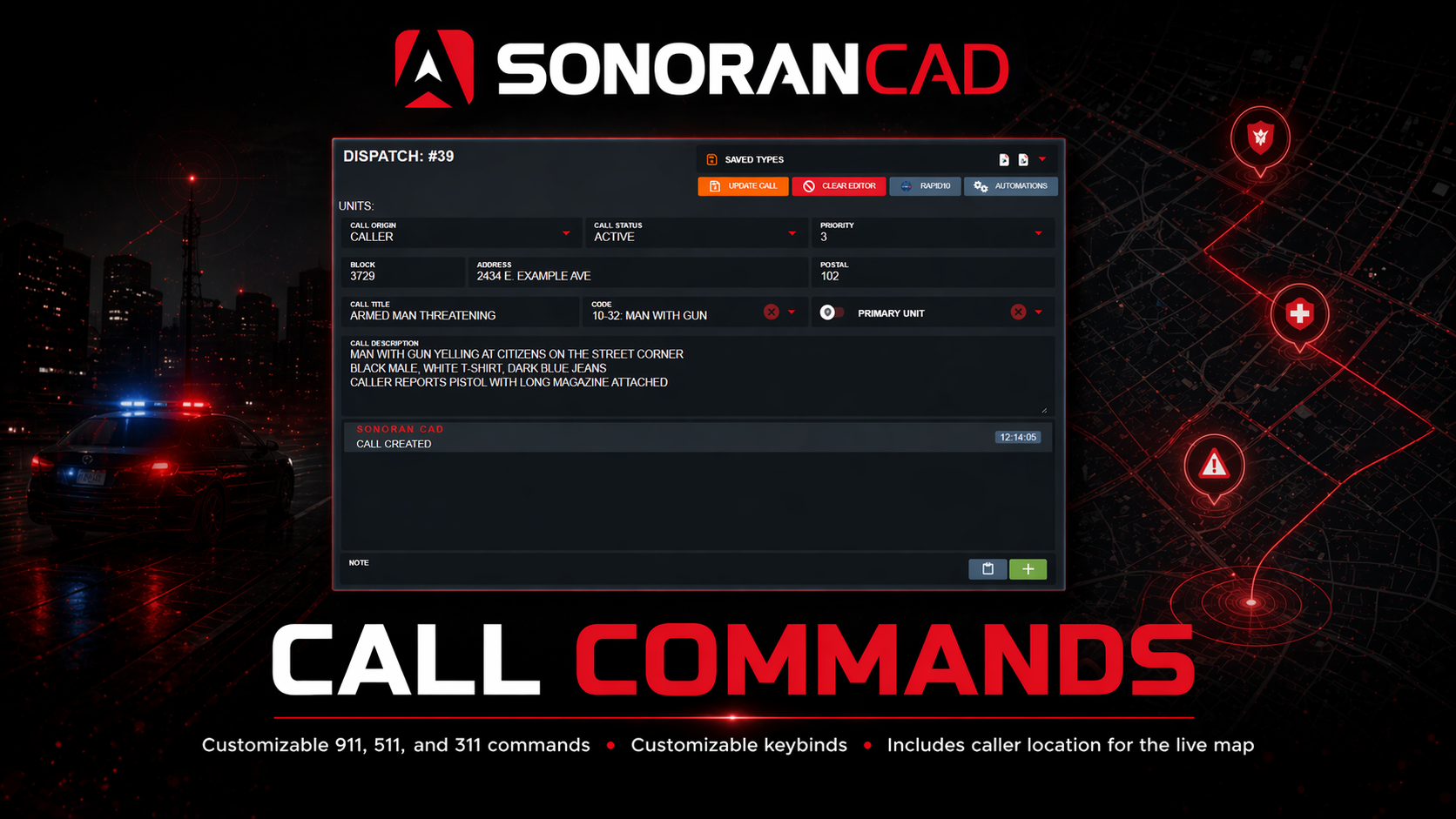
In-game commands can be used to/panicToggles your unit’s panic status/911Sends a 911 call to the CAD/511Sends a 511 call to the CAD (Civil)/311Sends a non-emergency call to the CAD (Civil)


Key Binds
Users can customize a keybind to toggle their panic status. Navigate to Settings > Keybinds > FiveM and look for the Panic Button keybind under the resourcesonorancad.

ACE Permissions
The distributedsonorancad.cfg grants the panic command node used by the panic keybind:
/panic is currently registered with ACE restriction disabled, so this bundled entry provides compatibility/default access rather than acting as an authorization boundary. The /911, /311, and /511 commands are also registered without ACE restriction. Do not replace this line with a group grant expecting /panic to become role-restricted; the current source does not enforce command.panic.
Call Location
By default, calls responded to via the/rcall command located in Dispatch Notify will attempt to be routed to the callers current location, rather than the location of the call. If you would like calls to route to the location of the original call, please set useCallLocation to true