

# Unit Status

<figure><img src="/files/x2ec4X7BsyjnMIxkX6GC" alt=""><figcaption></figcaption></figure>

## Activation Guide

### 1. Download and Install the Resource

{% hint style="info" %}
This submodule is already **enabled by default** when installing the [Sonoran CAD FiveM resource](/cad/integration-plugins/in-game-integration/fivem-installation.md).
{% endhint %}

### 2. Adjust the Configuration

The bodycam settings are stored inside of the `/configuration/unitstatus_config.lua` file.

<details>

<summary><code>unitstatus_config.lua</code></summary>

| Option           | Description                                                  | Default                  |
| ---------------- | ------------------------------------------------------------ | ------------------------ |
| setStatusCommand | Command that will allow units to set their own status.       | setstatus                |
| statusCodes      | Array of status codes, configurable to be community-specific | Default SonoranCAD setup |

</details>

### 3. Ensure Players are Linked

Ensure the player has already [linked their CAD](/cad/integration-plugins/in-game-integration/link-user-in-game.md) for this integration to work.

### 4. Setup User Permissions

This script provides a status set command by default. Players will need the `command.setstatus` [ACE permission](https://forum.cfx.re/t/basic-aces-principals-overview-guide/90917) (or whatever you configure the command to be).

**Example**

`add_ace builtin.everyone command.setstatus allow`

This line in your `config.cfg` file will allow everyone to access the command. We highly reccomend creating [proper ace permission groups](https://forum.cfx.re/t/basic-aces-principals-overview-guide/90917) to prevent users from spamming.

## Commands

In-game commands can be used to

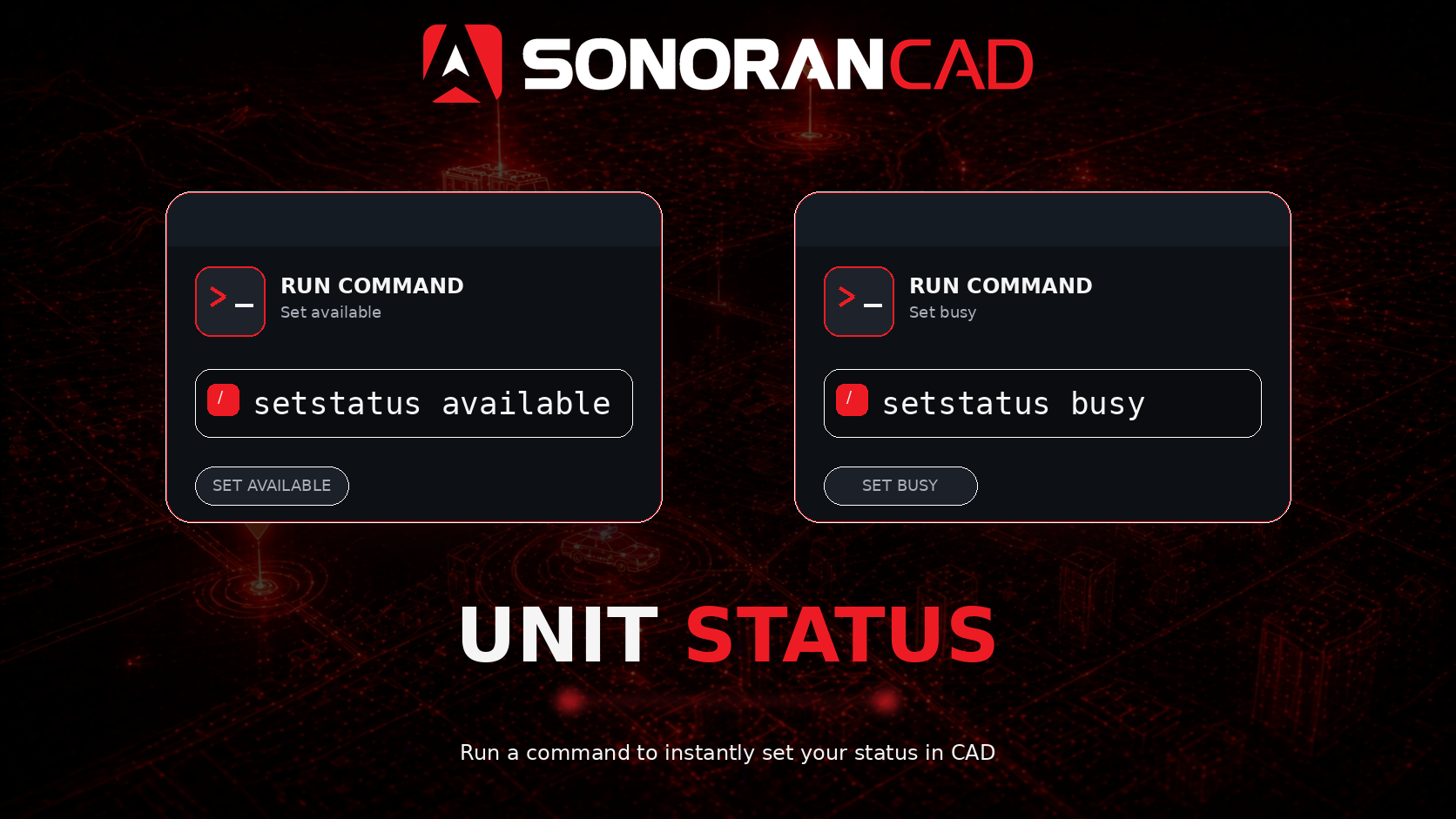
* `/setstatus [status]` Set your unit status in the CAD.

<figure><img src="/files/nu7w6PxlaCKnVHK0qHl9" alt=""><figcaption></figcaption></figure>

## Function

This is a server-side function only and is exported as `cadSetUnitStatus`. Use `setUnitStatus` if using with other submodules.

```lua
cadSetUnitStatus(<apiId>, <status>, [player])
```

* apiId: The identifier attached to the unit
* status: A status, can be the actual string or a number, based on configuration
* player (optional): server ID of the player, used to send a client event

## Event

```lua
--[[
    Event Name: SonoranCAD::unitstatus:UpdateStatus
    Arguments:
        statusText: Text or number of the status to set
]]

```


---

# Agent Instructions: Querying This Documentation

If you need additional information that is not directly available in this page, you can query the documentation dynamically by asking a question.

Perform an HTTP GET request on the current page URL with the `ask` query parameter:

```
GET https://docs.sonoransoftware.com/cad/integration-plugins/in-game-integration/available-plugins/unit-status.md?ask=<question>
```

The question should be specific, self-contained, and written in natural language.
The response will contain a direct answer to the question and relevant excerpts and sources from the documentation.

Use this mechanism when the answer is not explicitly present in the current page, you need clarification or additional context, or you want to retrieve related documentation sections.
