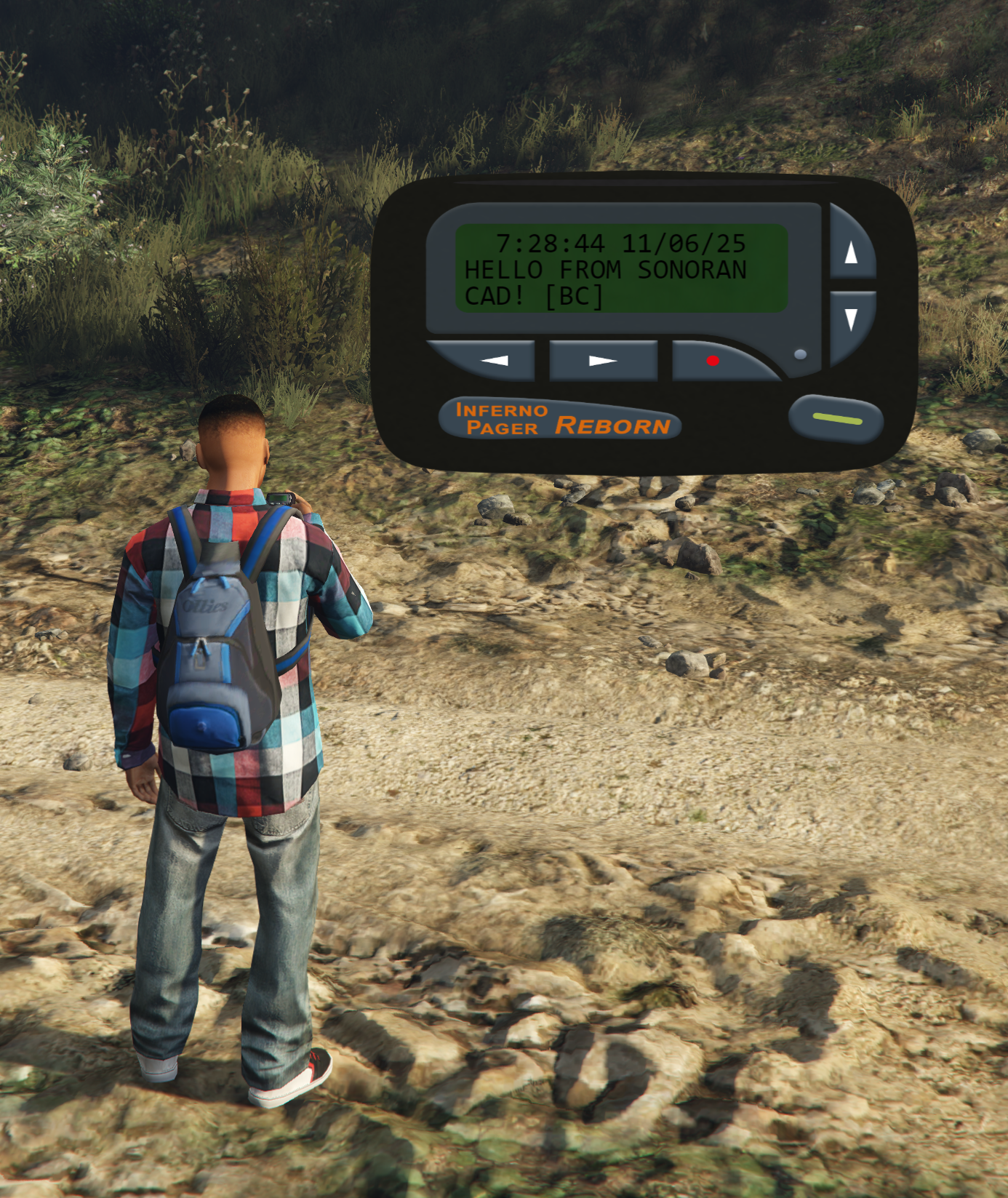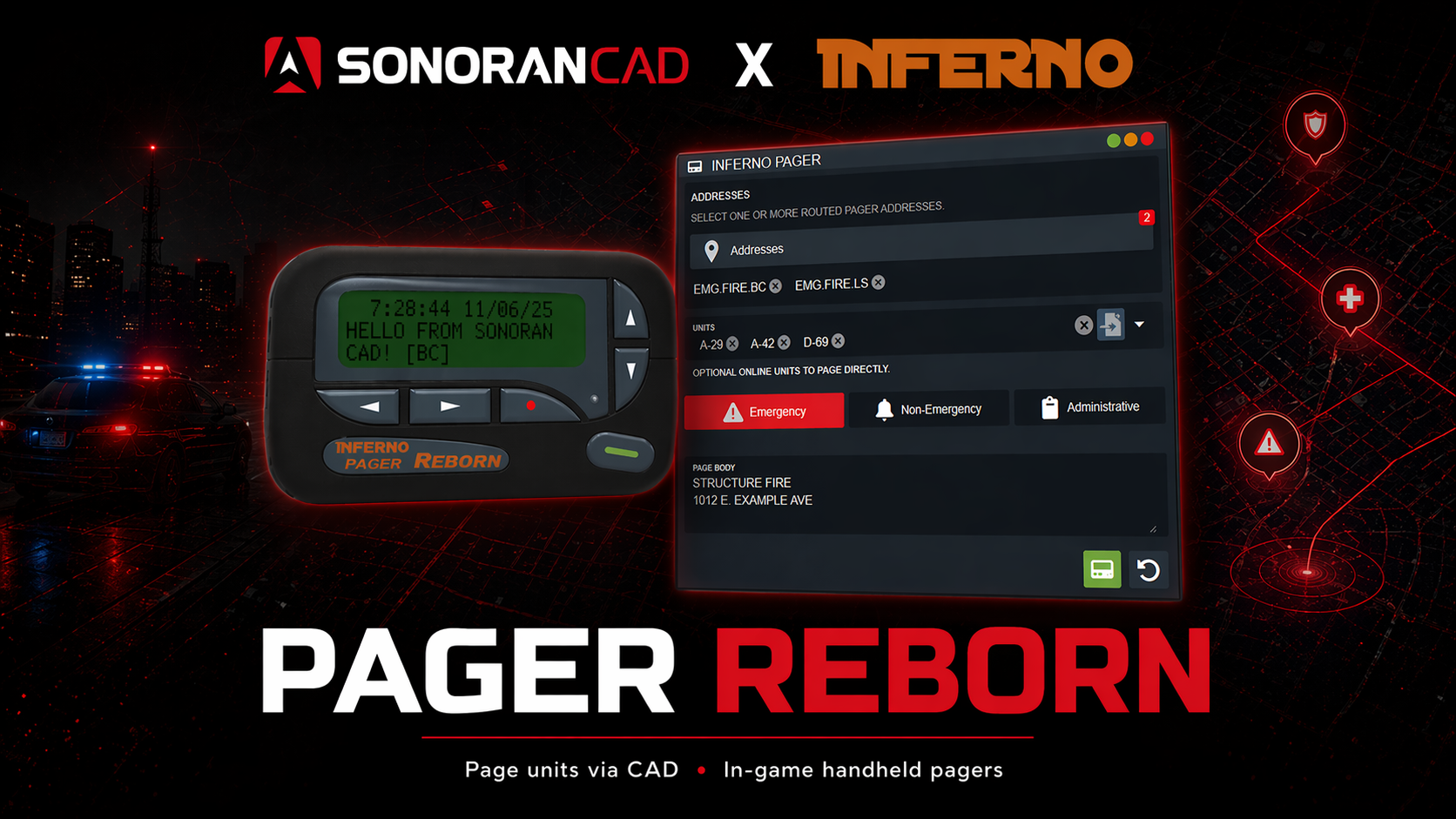
Promotional Video
Watch the Promotional Video
Watch the Promotional Video
Installation Guide
- Download the Resource
Users can get the Pager Reborn resource from Inferno Collection.
- For Sonoran CAD Pro users, download the FREE Pager Reborn (Sonoran Edition) package.
- For all other Sonoran CAD users, purchase the paid Pager Reborn package.
- Install the Resource
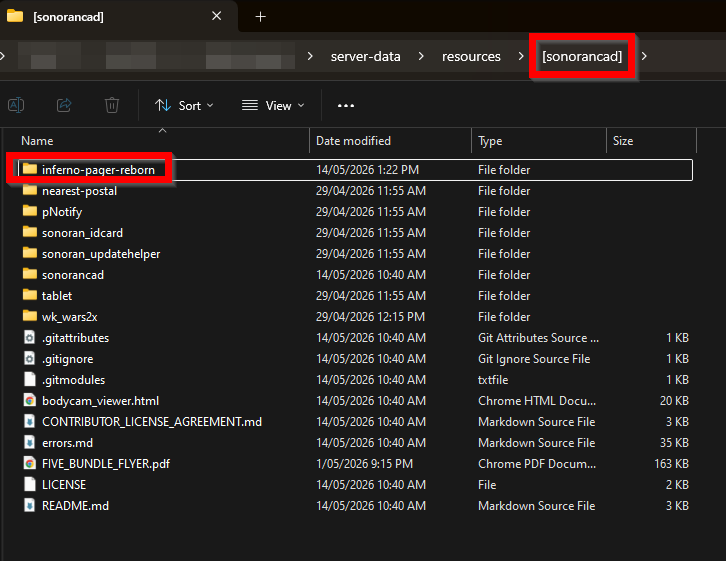
We suggest installing the inferno-pager-reborn folder within the [sonorancad] folder your integration framework is installed in. The final result would look like the image below:
- Start the Resource
In your server.cfg add the following new lines:
- Configuration Options
Create a Pager Network
Before using the resource you will need to create a pager network under Admin > Customization > Inferno Pagers Your configuration will automatically save after closing the popup modal.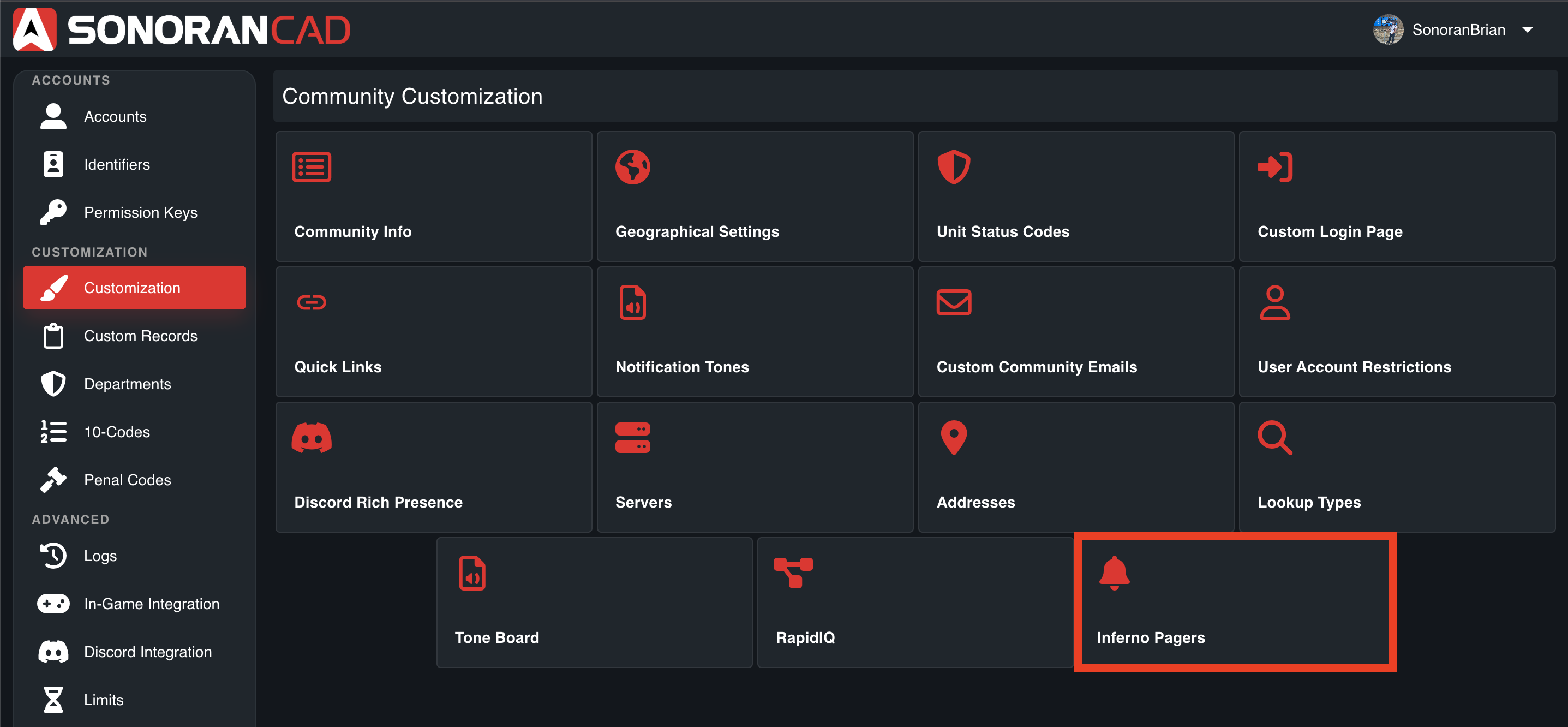
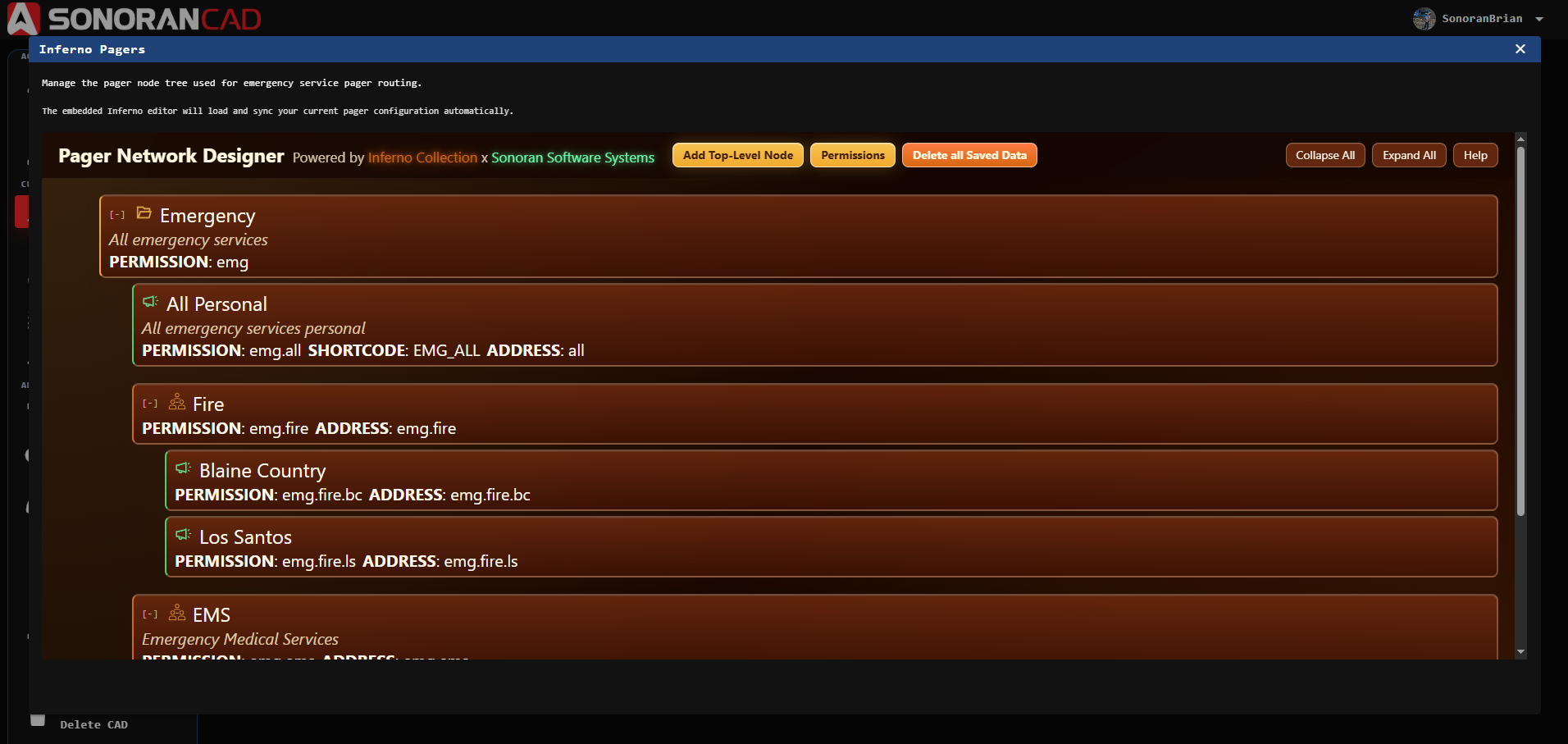 Learn more about creating a pager network here.
In-Game Usage
View the Usage Quick Start Guide to learn how to use the pager in-game.Resource Configuration
The configuration documentation provides further customization options.Usage
In-CAD
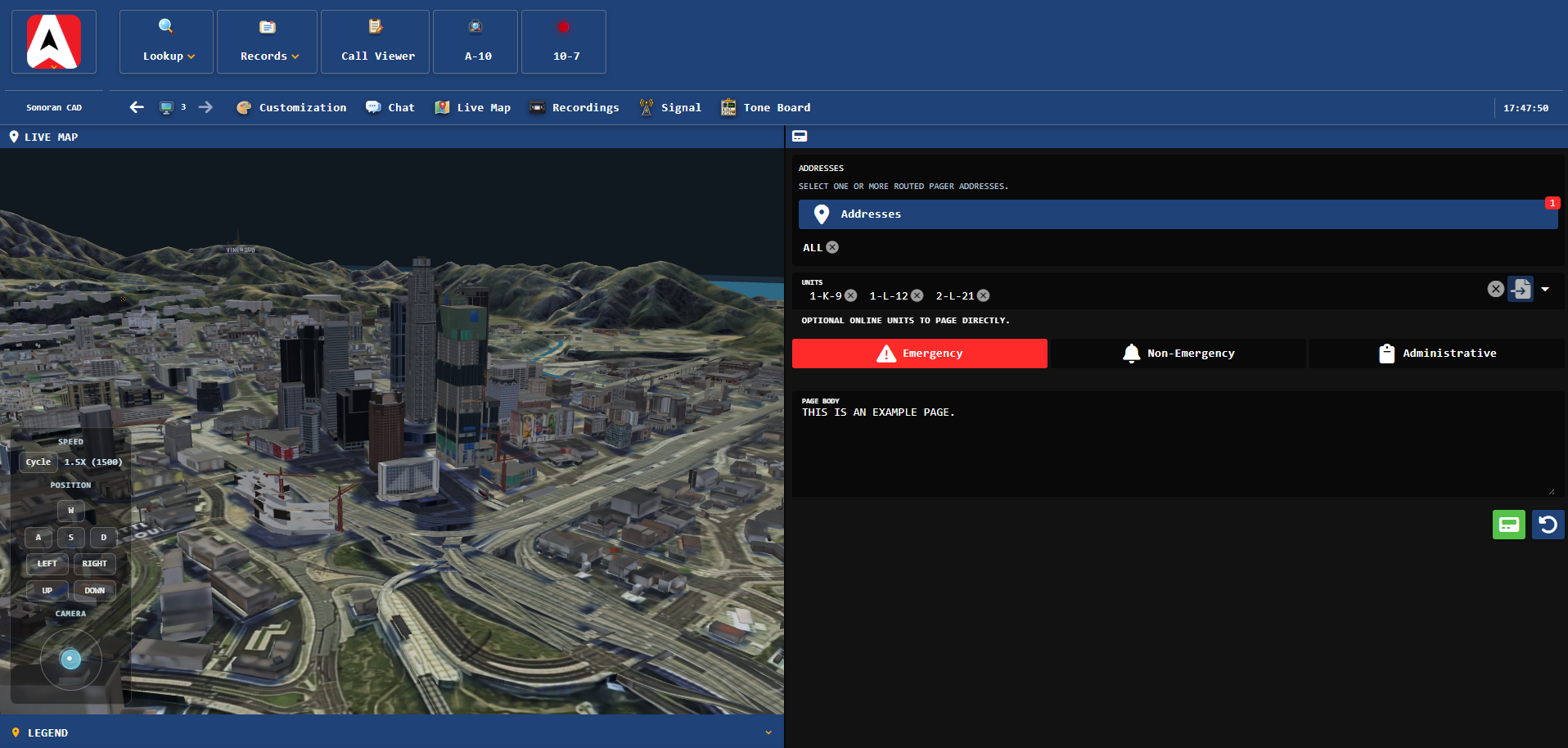
Add the Inferno Pager panel in your custom layout. Addresses- Select specific pager nodes from the network to send the page to.
- Optionally select specific units to page directly in-game.
- Active units can also be dragged-and-dropped into the pager panel.
- Select the pager type of Emergency, Non-Emergency, or Administrative.
- Enter the text to send to units in-game.
In-Game
Units in-game will receive the page with audio alerts.