

This submodule connects Sonoran CAD to Sonoran Radio, a separate resource and system.
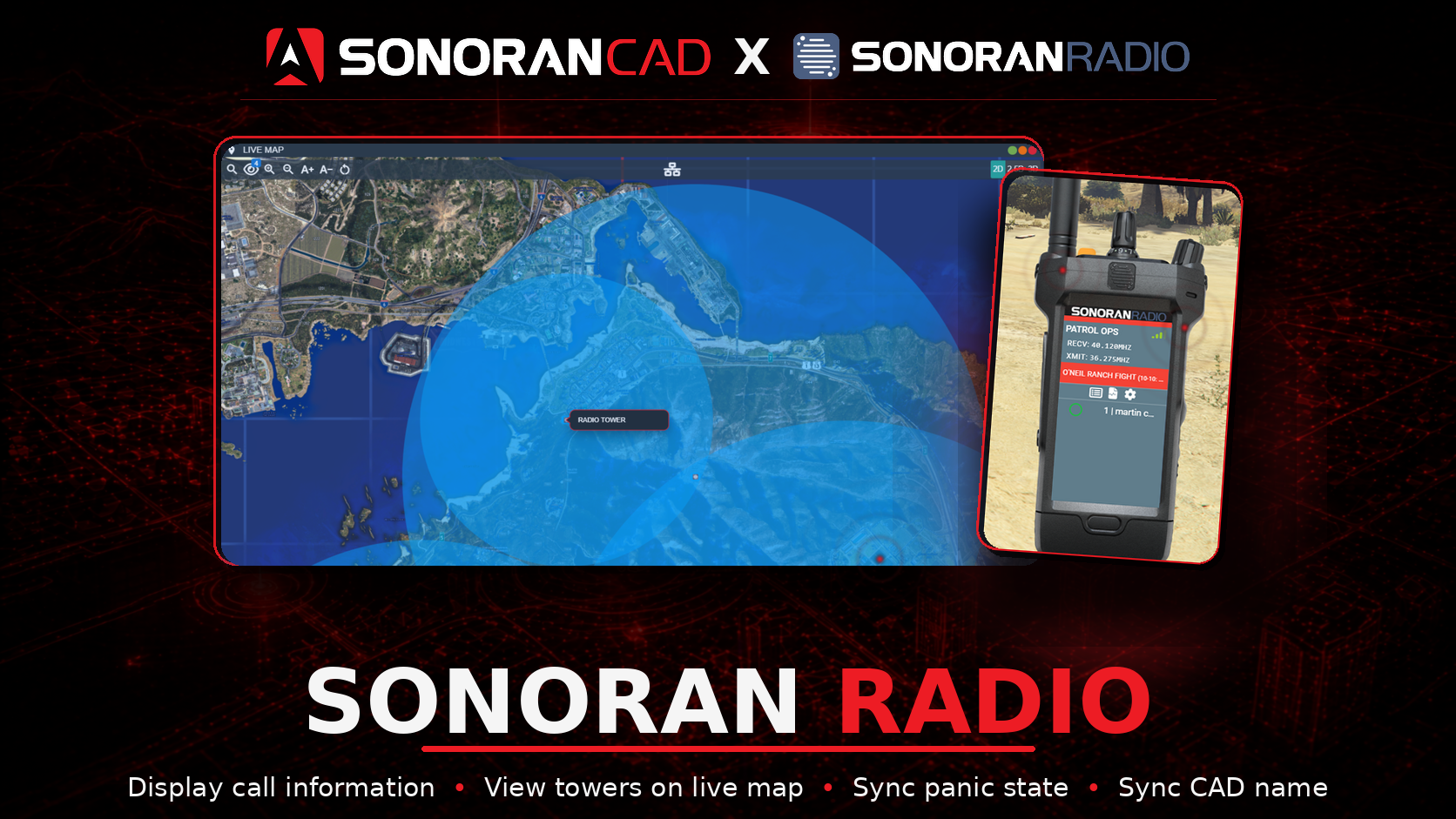 Sonoran CAD x Sonoran Radio
Activation Guide
- Download and Install the Resource
If you have not already, install the Sonoran CAD FiveM resource.
Then, enable the sonrad plugin.
- Adjust the Configuration
The CAD display settings are stored inside of the /configuration/sonrad_config.lua file.