

# Local Callers

<figure><img src="/files/TDPn5zegYGavHwSLrty5" alt=""><figcaption></figcaption></figure>

## Promo Video

{% embed url="<https://youtu.be/BJHeFP5j3qY>" %}

## Installation Guide

### 1. Download and Install the Resource

{% hint style="info" %}
This submodule is already **enabled by default** when installing the [Sonoran CAD FiveM resource](/cad/integration-plugins/in-game-integration/fivem-installation.md).

\
The [locations submodule](/cad/integration-plugins/in-game-integration/available-plugins/locations.md) includes all logic required to send bodycam images to the CAD and is **already enabled by default**. Keep this submodule enabled to maintain functionality.
{% endhint %}

### 2. Adjust the Configuration

The bodycam settings are stored inside of the `/configuration/localcallers_config.lua` file.

### Configuration

<details>

<summary><code>localcallers_config.lua</code></summary>

<table><thead><tr><th align="center" valign="middle">Variable</th><th align="center">Type</th><th align="center">Description</th></tr></thead><tbody><tr><td align="center" valign="middle"><code>callCoolDown</code></td><td align="center"><code>int</code></td><td align="center">How long in between calls for the same player</td></tr><tr><td align="center" valign="middle"><code>clearRecordsAfter</code></td><td align="center"><code>int</code></td><td align="center">Time in minutes to clear records after a call is made | 0 will disable this feature</td></tr><tr><td align="center" valign="middle"><code>callTypes</code></td><td align="center"><code>table</code></td><td align="center">Events that will trigger a 911 call. <code>gun</code> Will trigger based on brandishing or shooting a firearm. <code>carJacking</code> will trigger if you are trying to steal a car. <code>death</code> will trigger if a player dies</td></tr><tr><td align="center" valign="middle"><code>localRunTime</code></td><td align="center"><code>int</code></td><td align="center">Time in seconds for how long "locals" will run towards the player to show interest in the call, <code>0</code> will disable this feature</td></tr><tr><td align="center" valign="middle"><code>callTimers</code></td><td align="center"><code>table</code></td><td align="center">How long each call type will take to put through</td></tr><tr><td align="center" valign="middle"><code>whitelistZones</code></td><td align="center"><code>table</code></td><td align="center">Zones where only specific call types will trigger. (I.e. A shooting range won't trigger a brandishing call)</td></tr><tr><td align="center" valign="middle"><code>language</code></td><td align="center"><code>table</code></td><td align="center">Translations</td></tr><tr><td align="center" valign="middle"><code>clothingConfig</code></td><td align="center"><code>table</code></td><td align="center">Configure clothing colors and names if you have custom EUP as well as whitelist certain EUP items or peds to not trigger calls</td></tr><tr><td align="center" valign="middle"><code>weaponConfig</code></td><td align="center"><code>table</code></td><td align="center">Configure custom caller descriptions for weapons.</td></tr></tbody></table>

</details>

## Usage

#### Emergency Calls

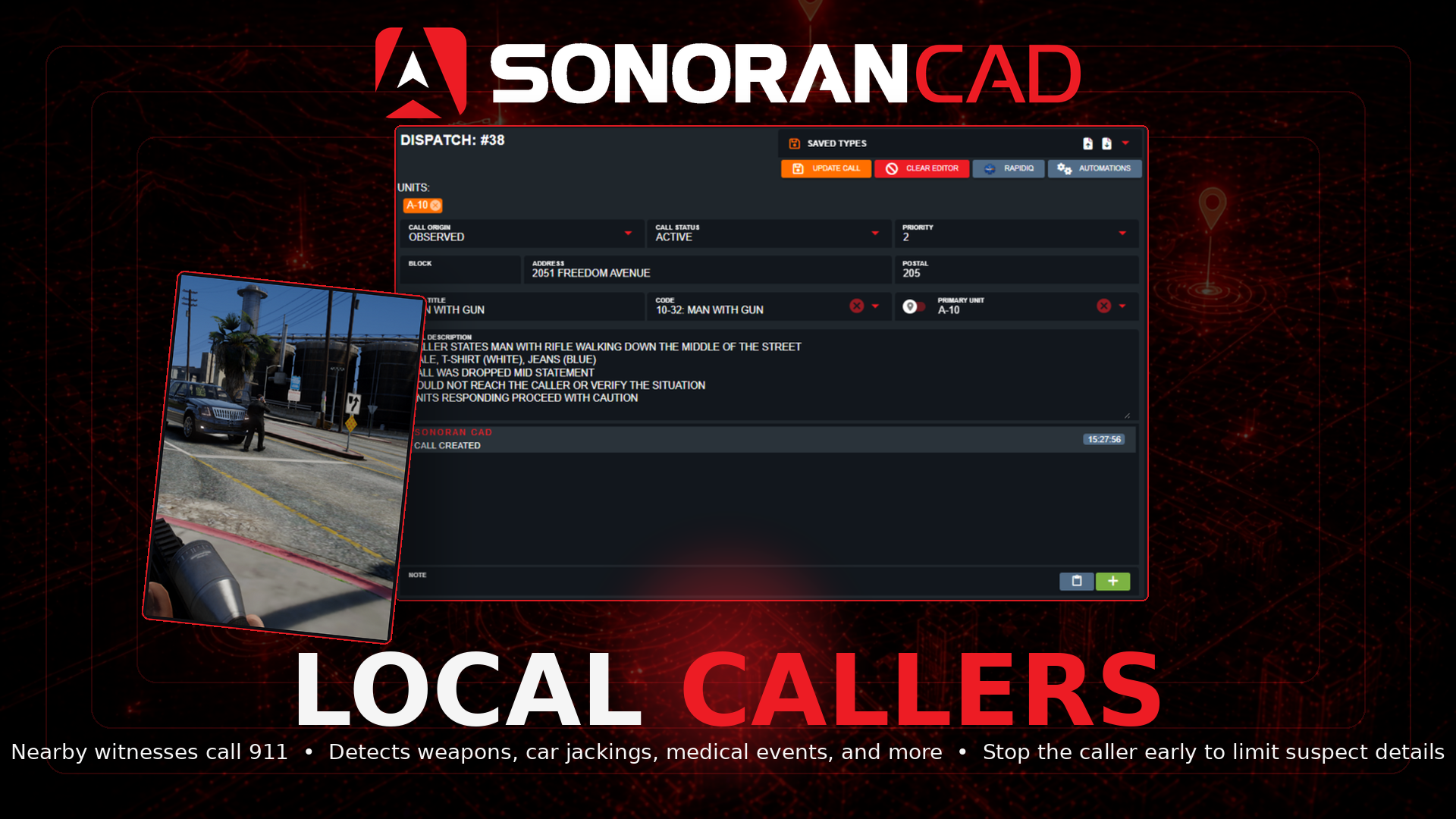
When near an AI "local/ped" in-game, they will automatically pull out their phone and begin to place an emergency call if you are spotted committing one of the configured crimes.

#### Emergency Call Information

While the local caller is placing the emergency call, killing them before the configured timer expires will only send a partial report—making it harder for police to get a full description of you.

Descriptions from the caller are based on clothing items. These can be configured and improved in the `clothingConfig` for custom items.


---

# Agent Instructions: Querying This Documentation

If you need additional information that is not directly available in this page, you can query the documentation dynamically by asking a question.

Perform an HTTP GET request on the current page URL with the `ask` query parameter:

```
GET https://docs.sonoransoftware.com/cad/integration-plugins/in-game-integration/available-plugins/local-callers.md?ask=<question>
```

The question should be specific, self-contained, and written in natural language.
The response will contain a direct answer to the question and relevant excerpts and sources from the documentation.

Use this mechanism when the answer is not explicitly present in the current page, you need clarification or additional context, or you want to retrieve related documentation sections.
